
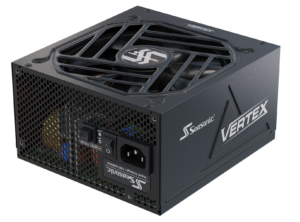
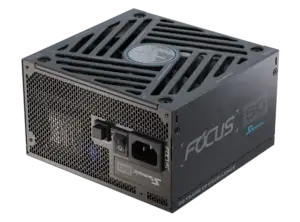
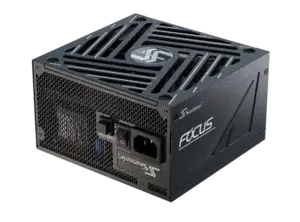

Explore how we test our power supplies and the key parameters we verify at the start.
What does PC power supply testing involve?
PC power supply testing is a complex process of checking every power supply unit – can it safely and reliably power the system in real-world conditions? We are not talking about quick turn-on/turn-off reactions. The question is whether it can withstand the spikes in consumption caused by modern video cards, whether it overheats, and whether the protections work.
Seasonic power supplies are checked under high loads near their limits to ensure that the PSU will not cause instability, data loss, or damage to expensive components. After the whole testing circle, we get a clear understanding of whether this power supply can be trusted to run a system worth thousands of dollars under load without risk.
The standard testing process includes these steps:
- The voltage stability (load regulation) measurement on the +12V, +5V, and +3.3V lines.
- The ripple and noise levels testing.
- Checked efficiency at different loads, usually 10%, 20%, 50%, and 100%.
- Simulated peak loads (transient response) – short, sharp jumps in consumption characteristic of modern GPUs.
- Testing the protection operation – how fast they turn on under the PSU default volumes.
Why is PC power supply testing important before mass production?
PC power supplies testing is a critically important step after their design and completion, before they go to your homes. Right here, experts get confirmation that the PSU structure is safe, stable, and can handle real-life workloads without issues.
It’s like a test drive for sports cars that must show they are ready for real challenges and bring the kind of value people actually expect. Only after the testing stage we can confidently say: “Yes, this one is ready to power up your professional build.” No other way around it.
It also has a great importance since at this stage, Seasonic experts check the circuitry, the components’ capacity to withstand peak loads, the protections, and if the unit complies with ATX and international safety standards. Ignoring this may cause overheating, instability, or mass failures among users.
That’s why testing is important before mass production – it shows if this PSU can reliably run in thousands of real-world systems around the globe.
What are the parameters of a PC power supply that need to be checked?
To be sure that the specific PSU is ready for extreme loads and real-world scenarios beyond the lab, the following things should be verified:
- First, experts check the voltage stability on all lines (+12V, +5V, +3.3V). If it jumps while working hard, some PC power supply parts could get damaged.
- It’s critical to check how the unit responds to peak loads. While modern GPUs or CPUs consume huge amounts of power, the unit must quickly stabilize the voltage and activate protections if the load is dangerous. For transient spikes, we follow the more stringent ATX 3.1 requirements, which allow up to 200% transient excursion for 100 microseconds on +12VHPWR/12V-2×6 rails. This ensures the PSU can handle extreme short-term load surges without instability.
- Next, how well the PSU turns electricity into usable power without extra heat loss. Having high efficiency saves electricity and reduces heating, which increases component reliability as well.
- Engineers also check the correct operation of all protections – overvoltage, short circuit, overheating, and current overload. This is the key to keeping expensive components intact even in stressful situations.
How is a visual and mechanical inspection of power supplies performed?
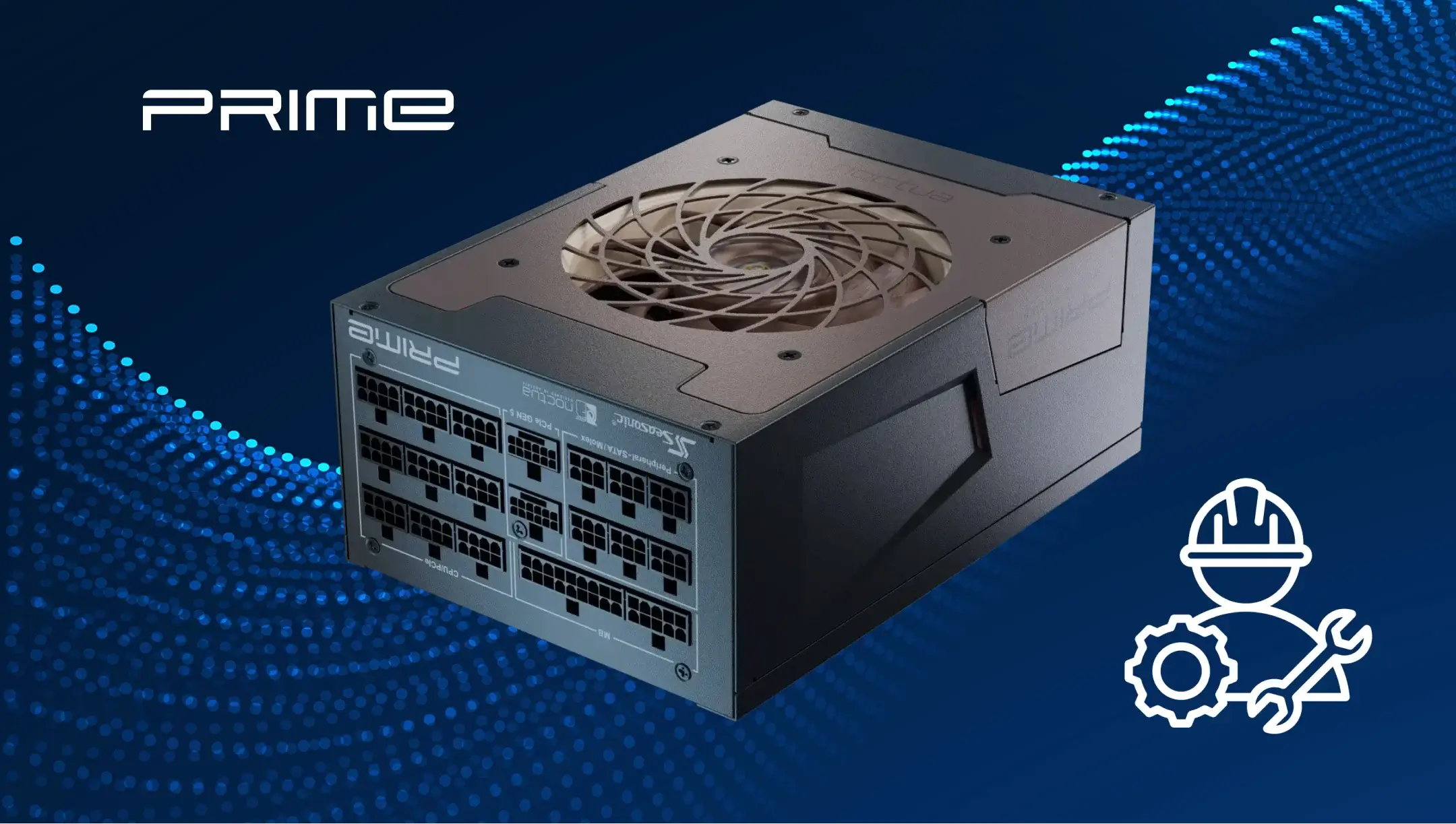
Visual and mechanical inspection of power supplies is the first stage of quality control, which spots obvious defects or issues before turning the unit on.
Visual checking involves defining all possible noticeable design defects that you can see. Experts inspect the board, components, and case for cracks, damaged solder joints, poorly installed capacitors, deformations, or signs of overheating. Alongside this, correct cable labeling, integrity of connectors, and absence of stray items inside the PSU are also checked.
Mechanical inspection involves the PSU construction and case testing. How strong and reliable it is, how it withstands installation inside the PC case, or transportation. To check this, Seasonic engineers lightly press on the cover or side walls, checking the fastening of fans, cable connectors, and board mounts.
Safety and Hi-Pot testing
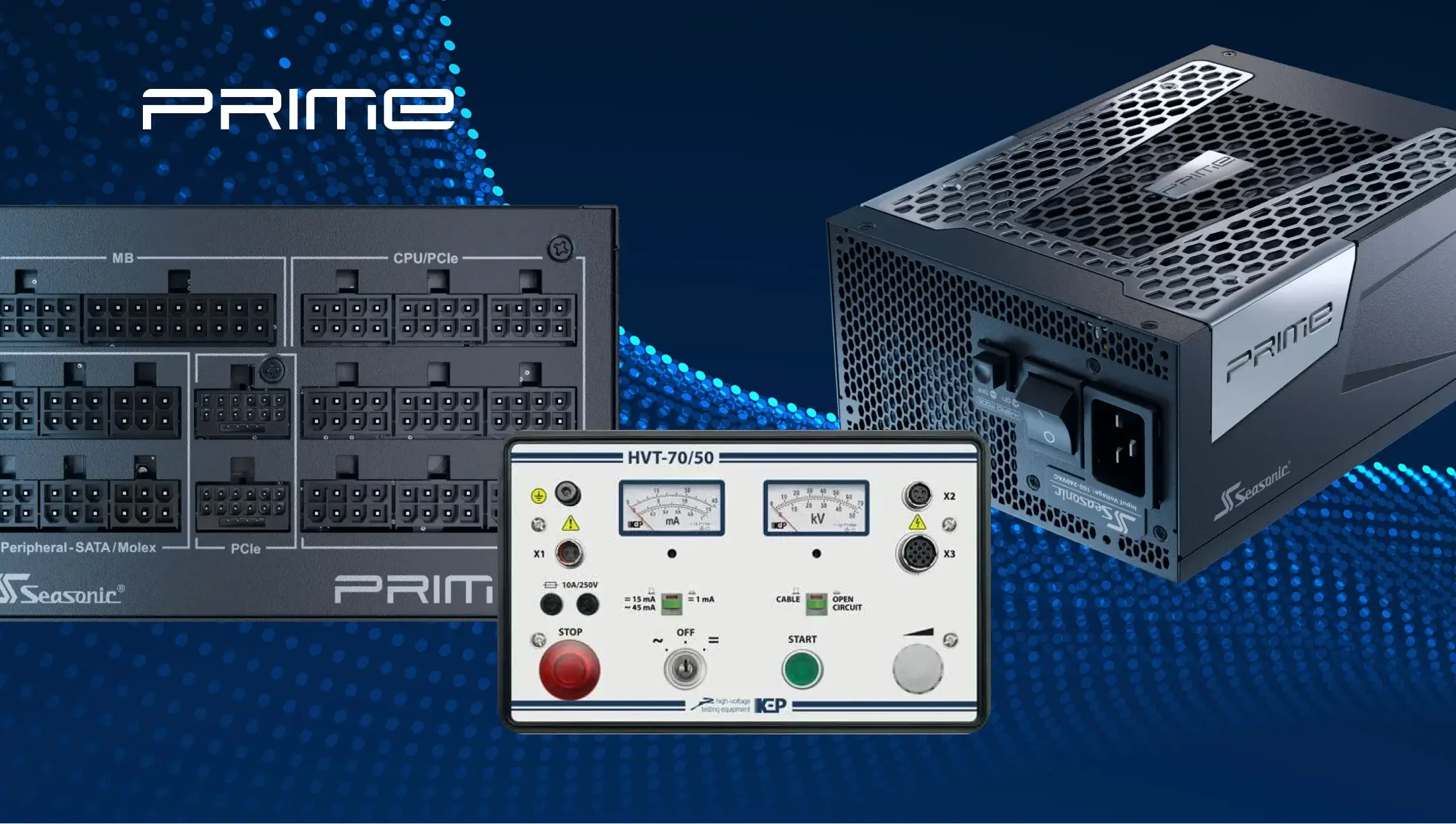
Hi-Pot testing helps to check how safe the PSU is for the user and the PC components. During the procedure, a power unit is connected to special equipment that supplies high voltage – 1500–2000 VAC between primary and secondary lines and the housing. For an insulation resistance test, it usually requires 500 VDC and takes a couple of seconds, and is controlled automatically: leakage typically < 5 mA, depending on the region. If a breakdown happens or the insulation isn’t enough, the equipment will tell you right away.
If the unit passes this test, it means the housing and electronics are properly insulated, keeping the user safe from electric shocks even in extreme situations. During the testing stage, the experts follow these standards: IEC 62368-1 (International) and UL 62368-1 (USA). All Seasonic power supplies go through this test and demonstrate excellent results, especially premium models.
Testing with automated test equipment (ATE)
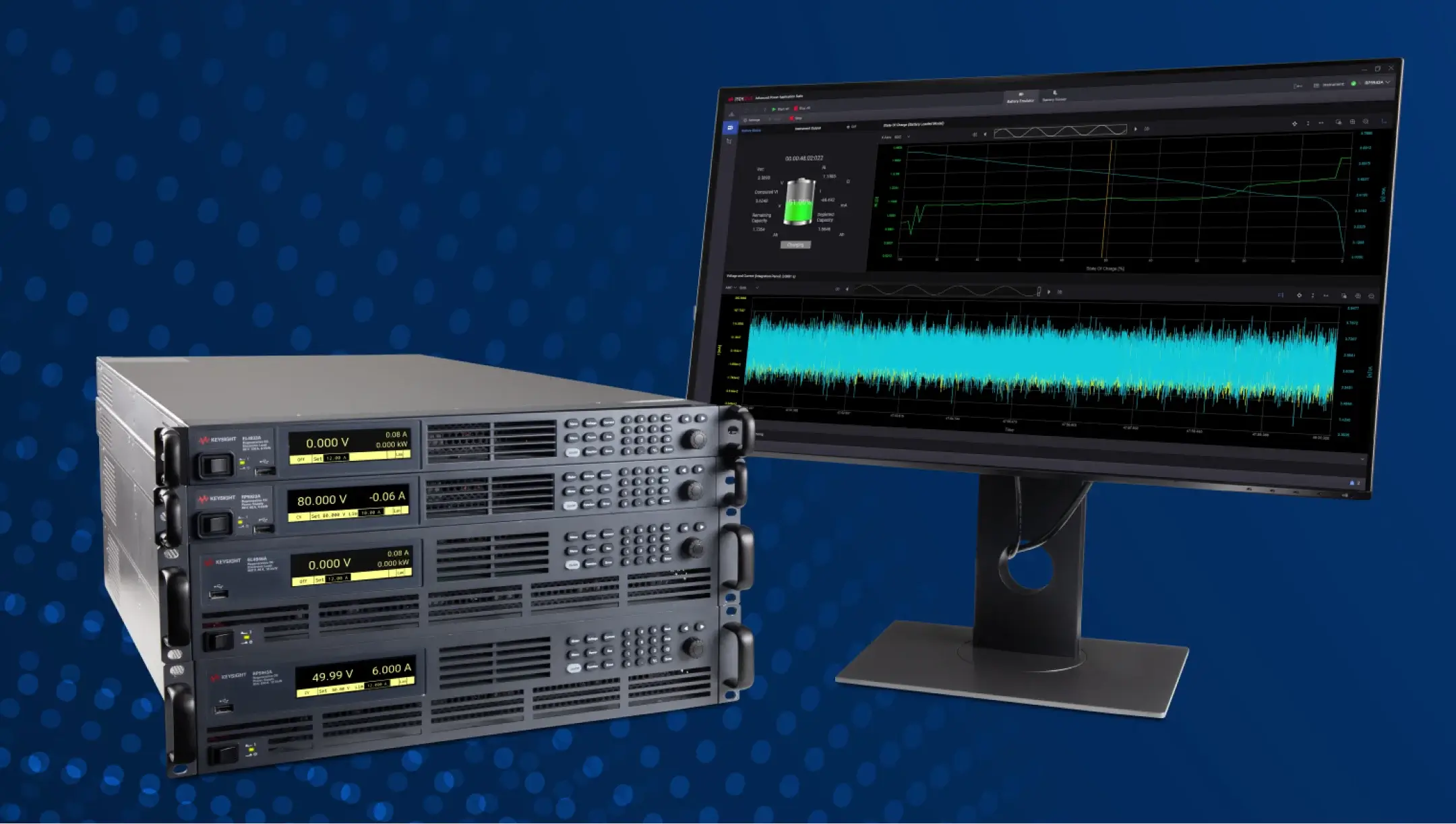
ATE testing helps check the power supply reliability under precisely defined loads and specific scenarios. During the testing process, experts collect data on voltage, current, temperature, and protection operation to make final conclusions on the unit’s performance.
The testing itself runs using special test platforms with load benches and equipment that simulate different PC operating modes: from minimum consumption to peak GPU/CPU loads. The power supply connects to load resistors or electronic loads, where ATE measures voltage, current, ripple, and temperature on all lines and records the operation of protections.
As for testing time, it may take from 30 seconds to 3 minutes per unit, where, in an environment of real-life scenarios of the PSU usage, a reliable and consistent testing of PSU performance is conducted.
Verifying voltage regulation and stability
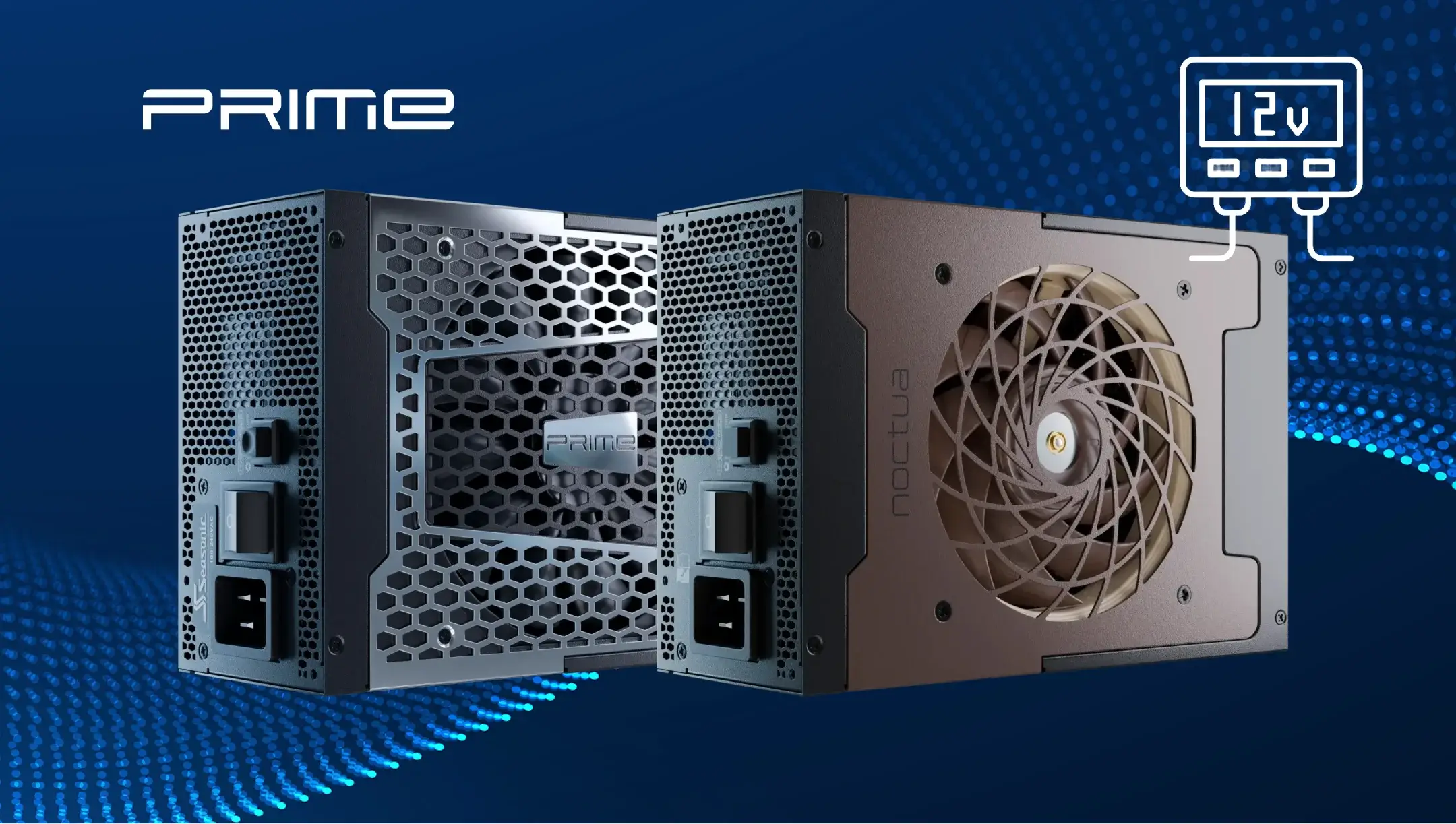
At the voltage regulation and stability testing phase, engineers checked how accurately the power supply unit maintains nominal voltages on all lines (+12V, +5V, +3.3V) under various loads. It’s a mandatory stage for every PSU manufacturer as it helps improve its effectiveness, or confirm that it is ready for real-world loads. With a stable voltage, the processor, video card, and storage devices work correctly without freezing or overheating.
How is the Power Good (PG) signal tested and verified?
The Power Good (PG) signal is a green light from the power supply to the motherboard that all output voltages are stable and ready for normal system operation. When you turn on your PC, the PSU stabilizes the voltage first at all lines (+12V, +5V, +3.3V). While they are still “jumping” or haven’t reached their nominal value, the PG signal remains low (logical 0), so the motherboard doesn’t start the processor and memory. After the voltages stabilize, the PSU sends a high PG signal (logical 1), and then the system starts.
To test how accurate the Power Good signal is, Seasonic engineers connect a power supply to loading equipment, create various conditions (smooth start-up, sudden load, short-term voltage surges), and measure whether the PG signal appears after all power lines stabilize. Besides this, they make sure the PG stays high under normal load and reacts properly to emergencies like short circuits or overloads.
How does the absence of a PG signal affect performance?
If the PG signal is not appearing in cases when it should, the motherboard doesn’t get a sign that there is stable voltage, and the system is not ready to start. Additional failures, connected with the PG signal absence, are:
- freezes or longer loading time,
- sudden reboots,
- inability to turn on the system.
What methods are used to verify the effectiveness of PC power supplies?
At Seasonic, we use a comprehensive approach to verify the effectiveness of every power supply we design and sell – standard tests, load simulation, and protection monitoring. They show the broader view of how a power supply really works when it’s tested under high-load and real-world conditions.
- The first method is testing the PSU under load. It’s essential to see how it performs in an environment closest to real scenarios when a PC user turns it on for the first time. Engineers connect it to electronic or resistive loads that simulate the consumption of modern CPUs, GPUs, and other components. Here, we check voltage stability across all rails (+12V, +5V, +3.3V), ripple, and the PSU’s ability to handle peak power surges.
- The next one – the protection operation testing. Basically, how every protection (OVP, UVP, OCP, SCP, OTP, OPP) addresses any electrical issue and how fast.
- Next – the efficiency verification. It is measured at different load levels and indicates that the unit converts electrical energy without significant heat loss, which increases the stability and the components’ longevity.
- Additional methods that help to check extra PSU factors for its stable performance are Hi-Pot, isolated tests, ATE, and PG signal checking.
What are the common failure indicators when testing power supplies?
Here is what may happen if the PSU fails the testing:
- The +12V voltage drops below 11.2V or exceeds 12.6V under load, indicating an unstable output.
- PG signal does not rise to logic level 1 after power-on or turn off under load.
- Capacitors overheat above nominal 105°C in series, indicating a risk of premature failure.
- Protection doesn’t activate during overload or short circuit at the output.
- Current leakage exceeds 3 mA during Hi-Pot test, indicating insulation breakdown.
- The power supply shuts down on its own or cannot withstand the full rated load, indicating a hardware or controller malfunction.
- Sudden ripple peaks exceeding 120 mV on +12V, 50mV for +5V and +3.3V. We follow much stricter internal testing standards, and our PSUs demonstrate very low ripple levels – less than 30mV at +12V.
What problems arise when the output voltage is outside the 5% acceptable range?
Such a situation causes a bigger issue for all PC components. For example, when the voltage exceeds 12.6 V, the components receive excessive current, which pushes internal components to wear out more quickly, raising the risk of system failures. The voltage overshoot beyond ATX specs can add more electrical stress that may accelerate long-term degradation.
From another perspective, when the +12V suddenly drops down below 11.2V, the high-end graphics processors and CPUs may start to malfunction, freeze, or reboot, mostly under high stress, like in games or while rendering. Built-in protections can also shut down the GPU to protect it from possible damage.
Overall, even an insignificant deviation from the standard ±5% may cause system instability, short component life, and risk of data loss, which is particularly important for business servers and AI workstations.
How do overheating or excessive noise under load indicate potential problems?
Overheating and excessive noise can be the first indicators of problems inside the PSU. It means that the PSU is unable to dissipate heat or that its energy conversion efficiency is lower. Thus, the components get hotter than normal, and the fan runs at high speed longer than usual.
Overheating can occur due to worn or poor-quality capacitors, insufficient case ventilation, or unstable voltage, which forces the PSU to operate at peak currents longer than intended. Noise from excessive fans is a sign that the unit is trying to cool components due to increased thermal load, and often correlates with unstable output voltage.
Abschluss
Testing the PSU is the same vital process as its design and electrical scheme layout, because it proves the unit can handle real-world loads safely and consistently. We stress-test every unit to prove it’s ready for real workloads and deliver powerful engineering solutions for your PCs’ high productivity and use with joy.