

Learn which cooling systems are best suited for different PC builds – gaming rigs, silent workstations, and compact form factors.
What is a PC cooling system?
The PC cooling system is a set of hardware solutions designed to control heat dissipation and keep PC components within safe thermal thresholds (TDP/TJmax limits).
TDP (Thermal Design Power) and TJmax (Maximum Junction Temperature) are key thermal parameters that engineers use for designing cooling systems and evaluating PC stability. The TDP indicator shows how much heat a cooling system must be able to dissipate from a component under typical conditions. TJmax is the maximum junction temperature beyond which a component can still work without getting damaged.
From a technical perspective, the PC cooling system draws in cool air and pushes hot air out of the case, generated by CPUs, GPUs, and other components during high system loads (gaming, rendering, or AI workstation workloads). For professional builds or gaming rigs, cooling is a top priority, since, as a rule of thumb, a temperature increase of 10 °C can reduce the lifespan of electronic components by almost half.
The air removal goes through radiators, built-in cooling systems that move heat away from the vital PC components. Here are the main ones:
| PC Cooling Component | 설명 |
|---|---|
| CPU cooling | Air coolers or AIO/custom loop coolers designed for TDPs ranging from ~65W to 300W. |
| GPU cooling | Multi-fan radiators or water blocks, with which modern GPUs easily reach 300–450W of heat dissipation. |
| Case airflow | Case fans that form a controlled airflow (CFM + static pressure). |
| Thermal interface materials | Thermal pastes with thermal conductivity in the range of 5–12W. |
| Fan control | Using a BIOS or controller for temperature and acoustic balance to control fan speed. |
Why does a PC need an effective cooling system?
Of course, to reduce the thermal load on the system and important PC components. Today, newer and more powerful GPU and CPU models are appearing on the computer market, which automatically means a greater need for power and more heat generation during maximum performance. And if this heat is not dissipated properly, the temperature will climb toward the maximum TJmax value. Exceeding this limit leads to thermal throttling – a reduction in frequency and performance to protect components. In other words, screen freezes, slow performance, graphic glitches, and system errors.
The main purpose of a cooling system is to protect every PC component and the PC itself from overheating and damage. With effective cooling, your system will run stably even under high loads that typically occur during gaming builds performance, overclocking, or AI station operation. In essence, it’s a thermal management engineering system that guarantees stable performance and maximizes PC longevity.
How does a PC cooling system interact with a power supply (PSU)?
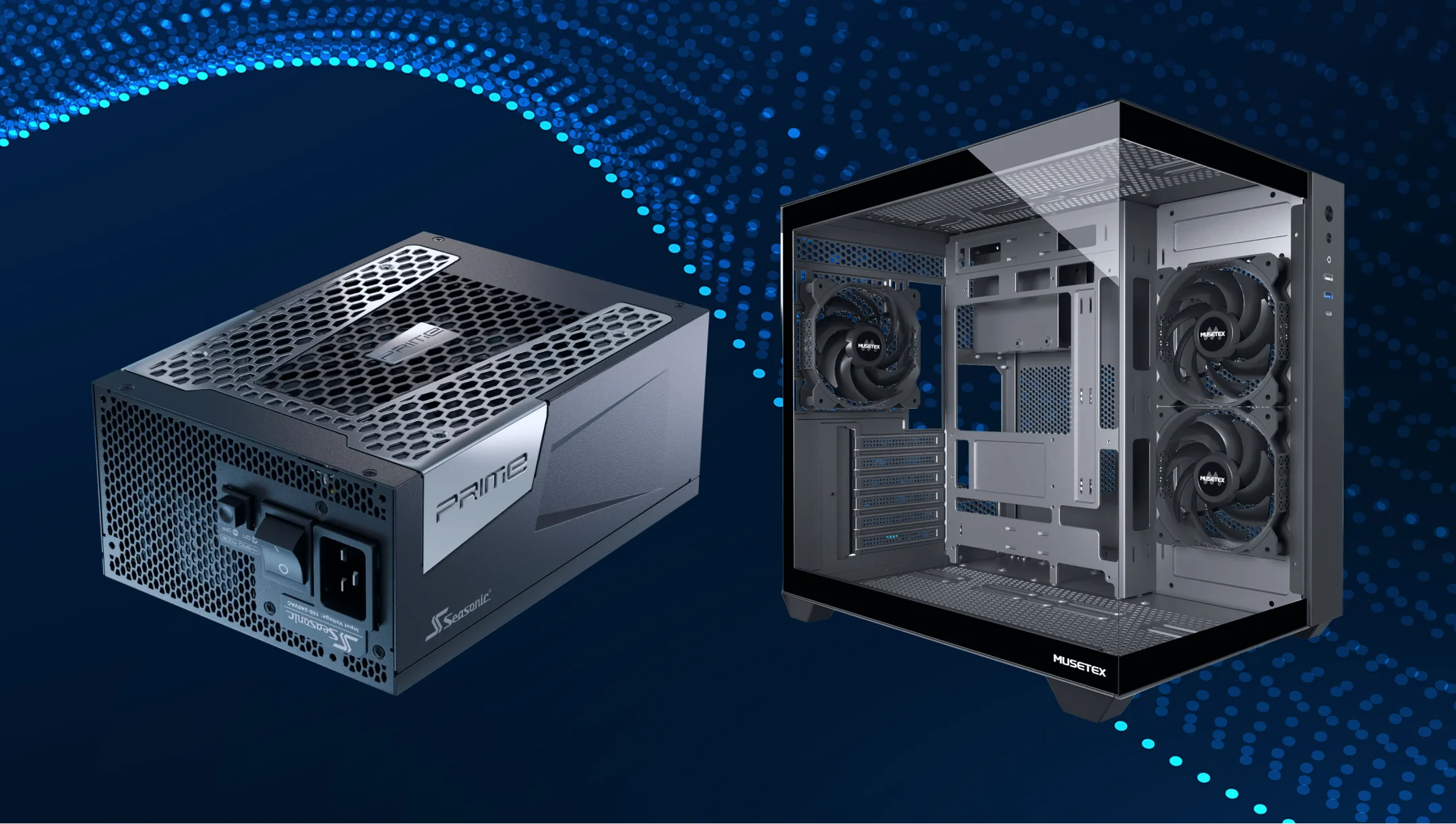
The cooling system for the PC and the cooling system for the power supply are two different things. In a PC, cooling is provided by several fans, radiators, a liquid cooling system, and PC water cooling systems working together to cool the CPU, GPU, and the entire case. Cooling in the PSU typically goes through a single fan and a simpler air route designed to cool just the PSU, not the entire PC system.
The PSU generates heat when converting AC to DC, especially under high loads when you are gaming, creating complex graphics, or mastering AI stations. At this time, the built-in fan keeps the internal PSU temperature within the acceptable range (up to ~50–60°C for modern high-quality modules). That’s how it works today, and in real-world use, PSU doesn’t require a special PC case design to stay properly cooled, as well as its components.
Cooling requirements for gaming systems
Gaming always means higher energy consumption, greater load on the system, and, accordingly, greater PC components heating. This is especially true for professional gaming builds, where gaming sessions run 24/7, like streaming or AAA games.
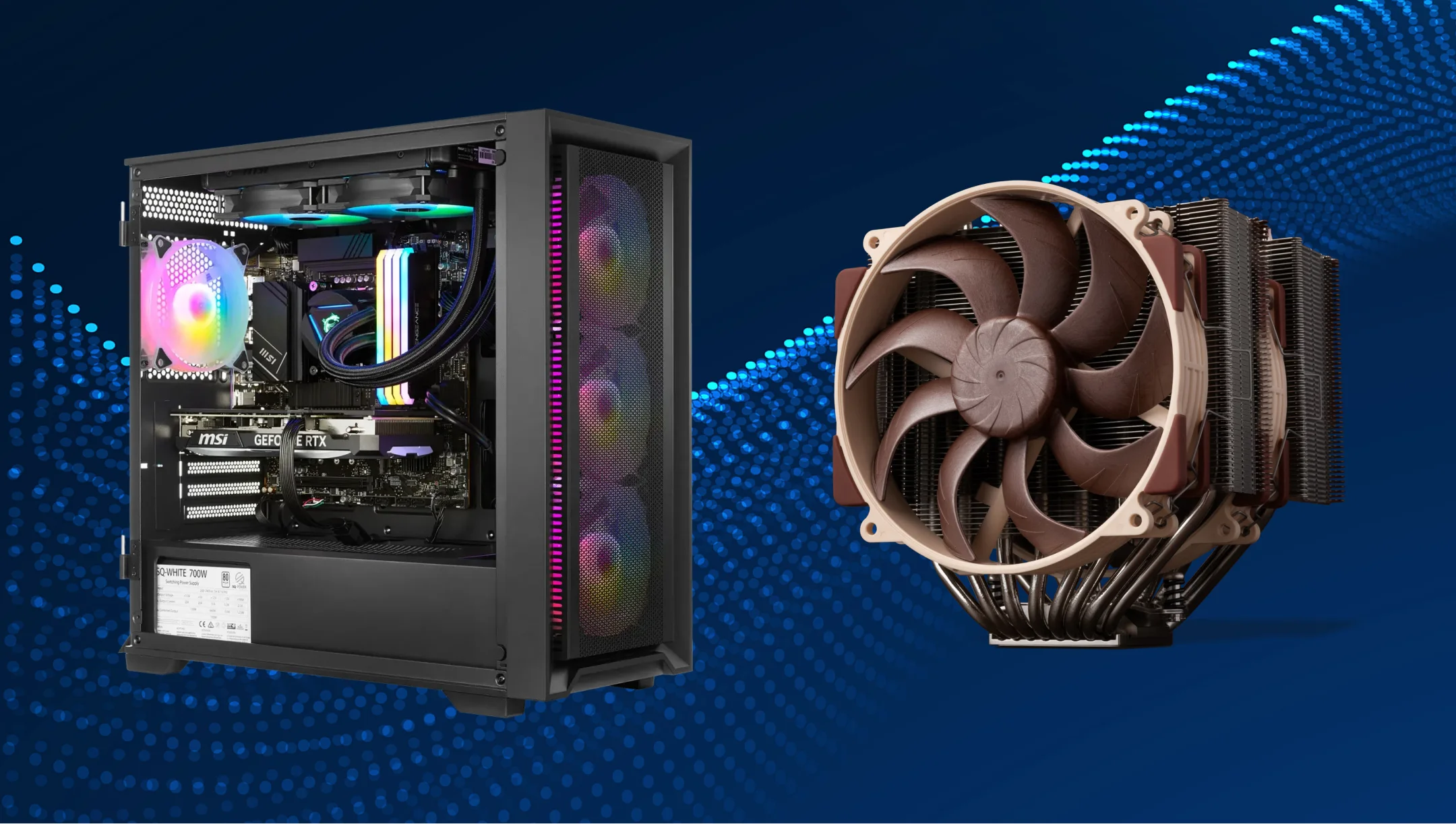
Today’s gaming systems use powerful CPUs and GPUs that significantly add to continuous and smooth gameplay. On average, modern CPUs easily reach 150-200W TDP under boost load, while high-end GPUs generate 300-450W of heat. That’s a lot for the system to start heating. Here are three key factors a cooling system for a gaming PC should meet:
- CPU/GPU temperature control,
- effective case airflow,
- stable PSU cooling mode.
Gaming systems are also more sensitive to acoustics, and we know the silent performance is the first thing professional users are looking for. Therefore, if you are a pro gamer and plan to build a system that meets your unique gaming needs, choose a PSU and PC cooling system where fans operate in a balance of temperature, noise, and performance.
Which PSU cooling mode is best for gaming builds?
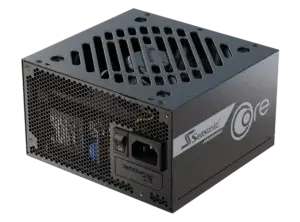
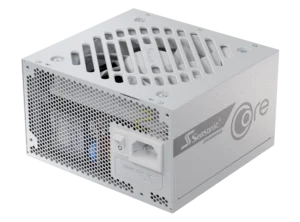
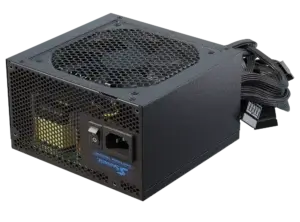
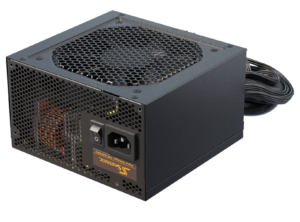
For gaming builds’ effective cooling, we advise to choose PSU with built-in Hybrid Silent Fan Control, which we realized in all Seasonic premium PSU models. This PSU cooling system operates in three modes:
- Fanless mode. The fan doesn’t rotate when the system load is low (for example, up to ~20% of power).
- Silent mode. The fan rotates at minimum speed when the load on the system increases steadily.
- Cooling mode. Active system cooling with increased fan speed.
The PSU cooling mode works best for gaming PCs. It operates as part of the whole Hybrid Silent Fan Control system and is more often activated while running power-demanding games. When power consumption and heat rise during extended gaming sessions, the system should keep internal temperature under control. That’s where exactly cooling mode supports stable PC operation and a satisfying gaming experience.
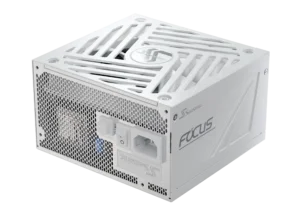
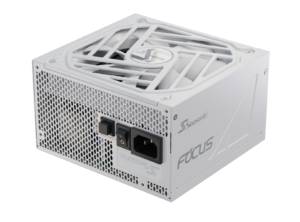
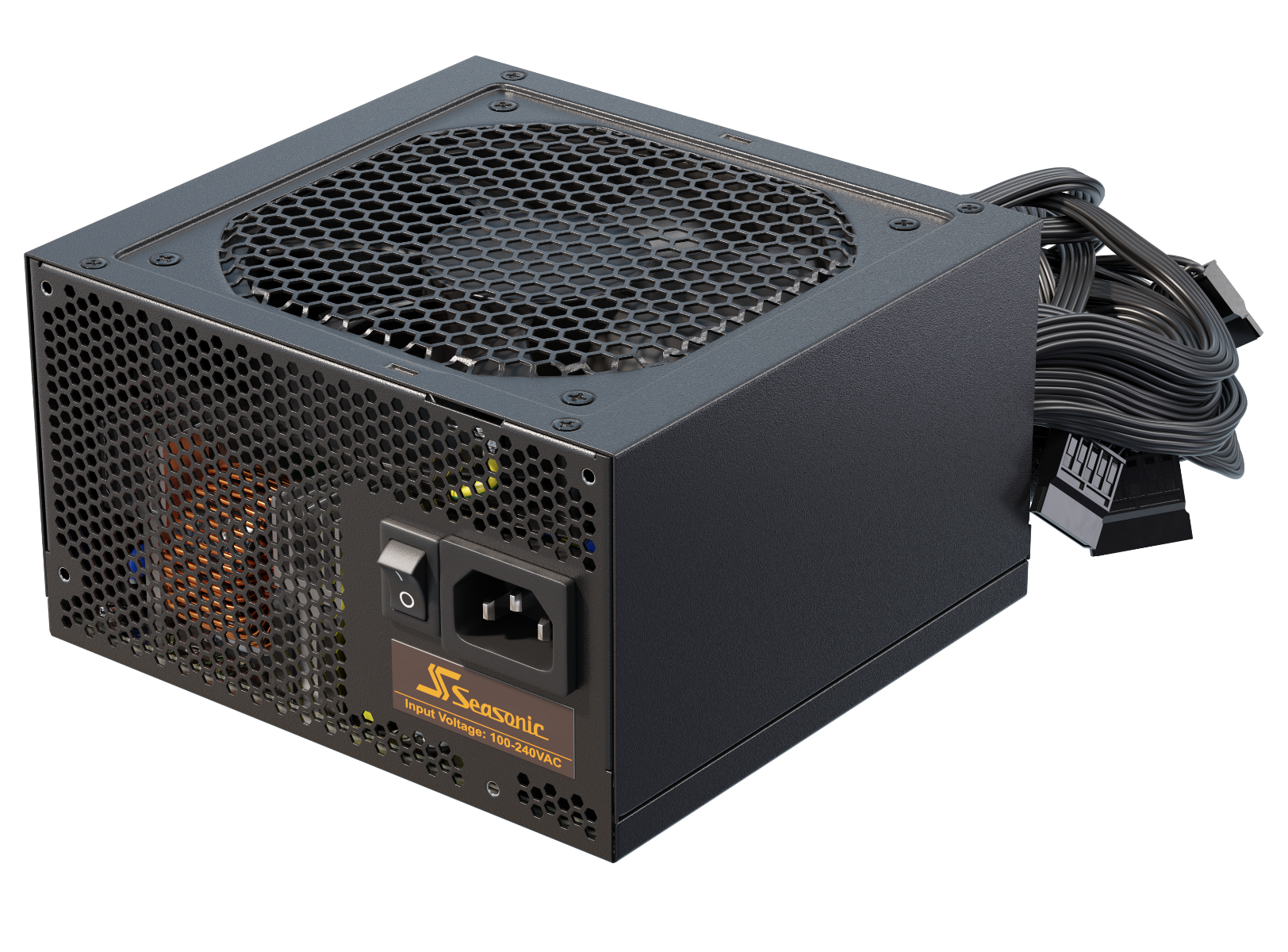
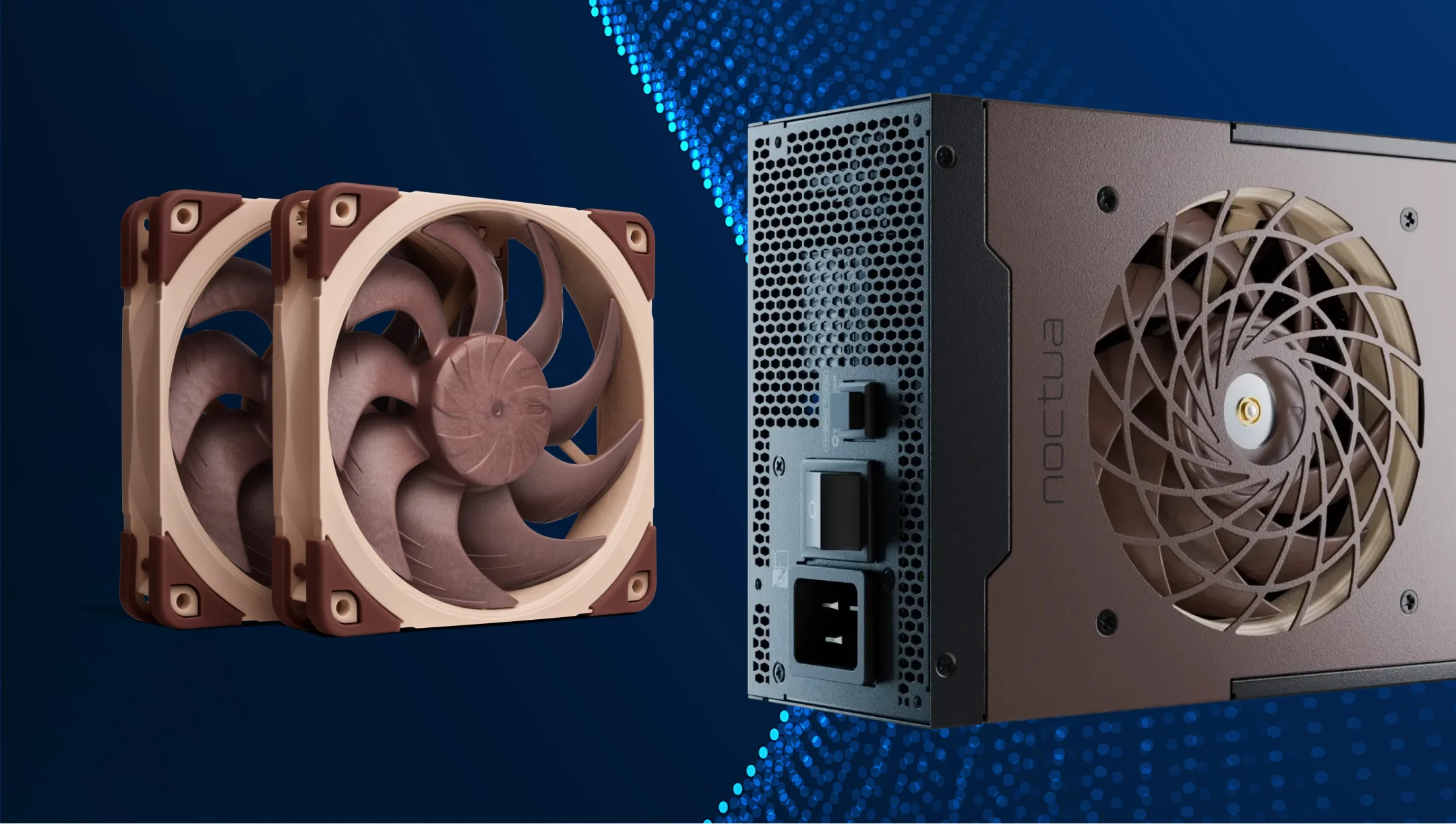
Choose the following Seasonic PSUs to keep your PC running stable and fast during heavy gaming:
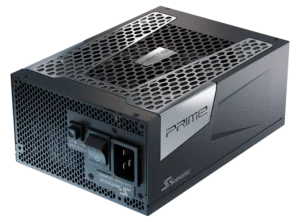
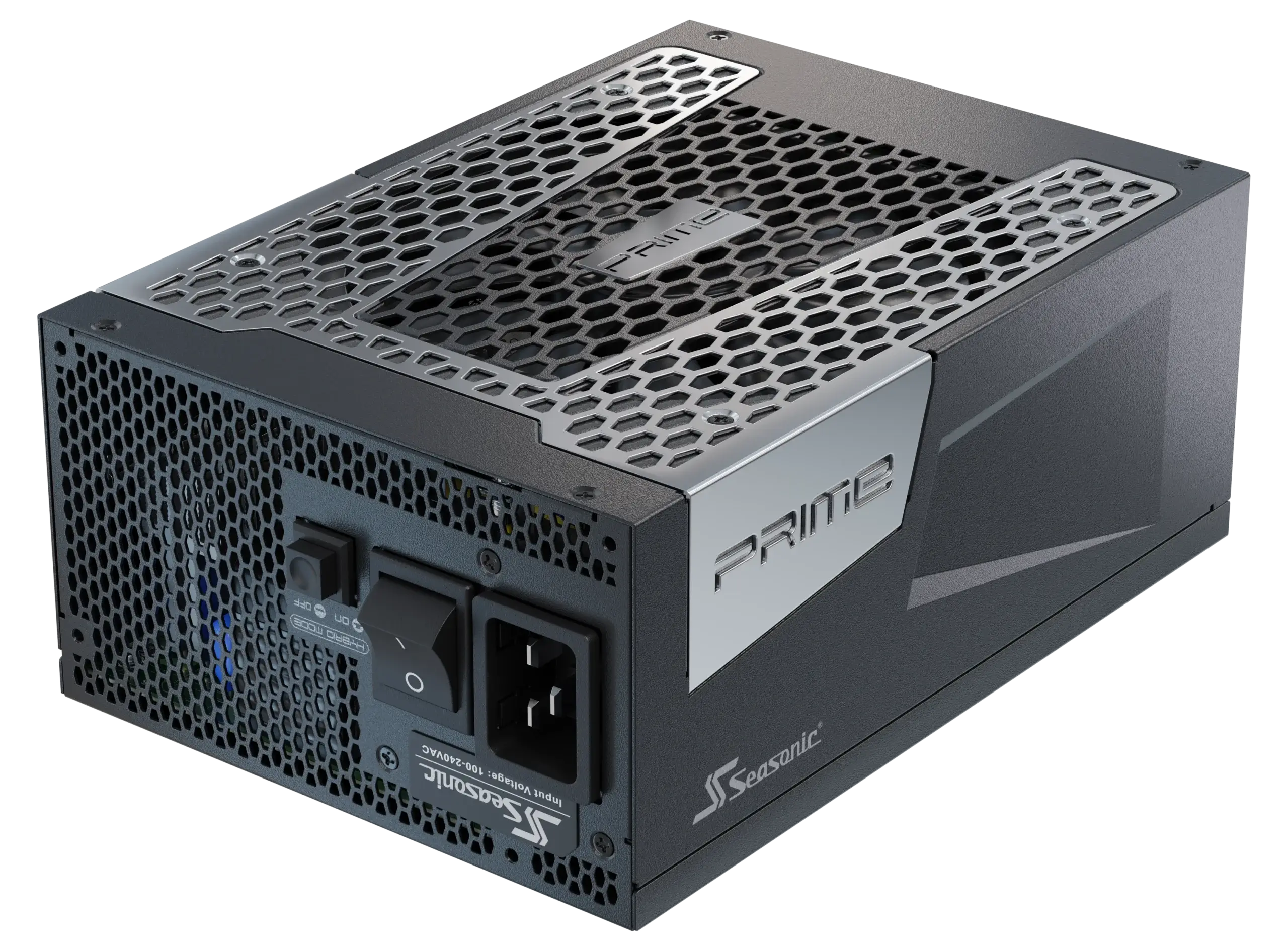
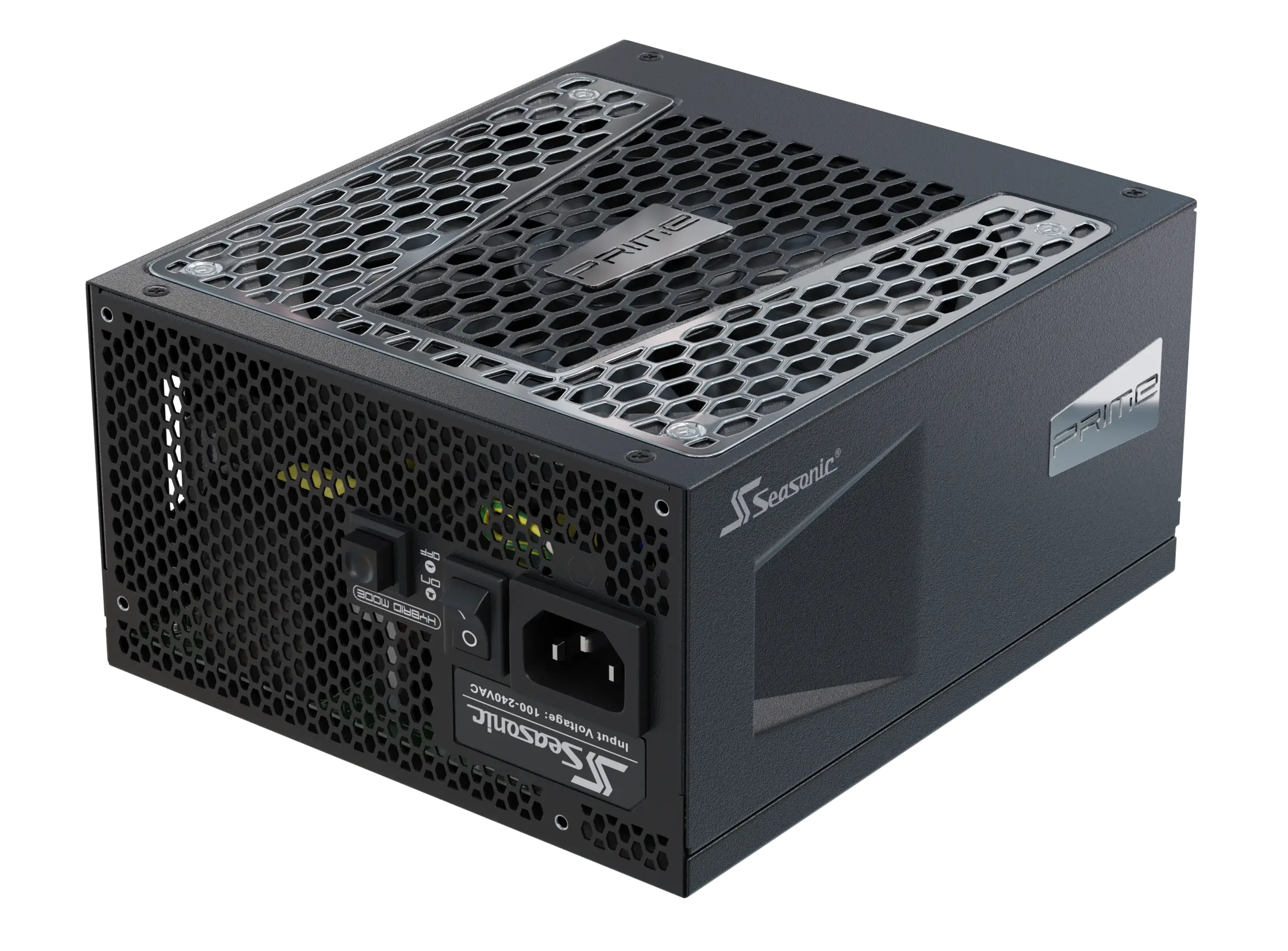
- Seasonic PRIME TX-1600 ATX 3.1 Noctua Edition
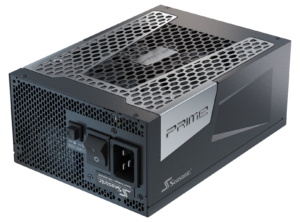
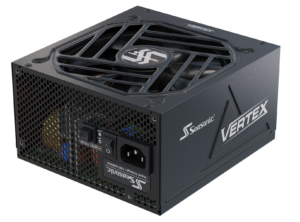
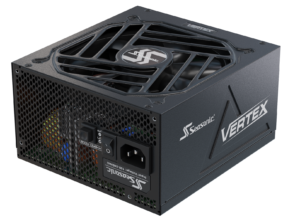
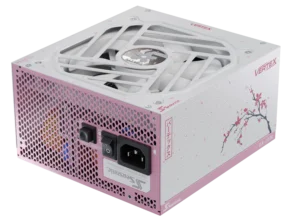
- Seasonic VERTEX PX-1200 ATX 3.1
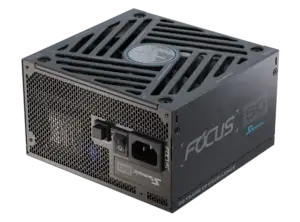
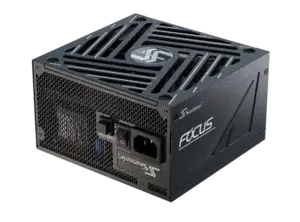
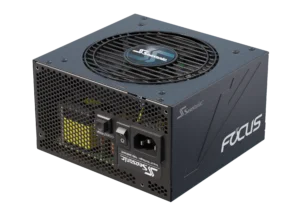
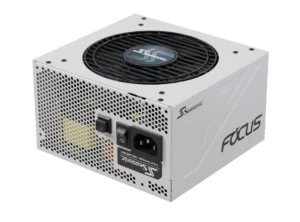
- Seasonic FOCUS GX-1000 ATX 3.1
Cooling requirements for silent workstations
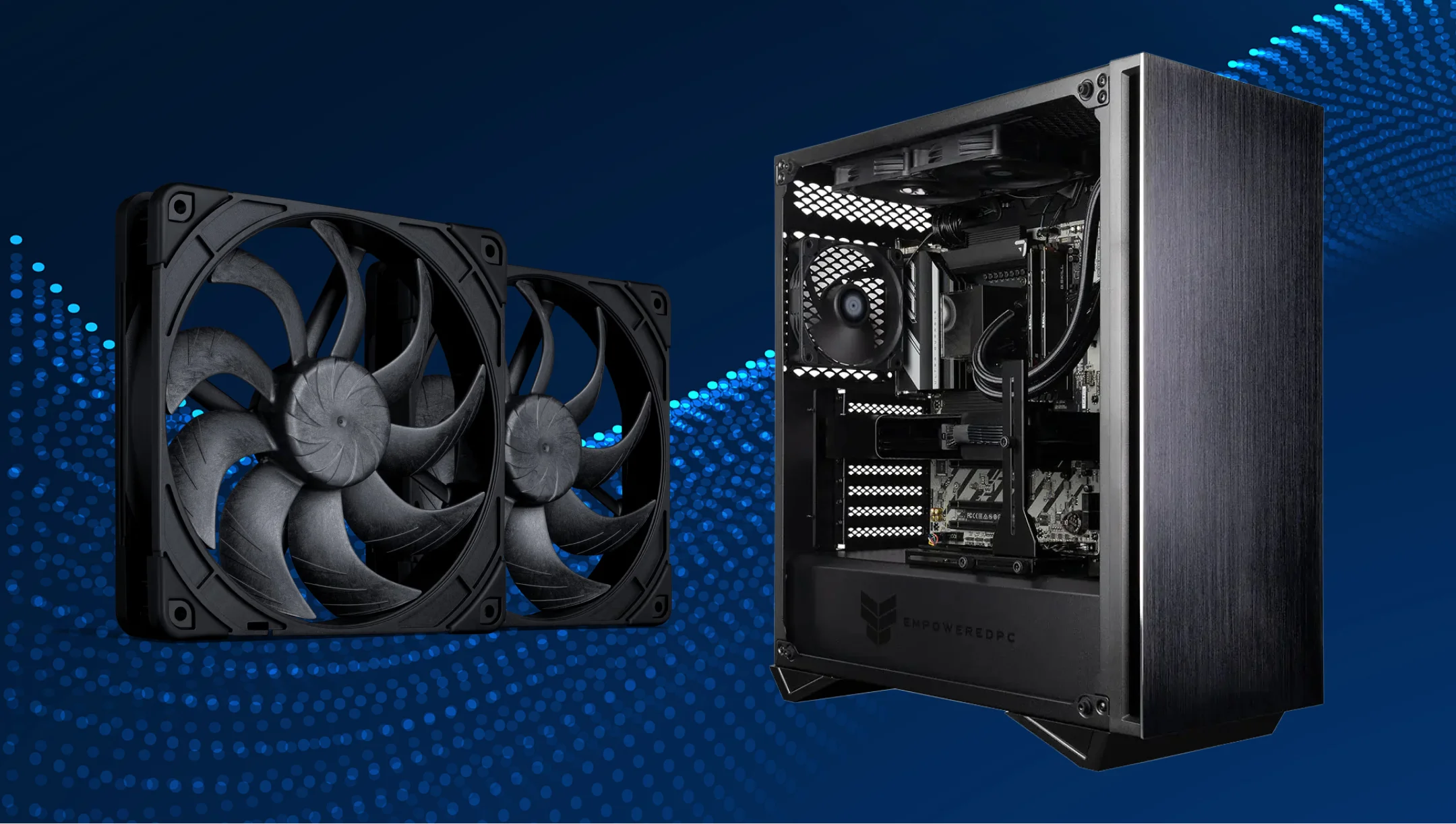
In silent workstations, the core cooling system task is to maintain a stable PC component temperature with minimal acoustic load. Unlike gaming builds, where performance peaks achieve a critical level, silent workstations operate under continuous stable loads. For example, during video rendering, 3D modeling, or audio processing. In other words, the cooling system must evenly remove heat from the system, adapting to the load that is standard for silent workstations. To meet these requirements, choose PSU with semi-passive or fanless modes, where the fan doesn’t rotate at low and medium loads. The air flow increases smoothly only during prolonged heat dissipation peaks.
Besides this, the chassis cooling system should also be designed for efficient passive or low-noise airflow. Here must be sufficient radiator area, quiet fan units, and ventilation to avoid local hot spots around the CPU or GPU.
Which PSU cooling mode is best for silent professional systems?
As we emphasized in the previous section, for a silent professional system, the best variant is an extended fanless/semi-passive fan control. It focuses on providing minimal acoustics with stable thermal management, which perfectly meet today’s professional systems’ needs.
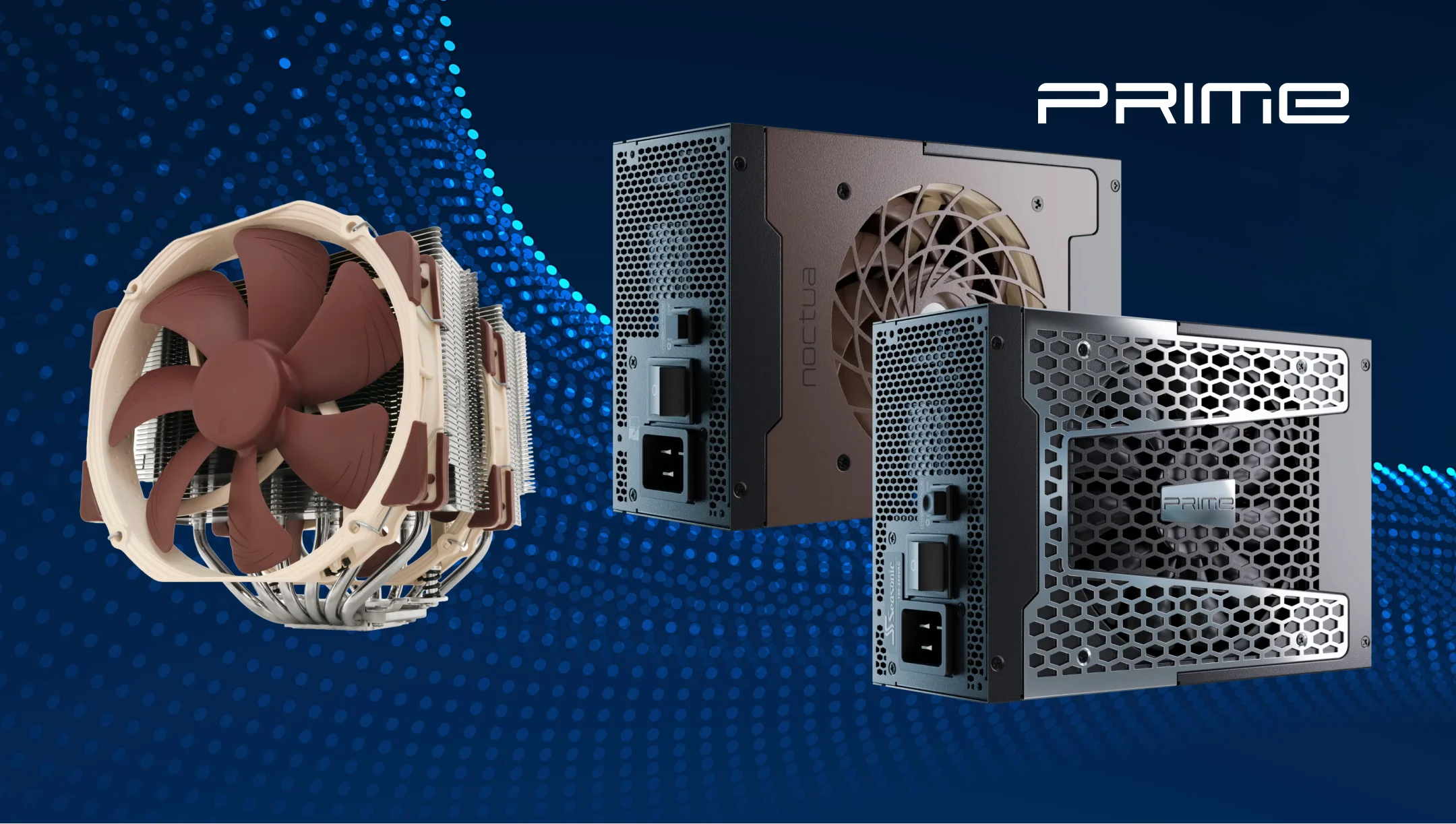
Seasonic engineers realized this technical solution in the flagship PRIME PSU Series, where the cooling algorithm is configured so that the fan only starts running when internal temperatures reach a clearly defined threshold, and does so gradually. This is exactly what a silent professional system needs. Such a configuration allows the system stay below the fan-start threshold for longer and maintain acoustic comfort.
Cooling requirements for compact and small form factor PCs
Compact PCs have limited airspace and closely spaced components, which complicates heat dissipation. So, in the event of any PC component or PSU heating, the temperature inside the case rises faster than in standard ATX form factors. As a result, it affects the whole system’s stability, smooth performance, and shortens the components’ resources.
For compact PC builds (SFX, SGX), it’s better to use a PSU with an adapted cooling algorithm. The main argument for this is that it takes into account not only the power consumption but also the ambient air temperature in a limited space.
Besides the PSU, optimized case airflow also plays a key role in the effective cooling process. The great support provided by narrow but highly efficient fans (120–140 mm) designed to direct airflow from the front panel to the outlet, as well as passive radiators and heat pipes in CPU/GPU coolers.
Which PSU cooling mode is best for compact PC builds?
For a compact PC build with a limited space inside the case, it’s critically important to use a PSU with an adapted cooling algorithm. There are two appropriate options in such assemblies:
- Tuned S2FC (Normal Fan Control), where the fan runs continuously and provides constant air extraction.
- An S3FC with a low threshold for switching to fanless mode to prevent heat accumulation in a confined space.
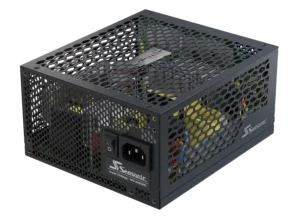
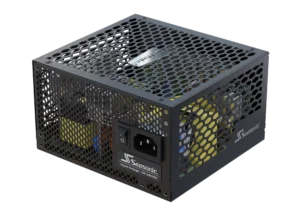
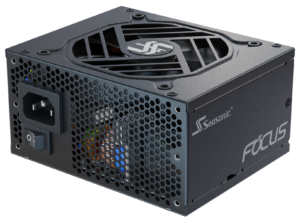
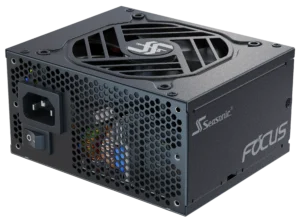
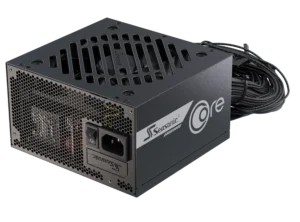
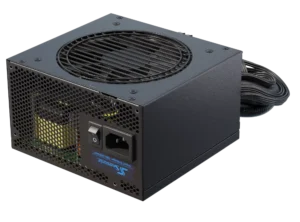
At Seasonic, we offer a few PSU models that meet these cooling needs:
Conclusion: Choosing the optimal cooling mode for your system type
In real conditions, choosing a PSU cooling mode is a more complex process that concerns the thermal management of the entire system. Whether it’s gaming builds, professional silent systems, or compact PCs, the crucial importance have: load profile, acoustic requirements, case geometry, and actual temperature conditions inside the case.
In Seasonic power supplies, these differences are implemented through intelligent fan controllers and a built-in Hybrid Silent Fan Control system. They ensure stable performance, controlled acoustics, and long-term system reliability under real, rather than theoretical, loads.