
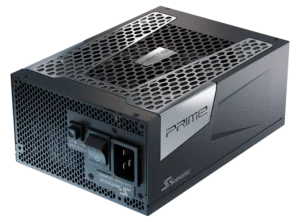
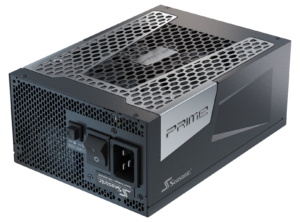
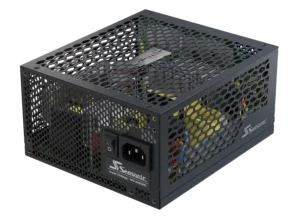
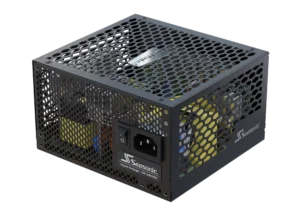
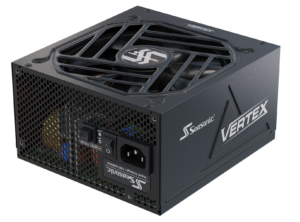
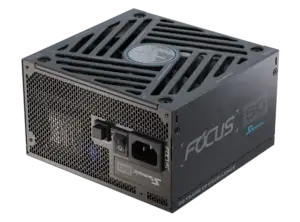
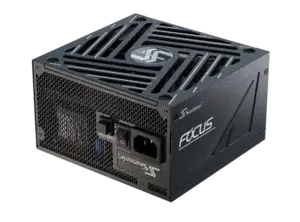
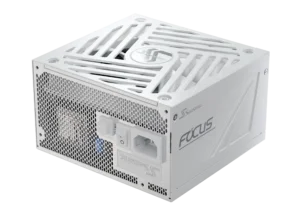
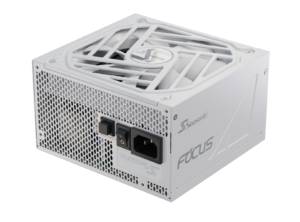
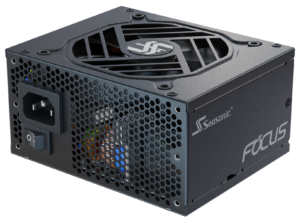
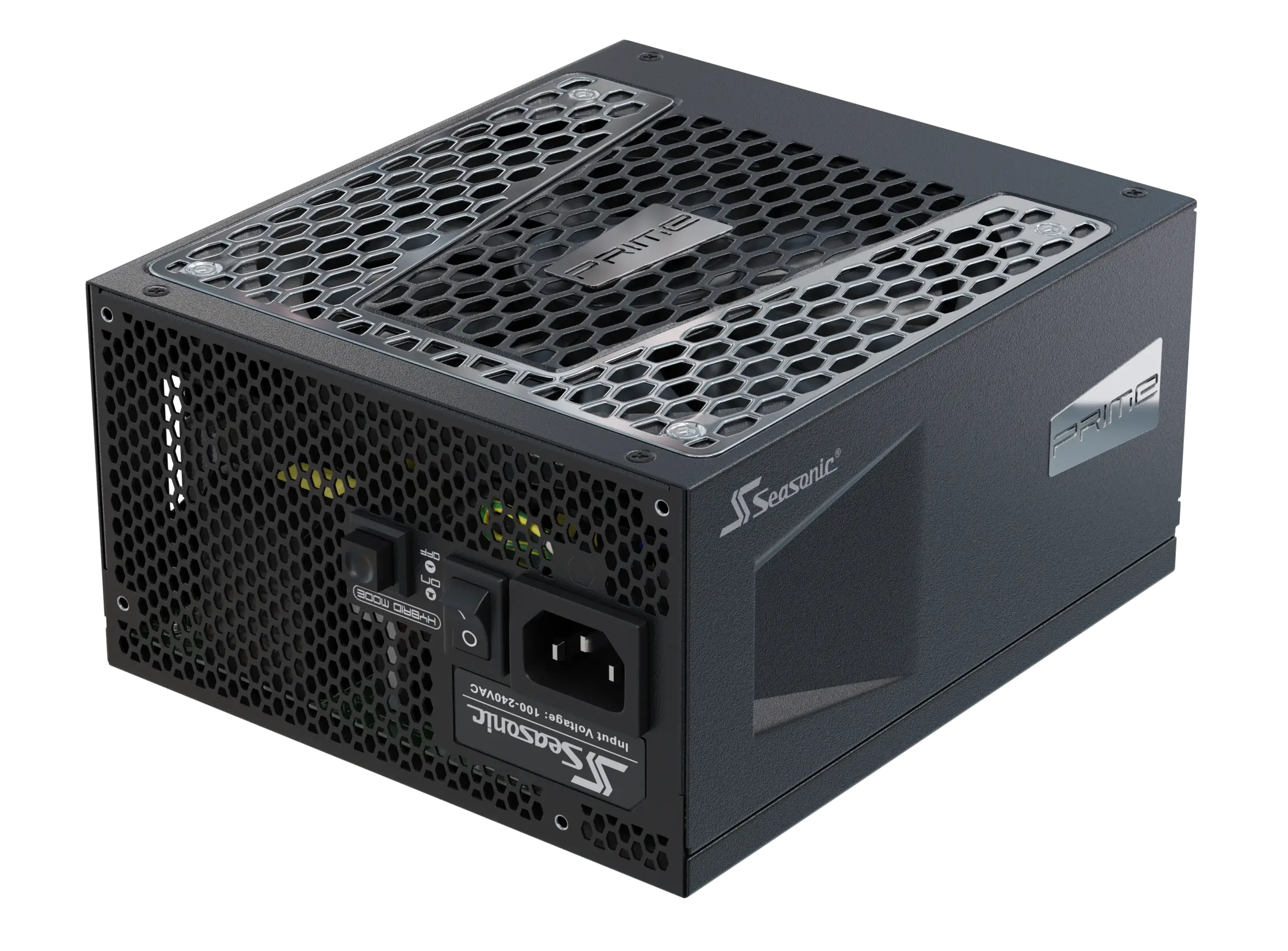

Explore the most common mistakes PC users make in 2025 and how to avoid them when choosing a reliable PSU in 2026.
What does the PC building process look like in 2025?
PC building process is not a chaotic movement as many can assume, but a structured plan, where the key thing is to assemble a stable, compatible system that is ready for future upgrades. In real conditions, this process looks like this:
- At first, PC builders clearly define all the usage scenarios – gaming, work, media editing, or AI workstation operation. This choice will direct the following PC building process, the type of GPU, and the operating memory capacity. Knowing what tasks you build your system for will avoid extra expenses for unwanted productivity as well.
- Next, they check the PC components’ compatibility. They typically start with the GPU, CPU, and motherboard, checking whether they support modern PCIe 5.1 standards and the required BIOS versions. These are different iterations of motherboard firmware that contain updates to support new hardware, fix bugs, and make things run better.
- The next step is choosing the RAM with a minimum of 32 GB. By 2025, this is becoming the standard – especially when running a browser alongside multiple resource-heavy applications.
- Then, PC builders look for the storage devices. For programs and systems – NVMe SSD Gen 4 or Gen 5, and a separate SSD or HDD for files.
- The case design and cooling system are also important during the building process. Most PC builders looked at airflow design, support for large graphics cards, and 360 mm radiators. Today, even mid-range CPUs can easily spike past 200 W in boost mode, so a proper air cooler or liquid cooling setup is a must.
- And finally, choosing the power supply unit to support all the PC components that are combined in one system. The core features that professional PC builders are looking for today – ATX 3.1 and PCIe 5.1 standards support, power reserve, and 80 PLUS® Titanium or Platinum certification. They deliver higher efficiency, system-level stability, and consistent performance across workloads, ensuring smooth operation regardless of task intensity.
- Next up is the actual assembly process. Most components have convenient fasteners, screwless mounts, and an intuitive cable management system. Basically, you’ll spend most of your time laying cables and checking airflow, not screwing.
- The final stage is testing. CPU and GPU stress tests, voltage and temperature monitoring, and several hours of real work. Stability is everything, because PCs often operate under load 24/7.
What should you consider before choosing a power supply?
Choosing a PC power supply is a crucial step in the PC build process, as its technical specifications will affect the system’s performance. Here’s what you should know before making the final choice.
PSU power capacity required for your PC components
The power supply unit must power all vital PC components – the CPU, GPU, memory, etc. You can spend a few minutes calculating this value with our wattage calculator. Moreover, it adds an extra 20% – 30% margin to the index, which you’ll get to avoid power supply failure, overheating, and freezing while performing even the most power-demanding tasks.
ATX 3.1 and PCIe 5.1 standards support
It’s a modern standard that better handles sudden power spikes from the latest GPUs and provides safer power 12V-2×6 pin connectors.
电源效率
Go for the 80 PLUS® Titanium or Platinum certification level. This indicates how much excess energy and heat the unit produces during power conversion. The higher the efficiency level, the less noise the PSU produces, and the longer the PC components’ service life.
Cables and connectors
Make sure you get all the cables and connectors you need for your components in the power supply box you’re buying. Sometimes users are surprised to find that their new PSU doesn’t have all the connectors they need. It’s easy to avoid this by planning and doing your research beforehand.
Protection set
To ensure safer PC performance, a power supply should include protections against issues that can occur under high load. Such as: OVP, OCP, SCP, UVP, OPP, and OTP.
Fully modular design
Modular power supplies have removable wires that can be easily replaced if necessary. It gives you full freedom of choice when connecting only essential cables and improves cable management inside the case.
Warranty and PSU brand
Choose only well-known brands that offer a long warranty. This is about the reliability and quality of the components under the PSU hood. For example, at Seasonic, we provide up to a 12-year warranty on our premium power supply series.
电源适配器能装进机箱吗?
The core form factors offered today are ATX and SFX. It’s important that the unit physically fits into the case and has all the necessary cables. Also, consider all the other PC components so that you can properly arrange them too.
Typical mistakes PC builders make
When building a PC system for the first time, many users face some challenges and inconveniences. In most cases, this is due to an insufficient understanding of the technical characteristics that a power supply unit should have to power the entire system, or from overlooking certain factors that can impact the PSU’s performance. We have compiled a list of the top 5 mistakes that most commonly happen during PC system design and PSU selection.
1. Underestimating the required power
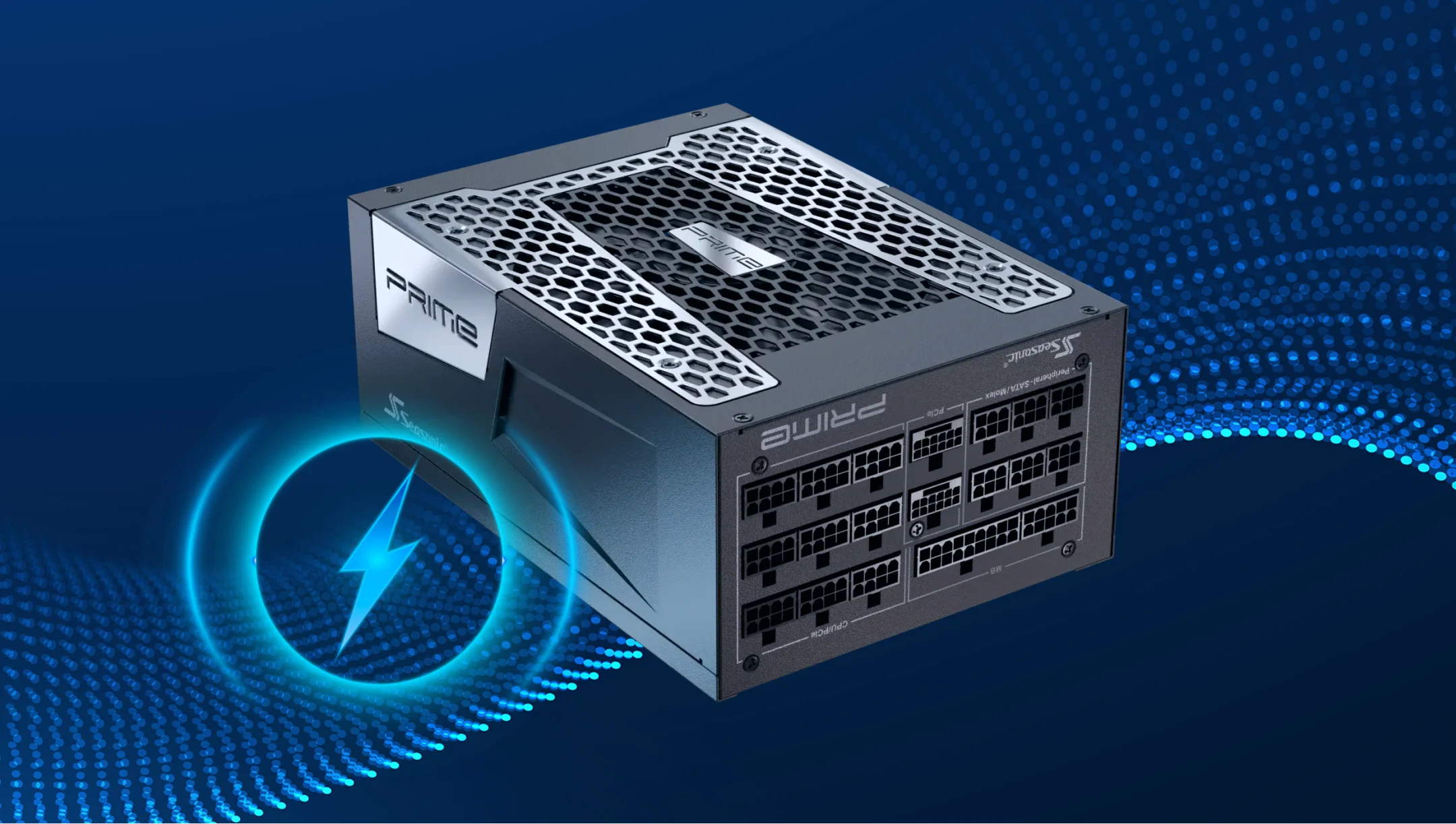
Many users estimate the power requirements for their build based only on the CPU and GPU nominal power. This means that peak loads, peripherals, and the possibility of future upgrades are ignored. As a result, users often end up choosing PSUs with insufficient wattage, which can’t reliably supply power to all PC components under real-world loads.
When choosing a PSU that is not powerful enough, you may face unstable system performance, sudden reboots, and faster PC components wear and tear. And what’s more – during peak loads, there is a risk of component damage, system shutdown, and loss of all data.
To prevent critical failures, calculate the PSU nominal power by adding up the power requirements of all your PC components. You can use online calculators that will do all the sums for you, take into account the models of high-end GPUs and CPUs, and add the necessary 15-20% power reserve on top. The reserve is necessary in case you plan to upgrade your system in the future, or so that during peak loads, your system does not operate at the limit of its capabilities.
2. Ignoring efficiency ratings and certifications
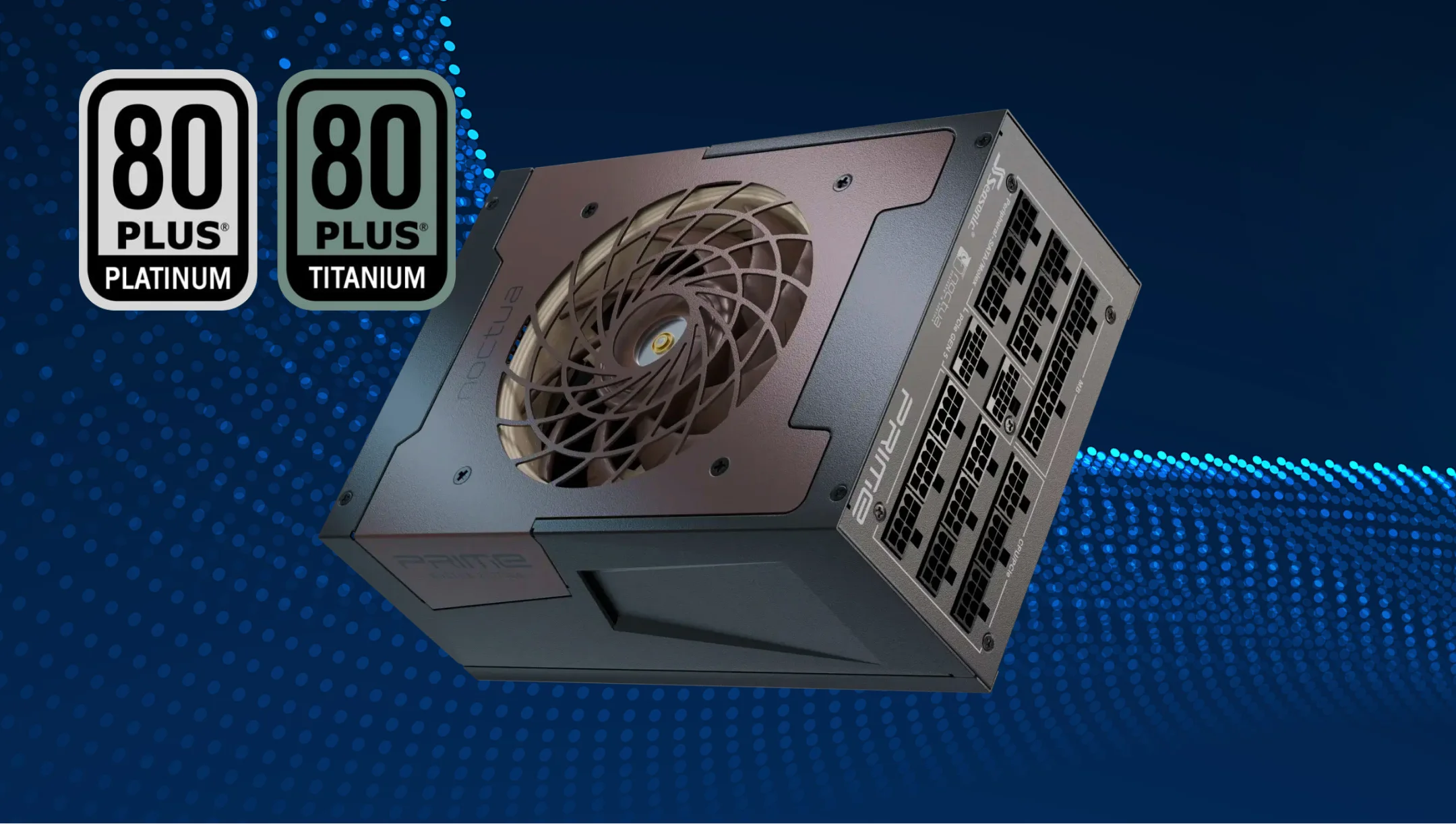
Sometimes PC users forget about 80 PLUS® efficiency certification, not fully understanding its impact on overall PC performance. Efficiency not only affects power consumption but also reduces the heating of power supply components and ensures stable PC operation.
If you choose power supplies without wanted ratings and certifications, you risk getting ones that will just drive up power consumption. As a result, overheating internal components, the fan makes noise trying to cope with the temperature inside the case, and capacitors degrade faster due to excessive load. Therefore, always choose a PSU with 80 PLUS® Titanium and Platinum certification, as they will boost your system’s effectiveness significantly.
3. Choosing the wrong cable type (ATX 3.1, PCIe 5.1)
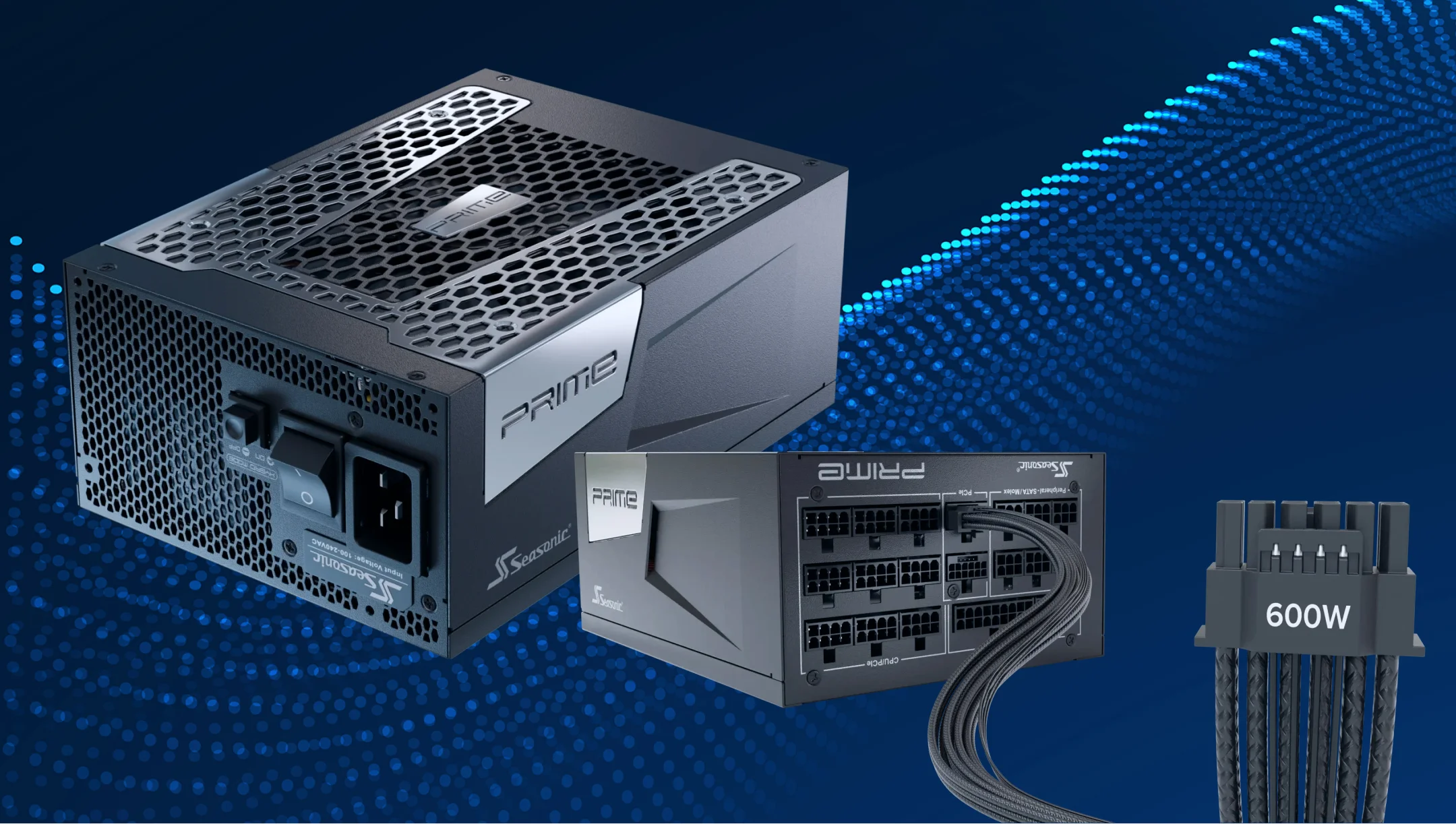
Users often buy power supplies with incompatible connectors: old ATX 2.x instead of ATX 3.1 and a 12V-2×6 cable for modern GPUs. With a PSU like that, you just can’t properly feed modern high-performance GPUs or CPUs. In addition, there is a risk of unstable power supply, contacts overheating, and even component damage.
That’s why we emphasize the importance of checking PSU compatibility with the motherboard and GPU before purchasing. Overall, choose a PSU that supports ATX 3.1 and PCIe 5.1 standards, required for top-of-the-line GPUs.
4. Buying a power supply from a low-quality or unreliable manufacturer
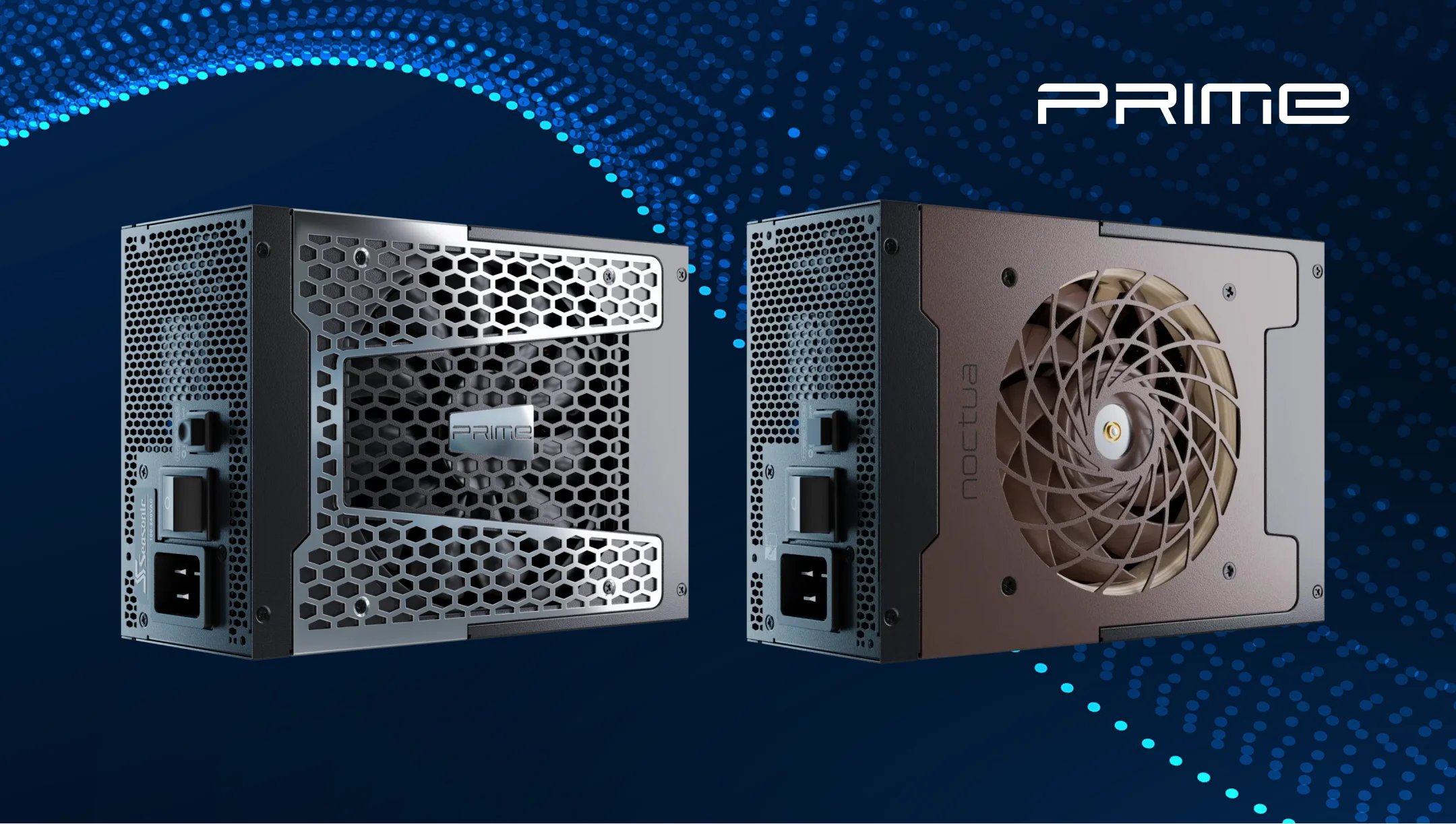
Little-known brands that offer power supplies available at well below market-average prices often cut corners on essential PC components. Such as capacitors and protection systems. That is why a cheap PSU may produce unstable voltage, have noisy fans, and a shorter lifespan. The biggest concern is also the risk of damage to other PC components, especially the GPU and SSD.
Our advice is to choose well-known and trusted brands among power supply manufacturers that have proven reviews, long product warranties, and service support. You can check this information on manufacturers’ websites and evaluate what items fit your requirements more.
5. Forgetting about future graphics card or processor upgrades
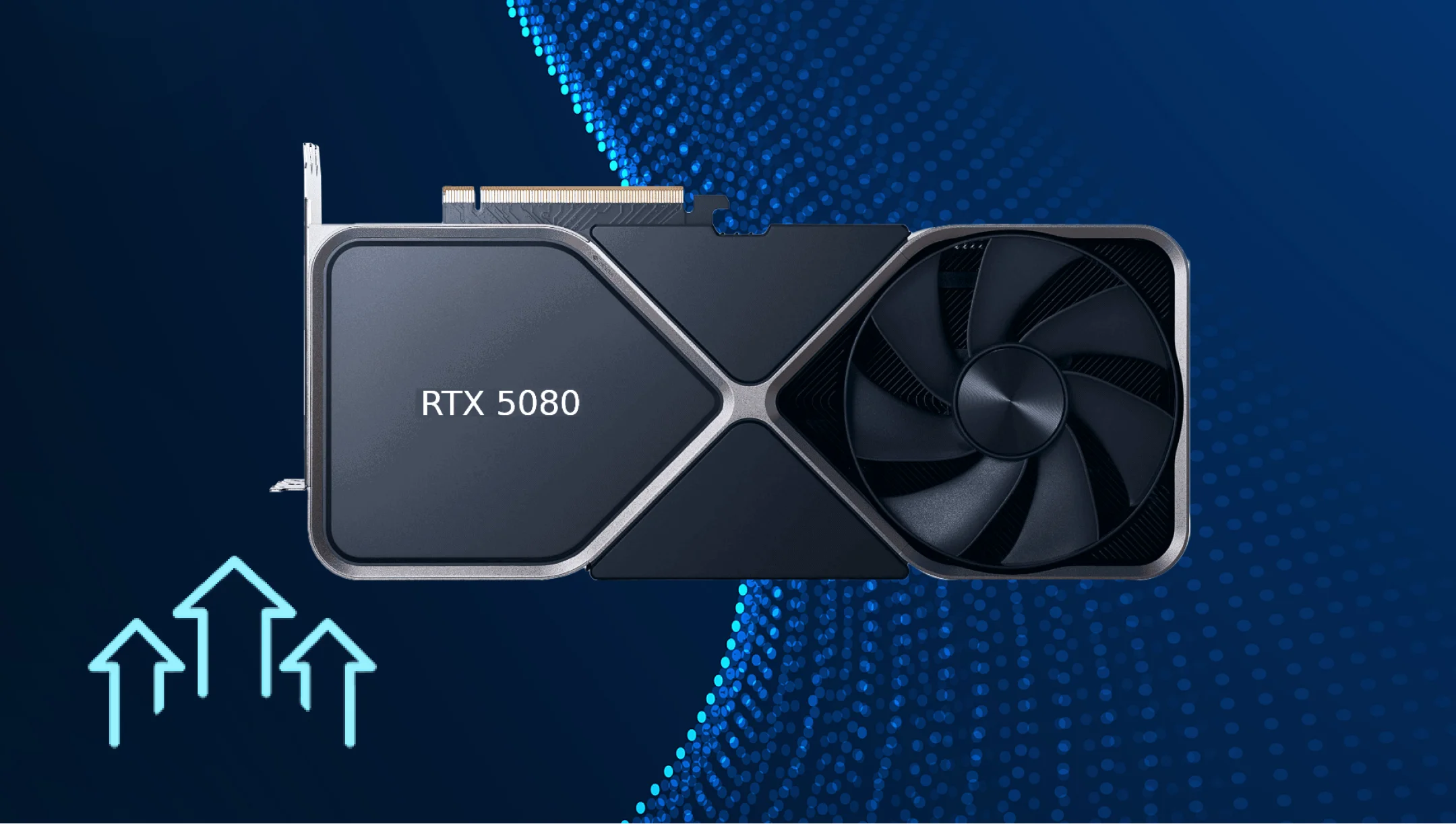
Users buy PSUs based on their current needs without considering next-generation GPU or CPU upgrades. As today’s dynamic shows, new components show up on the market every year. So, in 1-2 years, new components will be power-limited with such a PSU, unable to reach their rated performance. As a result, you will have to replace the PSU to cope with the required GPU and CPU power consumption. And this, in turn, results in additional costs down the line.
How can this be avoided?
- Before purchasing, evaluate the TDP of future components and leave a reserve of 30W–50W for upgrades.
- Focus on ATX 3.1 and PCIe 5.1 standards support for compatibility with new GPUs.
- Choose PSU with the necessary ratings and certifications (80 PLUS® Titanium/Platinum) for better efficiency.
How to avoid these mistakes when building a stable and future-proof system in 2026?
Looking ahead to 2026, you need to adapt to the ever-changing PC and PSU market to build a future-proof system. Consider the following factors to boost your chances of a successful PSU purchase.
- Calculate the system’s actual power consumption. It’s important to consider the CPU, GPU, RAM, storage devices, and all peripherals. Check our online wattage calculators that support new GPUs and other components for more accurate results.
- Make sure your power supply has 80 PLUS® Titanium or Platinum certification that delivers solid stability. High efficiency reduces heat, fan noise, and stress on PSU components.
- Choose power supplies that support ATX 3.1 and PCIe 5.1 standards. These are modern standards that support peak loads without overheating the contacts.
- Choose well-known brands with long warranties and good reviews, such as Seasonic. Cheap or unknown PSUs often pose a risk to the entire build, as they have low-grade components.
- Make sure your PSU is power-efficient and meets the standards for new GPUs and CPUs. For this purpose, choose models with a reserve in watts and compatibility with future ATX/PCIe standards.
结论
Your power supply is the heart of your PC. Depending on its characteristics and features, other components will operate, withstand stress, and perform under heavy loads reliably. That’s why the perfect power supply choice requires some research and study of all manufacturers on the market.
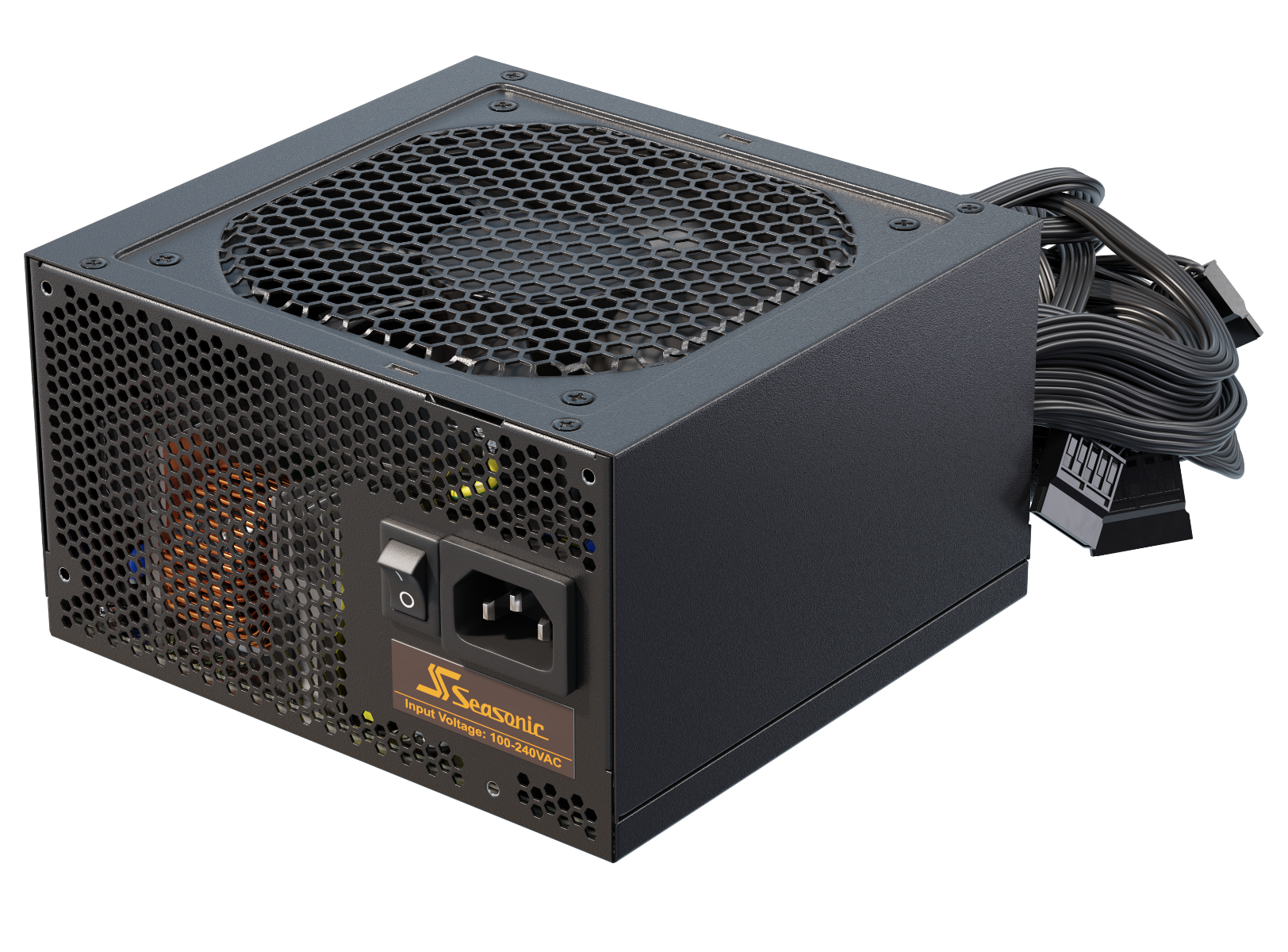
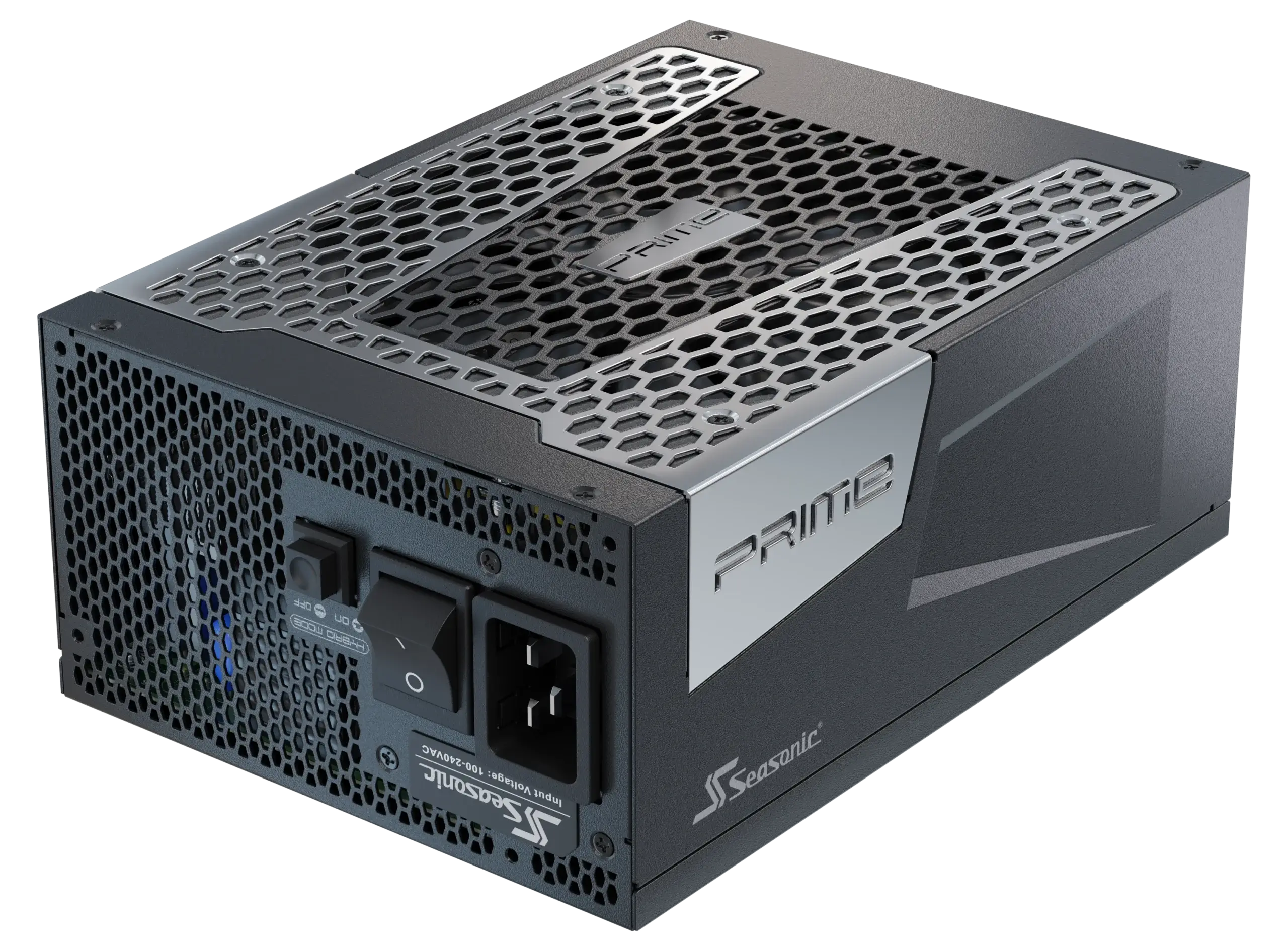
At Seasonic, we offer a complete lineup of power supplies to fit just about any kind of PC, from simple home use to powerful gaming or professional setups. With models that support the latest standards like ATX 3.1 and PCIe 5.1, and a wide range of efficiency levels and wattages, there is certainly something for everyone.