
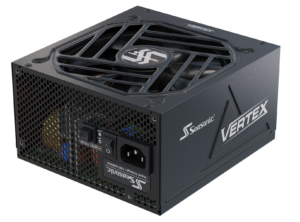
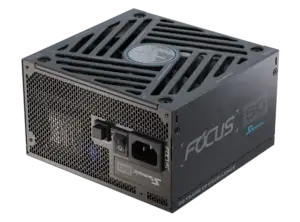
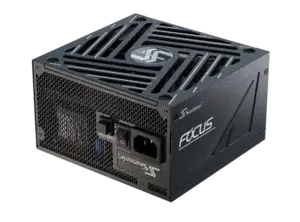
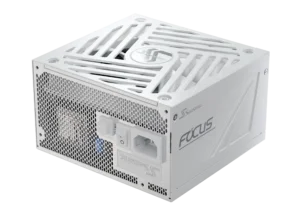
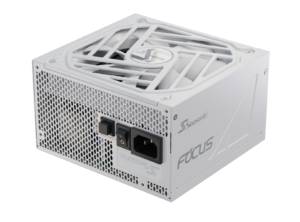
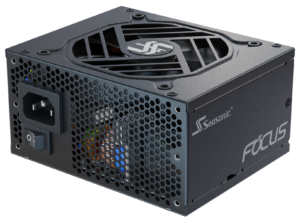
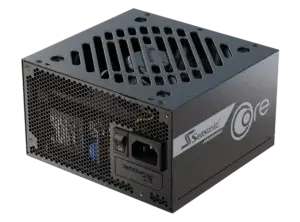
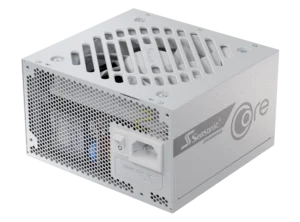
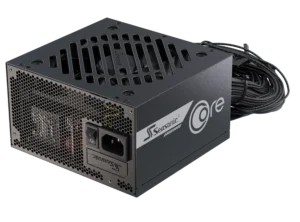
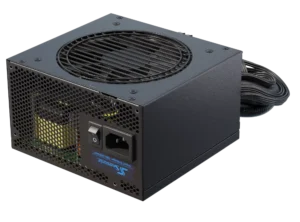
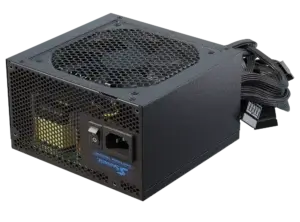
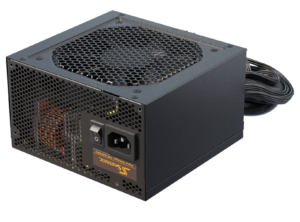
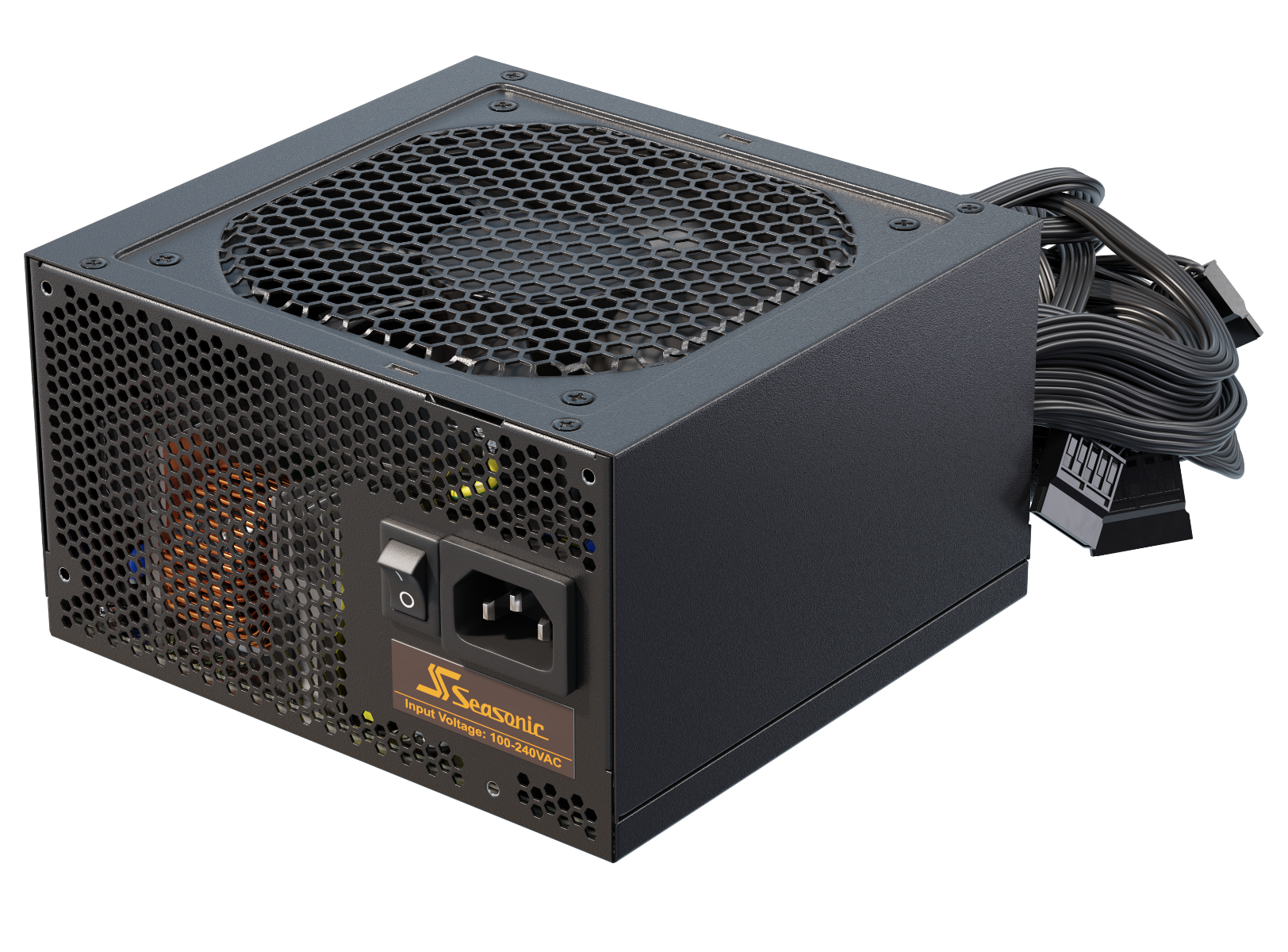
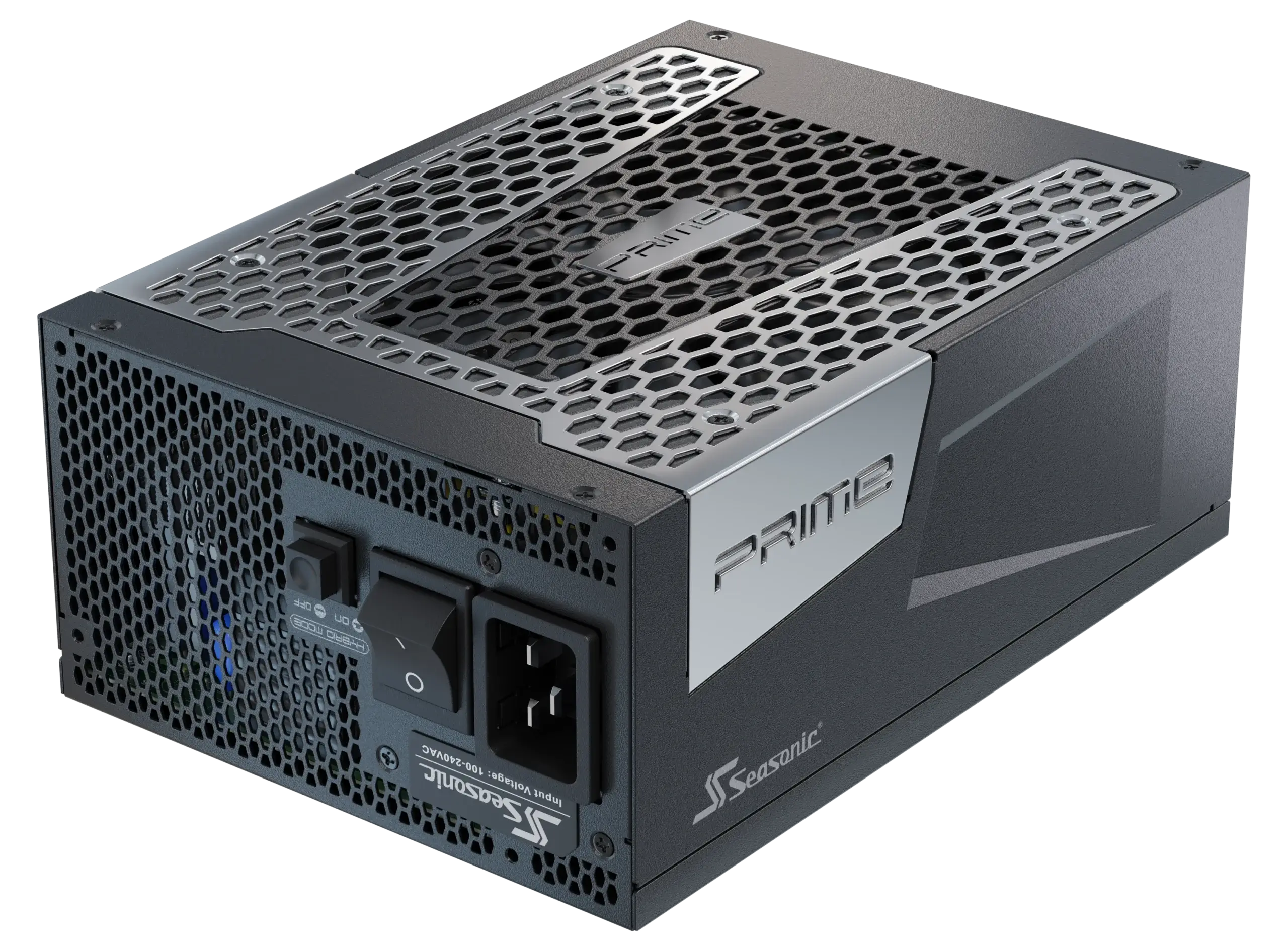

Learn in detail what the key difference is between Modular, Semi-modular, and Non-modular power supplies.
What types of PC power supplies are there?
To support modern professional or gaming PCs’ operation, manufacturers offer several types of power supplies: Modular, Semi-modular, and Non-modular.
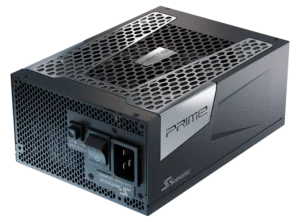
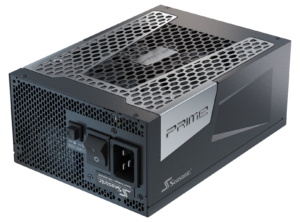
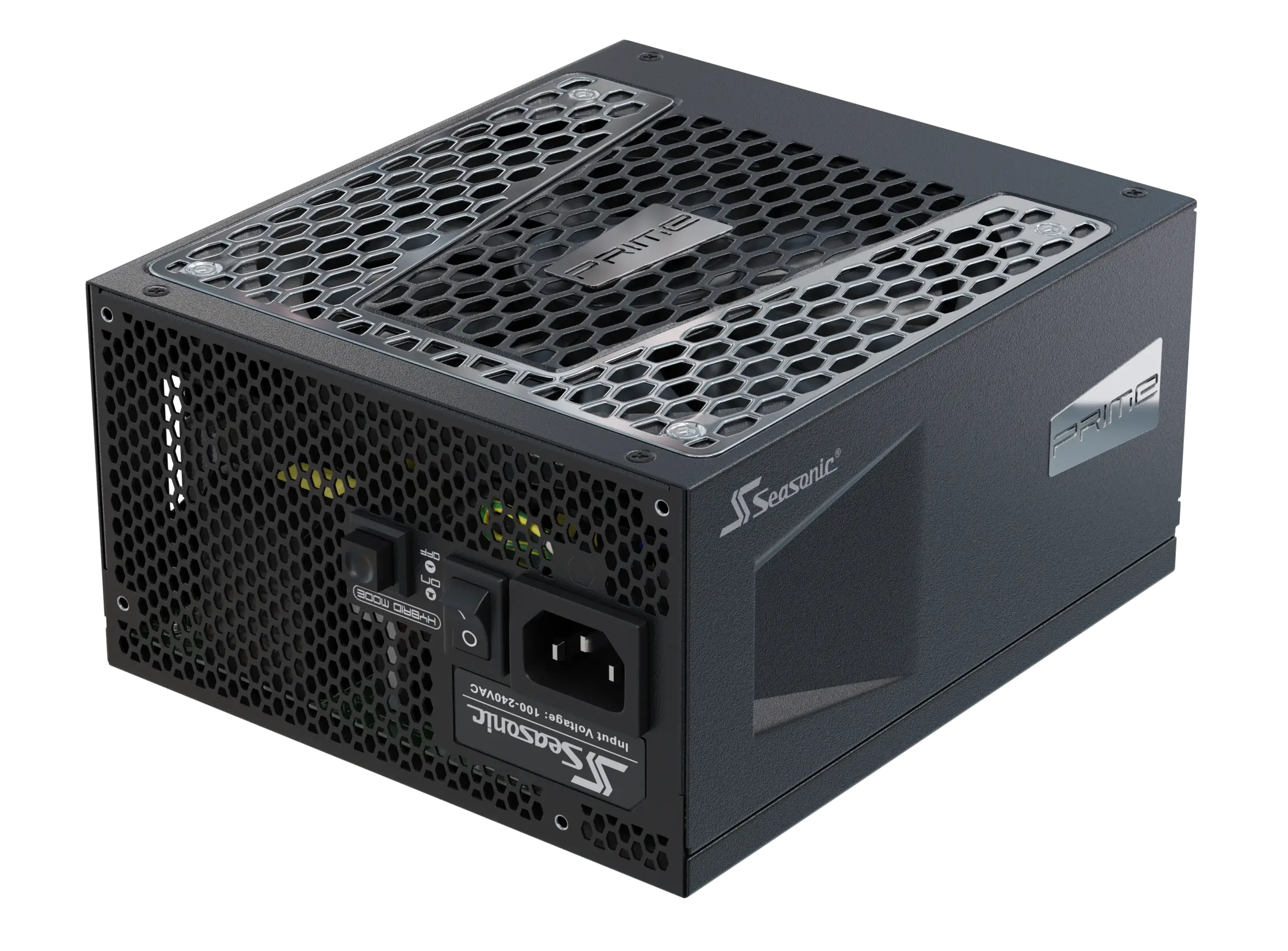
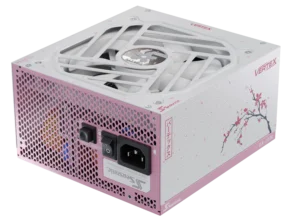
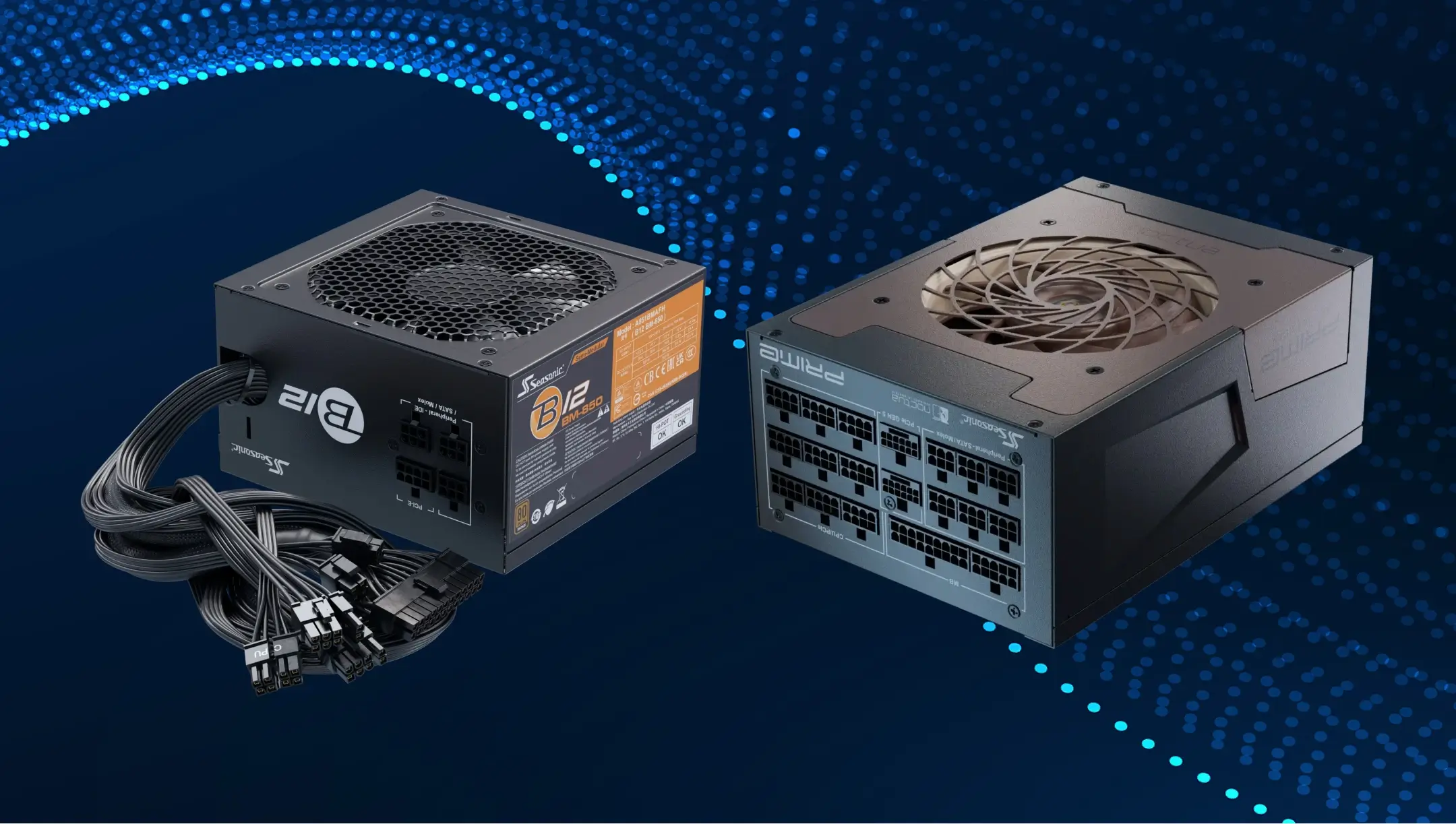
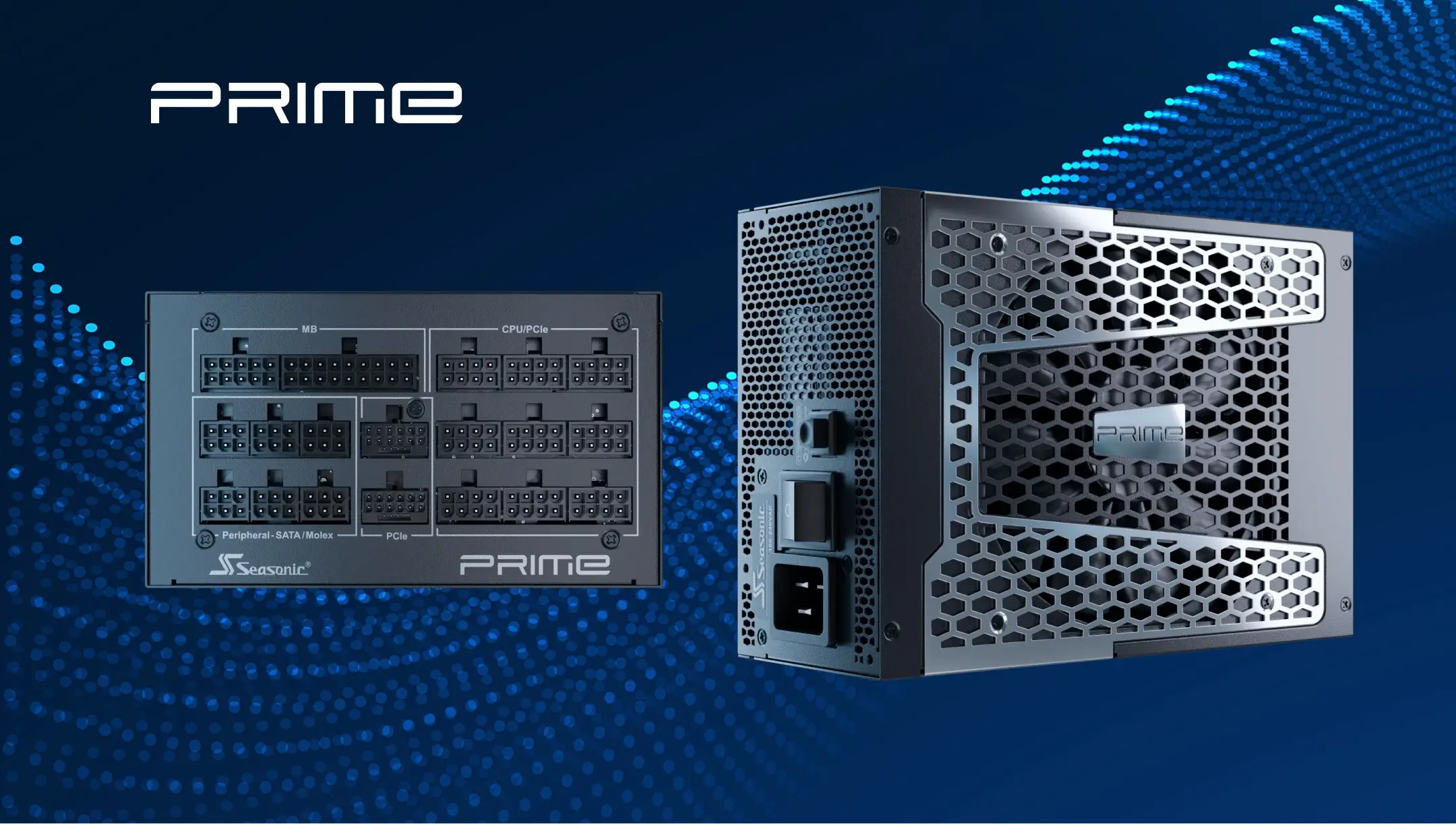
Modular PC power supplies are a solid standard among others, which PC users prefer most today. At the core of its construction – a fully modular design that allows you to connect only those cables that you need, according to your PC specifications and tasks it runs. It gives you full freedom in updating your PC build and using custom cables for premium builds as well. Besides the technical convenience, fully modular power supplies help you keep the case clean, improve airflow, and give quick access to components whenever you need to swap or upgrade something. This PSU type dominates in the Gold, Platinum, and Titanium segments and supports the new ATX 3.1 standards with 12V-2×6 cables for high-end graphics cards.
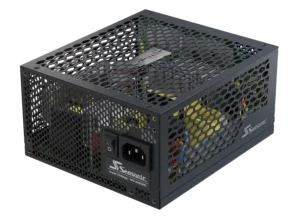
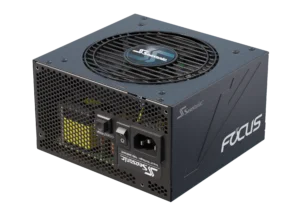
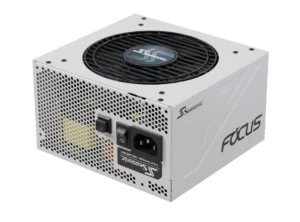
Semi-modular power supplies offer less flexibility in cable connection, but still have room for your system updates in the future. These power supplies have a specific design – some cables are soldered (the main 24-pin, 8-pin CPU lines, and at least one 8-pin PCIe cable), while the rest, additional PCIe, SATA, and Molex, are installed on demand. Semi-modular PSUs are perfect for mid-range systems, commonly chosen for budget gaming PCs, as you only hook up the main cables and leave unused peripherals disconnected.
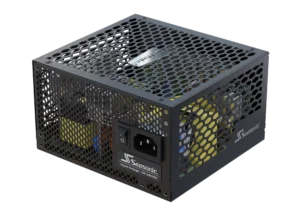
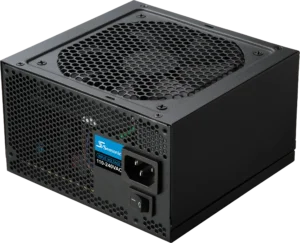
Non-modular PC power supplies are the classic format, where all the cables are soldered to the power supply unit and cannot be disconnected. This PSU variant is typically the go-to option for budget builds that require power around 600-650W or below. Their biggest disadvantage is extra cabling obstructing proper ventilation inside the case.
Where are each of these power supply types typically used?
Fully modular power supplies can handle the most powerful PC builds and are presented more in premium PSU lines. Thus, they assist as a power heart for top gaming builds, professional and AI workstations, compact systems, and premium cases. They are also perfect for setups with performance GPUs, custom cooling systems, or cases that flaunt RGB lighting.
Semi-modular PC power supplies are a popular choice to support the performance of mid-range gaming PCs, standard workstations, and home media systems. They are designed for two key purposes: to deliver stable voltage and keep thermals in check.
Non-modular power supplies are typically used in budget PCs, office desktops, and simple home systems. In other words, to handle the simple tasks a PC can perform – browsing the web, editing documents, and playing light games. Since all cables are soldered, it keeps them budget-friendly without sacrificing ease of use. So both new and experienced builders can set up their system efficiently.
What are modular PC power supplies?
Modular PSUs have fully modular cables in their design, so you can connect only the essential ones to power up your PC build. You decide for yourself which PC components will be connected, taking into account the system’s power needs.
To make things clearer, let’s go step by step on how to connect cables to a modular PSU for a high-performance gaming rig. First, you need to install the power supply into the PC case. It will be easier to connect other cables and arrange components inside the case for a convenient and visually pleasing setup. After this, connect the main 24-pin ATX cable to the motherboard to power all its components. Next, proceed with connecting one or more 8-pin EPS cables to the CPU, ensuring reliable power delivery when the system hits maximum load. For the GPU, connect one or more PCIe 6+2-pin or 12V-2×6 cables. And for SSDs and additional drives or peripherals, you’ll need either SATA or Molex cables.
This is a general instruction for modular PSUs, but it works well for a gaming rig setting, and using it just right after connecting the last cable.
Advantages and disadvantages of modular power supplies
The modular power supplies’ biggest advantage is clear cable management inside the PC case. To be more specific, there is less clustering and more neat assembly. Modular PSU, without unused cable clutter, and depending on the internal PC case layout, can have a positive effect on internal temperatures. If you plan future updates with a modular power supply, it will be easier to realize and connect only what you need.
As a disadvantage, it’s the most expensive PSU, as they require extra internal PSU design, connectors, and cables.
Semi-modular PC power supplies
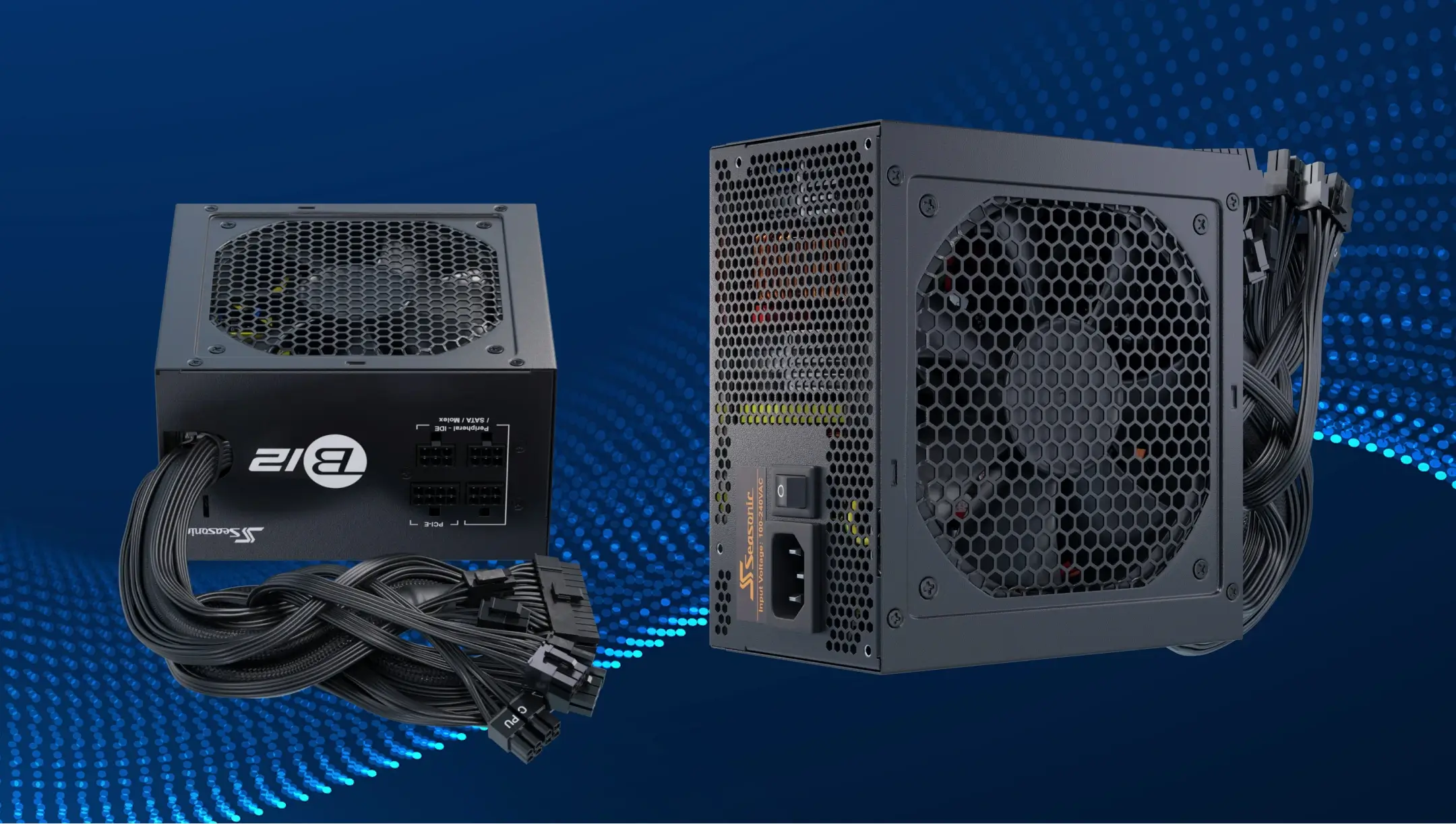
Semi-modular power supplies where 24-pin ATX, 8-pin CPU, and 8-pin PCIe are soldered to the power unit instantly. Other cables can be connected on demand – additional PCIe, SATA, or Molex. Even having a few cables soldered, this power supply format also provides clean cable management and still staying budget-friendly.
The cable’s connecting process goes in the same way as in modular power supplies. With only one difference – the core 24-pin ATX, 8-pin CPU and 8-pin PCIe cables are already soldered and do not need to be connected separately. Therefore, your PC build will look tidy, the cables won’t clog up the ventilation, and all components will get a stable power supply.
Advantages and disadvantages of semi-modular power supplies
Their price goes over other advantages, as semi-modular PSUs cost less but deliver almost the same settings as the fully modular power supplies. Nevertheless, you can connect some cables of your choice and add them easily, especially in big PC cases. They also offer more reliable main cables (fewer contacts for critical power lines).
A disadvantage – not as flexible as fully modular power supplies for custom builds and aesthetic cases.
Non-modular PC power supplies. What are they, and where are they used?
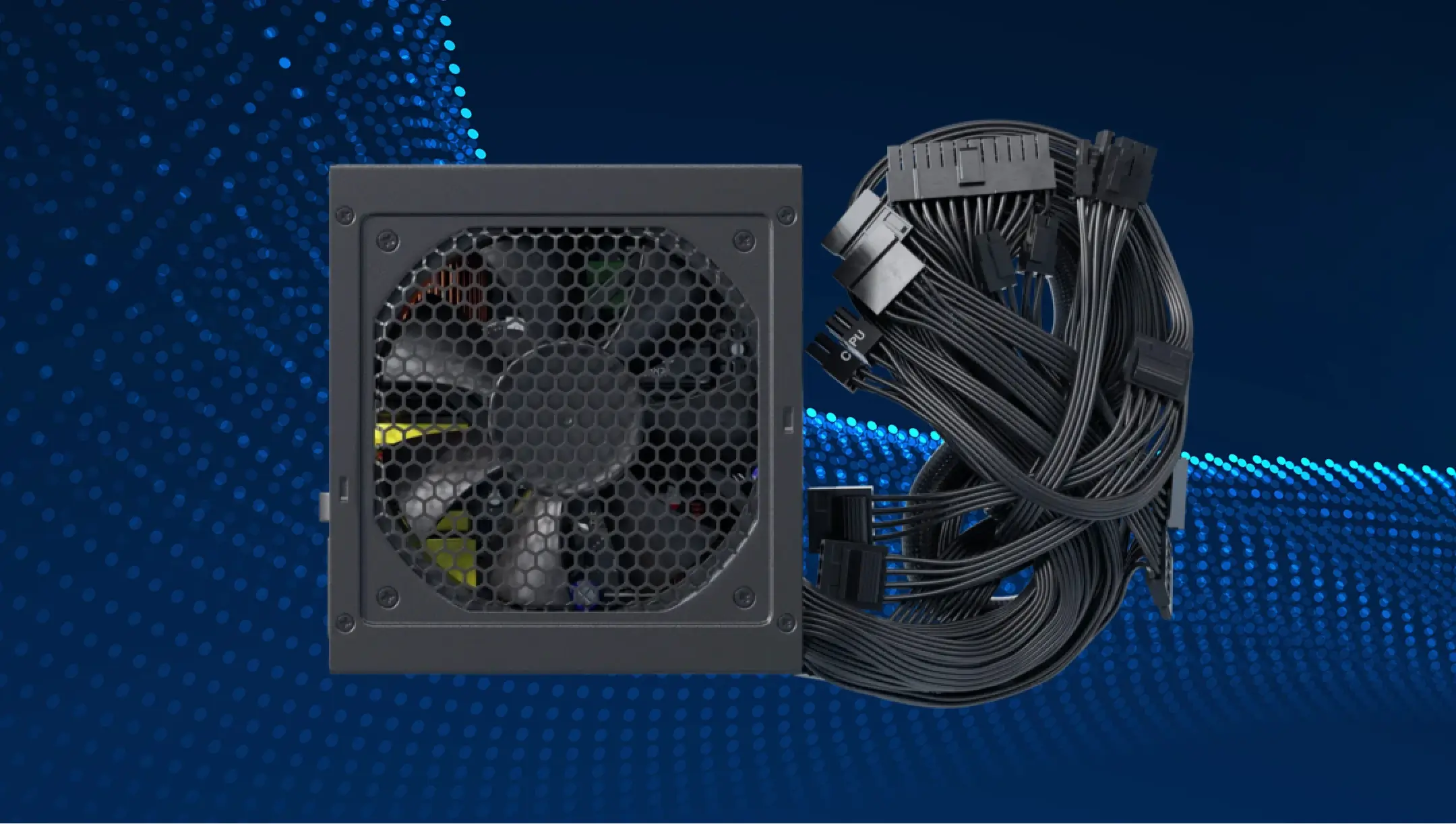
In non-modular power supplies, all cables are solely soldered to the power supply unit. You can’t disconnect them or add extra cables instead of those that you get with the PSU. This design makes them more affordable and considered as reliable power supplies in terms of contacts, because fewer connection points mean less chance of weak contacts or breaks. The system works stably, but the cables remain inside even when they are not used.
When it comes to connecting them to PC components, there are no special instructions, as you only need to install it in the case and hook up your hardware with the cables it comes with by default.
Advantages and disadvantages of non-modular power supplies
Non-modular power supplies beat the competition with semi- and full-modular power supplies only in terms of cost. They are simple in installation and do not require extra steps to set them up for your PC build.
A list of disadvantages includes the impossibility of changing the cable configuration, and the assembly looks less neat. Additionally, all soldered cables may not be used for some PC components, complicating cable management, potentially blocking airflow, and impairing component cooling.
Practical examples of choosing each power supply type
Choose among fully modular power supplies when you already have or plan to build a powerful gaming or professional system, a workstation with AI technologies in its core, or a system for 3D rendering. AC-DC modular power supplies make it easy to customize your wiring setup, improve airflow, and deliver reliable power to high-load hardware.
When there is time to upgrade your system or change some of its components, you don’t have to change the power supply itself. You just disconnect what no longer works for you, put new components and continue using your power supply. In real conditions, such changes don’t affect the PSU performance and quality at all. It was designed with such updates in mind, so you get a more powerful setup without breaking the bank and buying a new power supply.
A semi-modular power supply is a go-to choice if you need a powerful rig for home or for workplace use. Since the vital connectors are already soldered to the PSU, you can connect what you need to handle essential PC tasks faster. They maintain the same quality and performance level as fully-modular power supplies, but because part of the wiring is hard-soldered to the unit, these PSUs come in at a lower price point.
Non-modular power supplies are chosen more often in the sake of a tight budget and simple PC builds. For example, students or home PC users might not need a powerful build, but still need to perform simple tasks with the same stability. A budget PC doesn’t need modularity so much; it’s better to spend more on the video card or RAM instead.
Which power supply is right for you?
To choose the one power supply for your PC, in terms of modularity, you should define a few essential factors first. Before choosing, give a clear answer to what purpose you use your PC right now, what budget you rely on, and how important are build quality and the possibility of future upgrades are to you?
If you use your PC as a professional user and it requires using the latest power-demanding components and upgrades in the future, then a fully modular power supply is the best option. With it, you can connect only what you need, ensuring maximum order, best airflow, and simple GPU operation.
For universal and mid-range gaming systems, a semi-modular power supply is the optimal choice. The core PSU cables, vital for maintaining system integrity and performance, are already soldered, and all others can be connected only when needed. This results in a cleaner case, better cooling, and a reasonable price as well.
If you are building a budget or office PC that does not have a powerful graphics card and every penny counts, a non-modular power supply is the best choice. There will be more wires that can’t be removed, but it’s cheaper and easier to use.
结论
The power supply type you choose directly depends on the task type your PC is built for. All of them, modular, semi-modular, and non-modular, could be a great choice for different PC users. They power up your PC components equally stably, following all tech standards and the latest PC components needs altogether. The key difference – their modularity feature and freedom in PC build upgrading with the new components.