
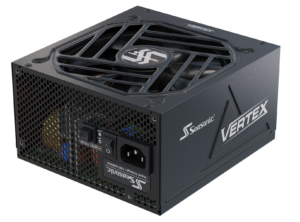
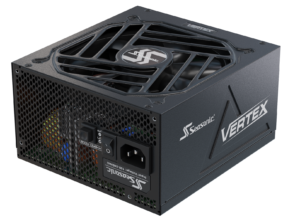
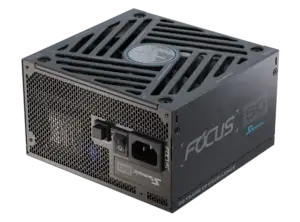
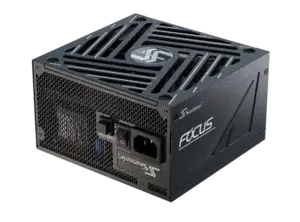

Learn how to choose the right power supply size that fits your PC case perfectly, whether it’s Full, Mid, or Mini Tower form factor. Using Seasonic’s best practices, design a system where the PSU operates efficiently and reliably over the long term.
What types of PC cases are there?
A PC case is a container where all the essential components for PC performance are placed. Here are the motherboard, GPUs, CPUs, SSD/HDD, a power supply, and other components that have their own places, and their combination fits every PC case individually.
Since PC users use their computers for multiple purposes, PC and power supply manufacturers have adapted to each individual’s needs. To meet them, a range of PC cases and power supplies is available today in various sizes to ensure productive performance for energy-intensive assemblies and home PCs.
Here are the main types of PC cases you’ll find on the market today:
- Full Tower
These are large cases with enough space for wide motherboards (like E-ATX, for example), multiple drives, and powerful GPUs. They are great for high-performance workstations, gaming builds, and systems that need a lot of expansion. These large cases are most commonly used in industrial setups at large enterprises.
- 中塔
The most popular case option, which is the top choice for both professional PC users and those who perform simple daily tasks. With it, you can install standard ATX or Micro-ATX motherboards, long video cards, and cooling systems. It perfectly combines size and functionality, making it suitable for most builds, both gaming and work.
- Mini Tower / Small Form Factor (SFF)
These are compact cases for Mini-ITX boards that take up little space and are suitable for compact builds. It would be a go-to choice if you leverage your PC for simple to some heavy tasks (gaming, for example) with limited space for a computer. Note that all the video cards and complex coolers won’t fit in these cases, so make sure you check their compatibility before buying.
Which power supplies are compatible with them?
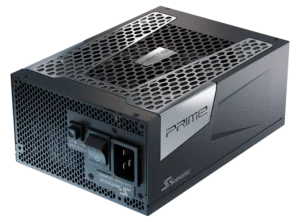
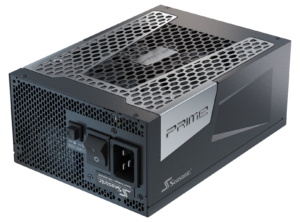
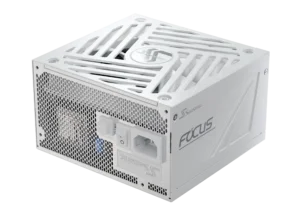
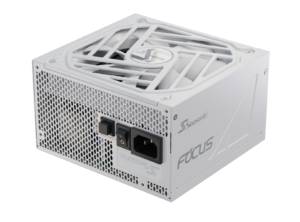
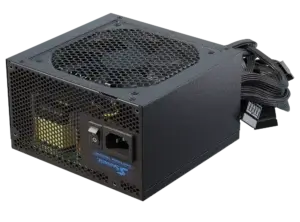
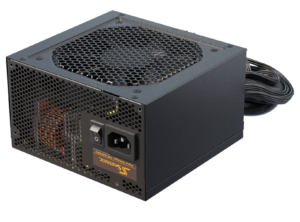
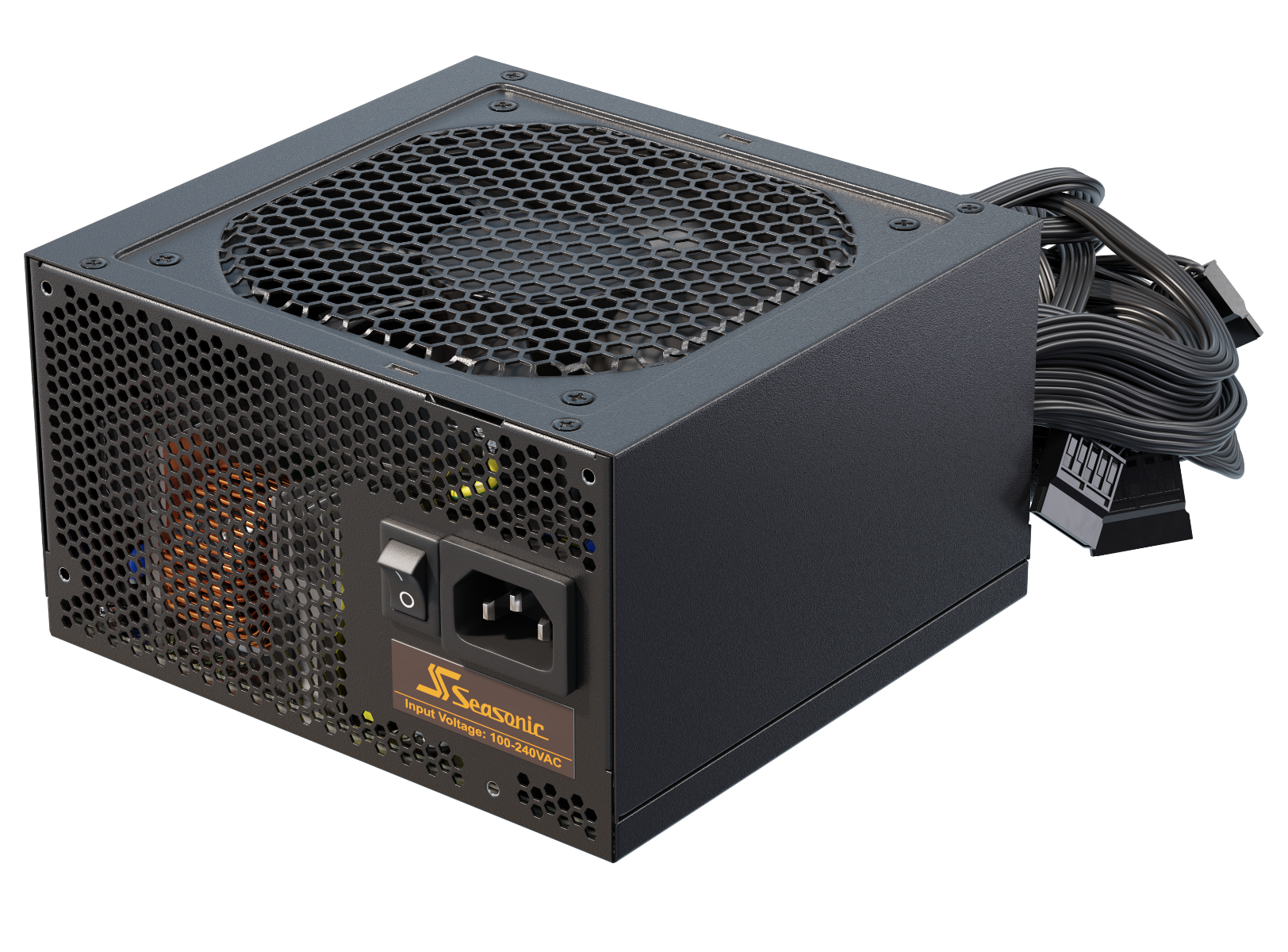
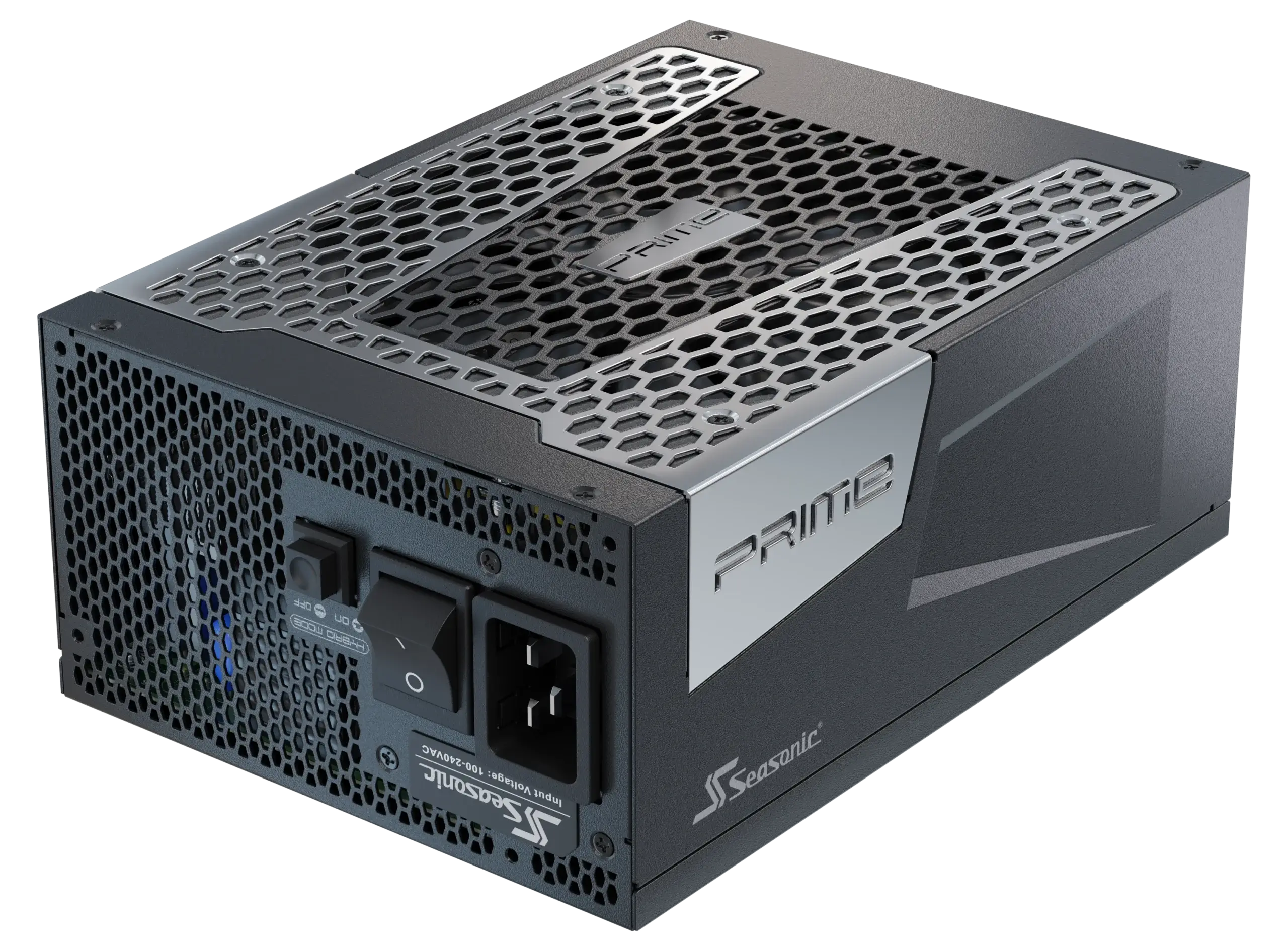
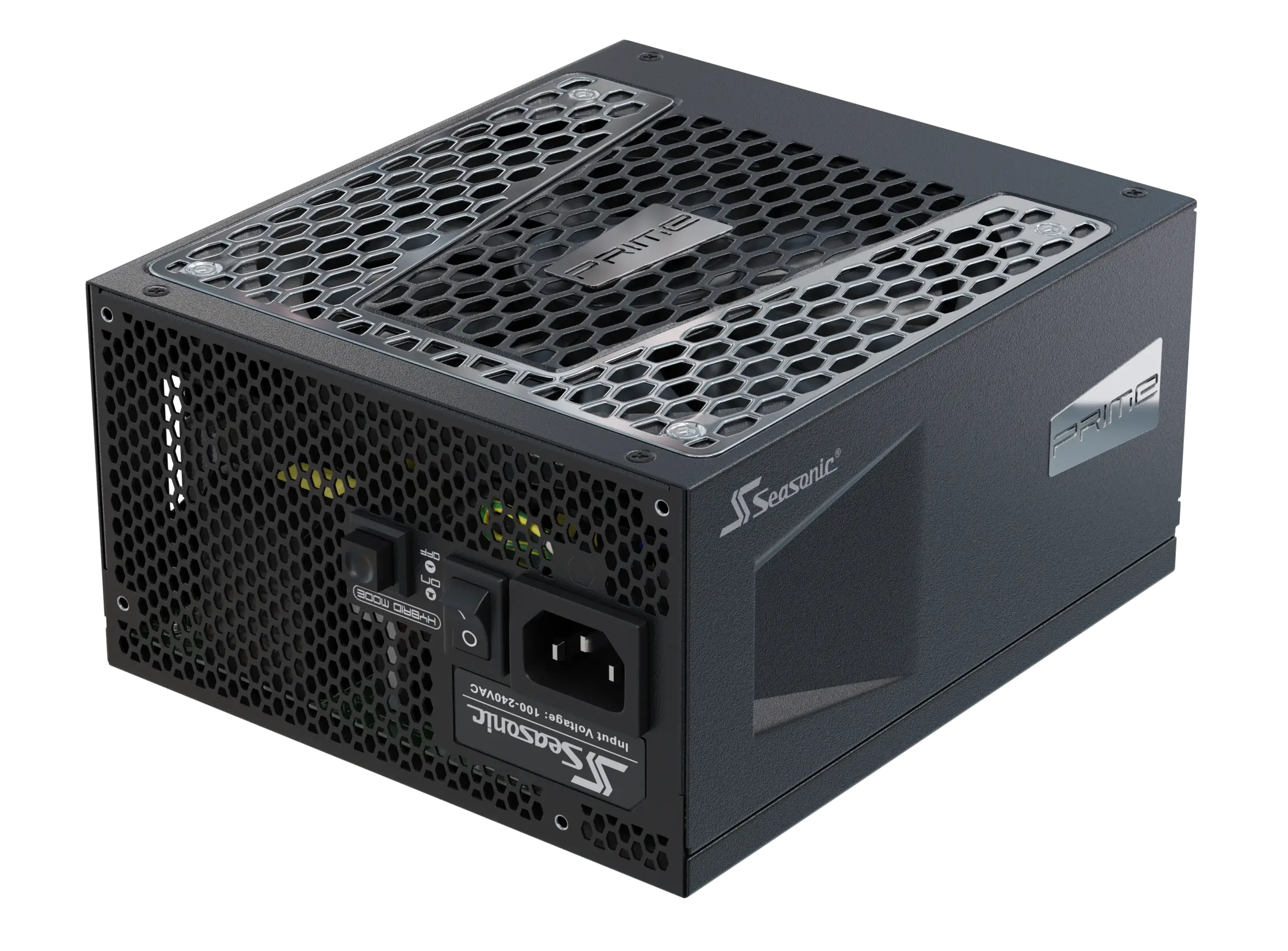
For most modern Full Tower and Mid Tower cases, standard ATX Seasonic power supplies work just fine. They provide stable voltage, certified 80 PLUS® Platinum and Titanium, and sufficient power for high-end GPUs and multiple storage devices. The form factors of all our PSUs were designed to meet the high demands of mid-tower PC cases.
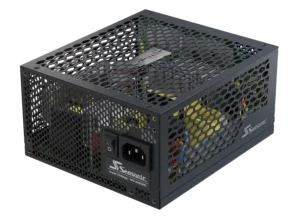
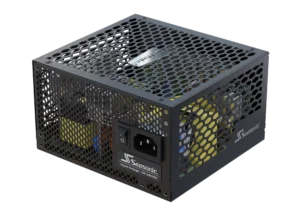
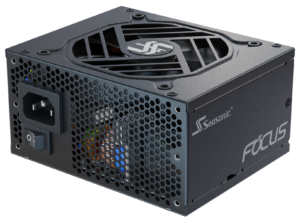
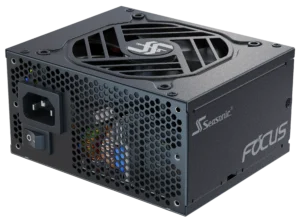
For Mini Tower or SFF cases, you should check the PSU dimensions before purchasing. Most of the time, a standard ATX power supply unit may not fit into a compact case. Then, it’s better to use SFX power supplies instead. At Seasonic, we offer compact power supply form factors that maintain high efficiency and reliability for mini PC builds.
Here is one more thing to remember when picking a power supply. Always check PSU form factor and case dimensions. If they match in size, the power supply will fit into it without any problems and will receive sufficient airflow for effective cooling.
Key physical case characteristics related to power supply compatibility
When choosing a PC case for your build, deeply evaluate its physical parameters compatible with the power supply required for this setup. First of all, it’s the PC power supply section size. Standard ATX power supplies can be easily integrated into Full Tower and Mid Tower computer cases. They have enough space to support them, and you can easily plan further updates without replacing the PSU itself. On the other hand, if your setup needs compact Mini Tower or SFF cases, it may require an SFX power supply form factor. They are also available on the market and on Seasonic PSU model lines, so you can choose what fits your technical requirements more.
The length of the power supply unit is also important. In some Mid or Mini Tower cases, space is limited because of lots of cable channels inside it or the front drive cage. They can interfere with the installation of a high-power ATX PSU.
Ventilation and airflow efficiency should also be considered. High-wattage power supplies require direct access to fresh air for stable operation; compact and designer cases with limited circulation or a three-chamber design require careful placement of the PSU and cables.
Power supply form factors: ATX and SFX
ATX and SFX power supply form factors are common on the market today and are compatible with the most popular PC cases – Full and Mid Tower. Here’s a closer look at their architecture and functionality.
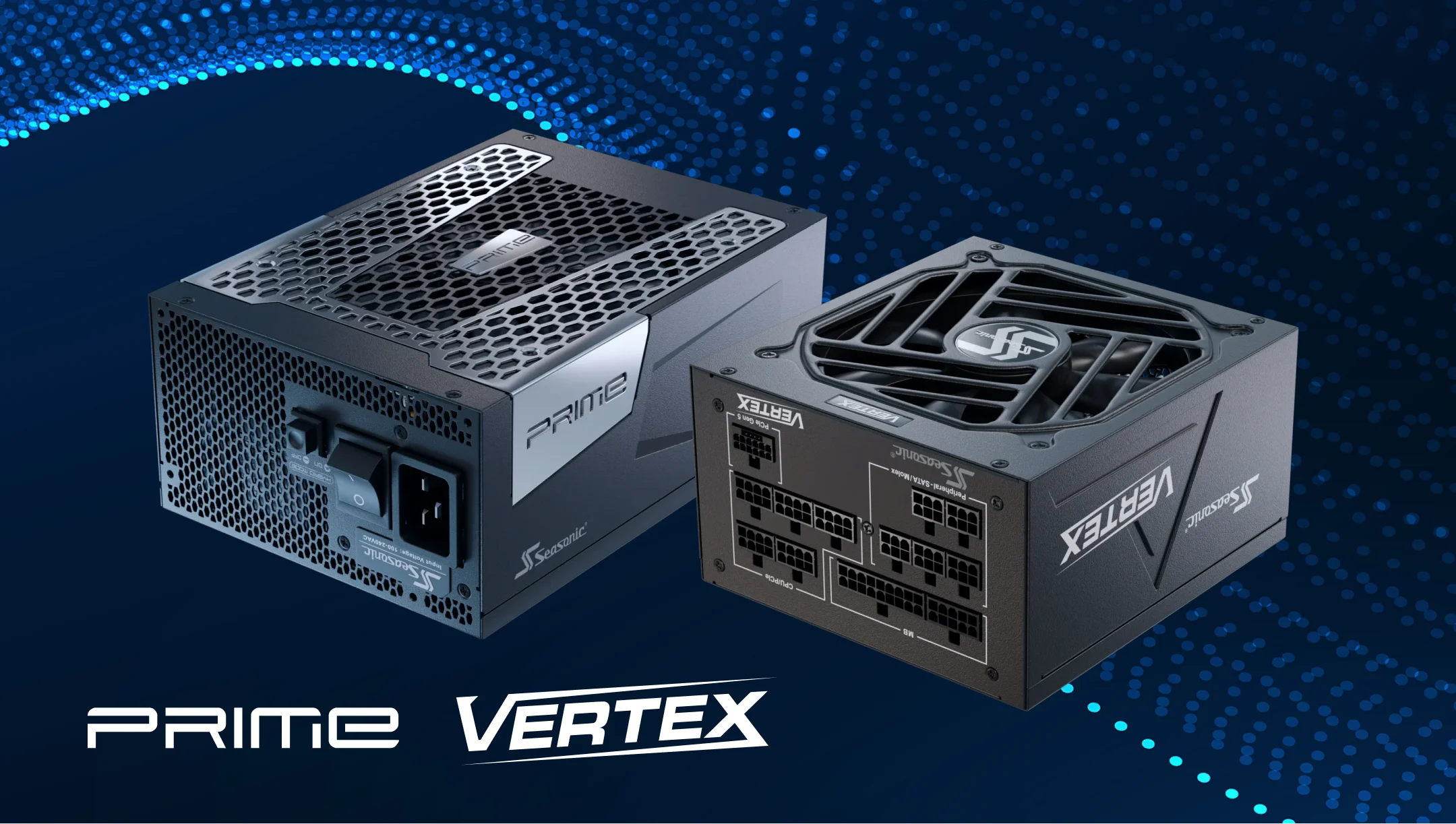
ATX PSU – a standard power supply for most Full Tower and Mid Tower cases. It provides sufficient power for modern gaming or work builds, delivering the most essential features, like a large power reserve on the +12V lines, and supports modular cable connections. The ATX PSU length usually varies from 140 and up to 210 mm, which gives you full freedom to integrate even powerful solutions. For example, a power supply with higher efficiency and 80 PLUS® Platinum/Titanium certification, as in Seasonic models.
SFX PSU – compact power supplies for small Mini Tower or SFF cases where standard ATX won’t fit. Despite their smaller size (typically up to 125 mm), they maintain the same characteristics as an ATX one. They provide high efficiency, modularity, and output line stability, so you can put together a high-performance system in a small form factor.
Power supply depth and its impact on case clearance
Standard ATX PSUs can range in depth from 140 to up to 180 mm, while high-wattage models with additional features sometimes reach 210 mm. If the case has limited space behind the cable channel or front drive cage, a power supply that is too deep may make installation difficult or impossible. This is even more relevant for Mid and Mini Tower cases, where every space part is important. The depth of the PSU also affects cable routing. A wider unit may require additional space for convenient cable management, so consider this as well when comparing a PC case with a PSU for your build.
Cable length, routing space, and connector placement
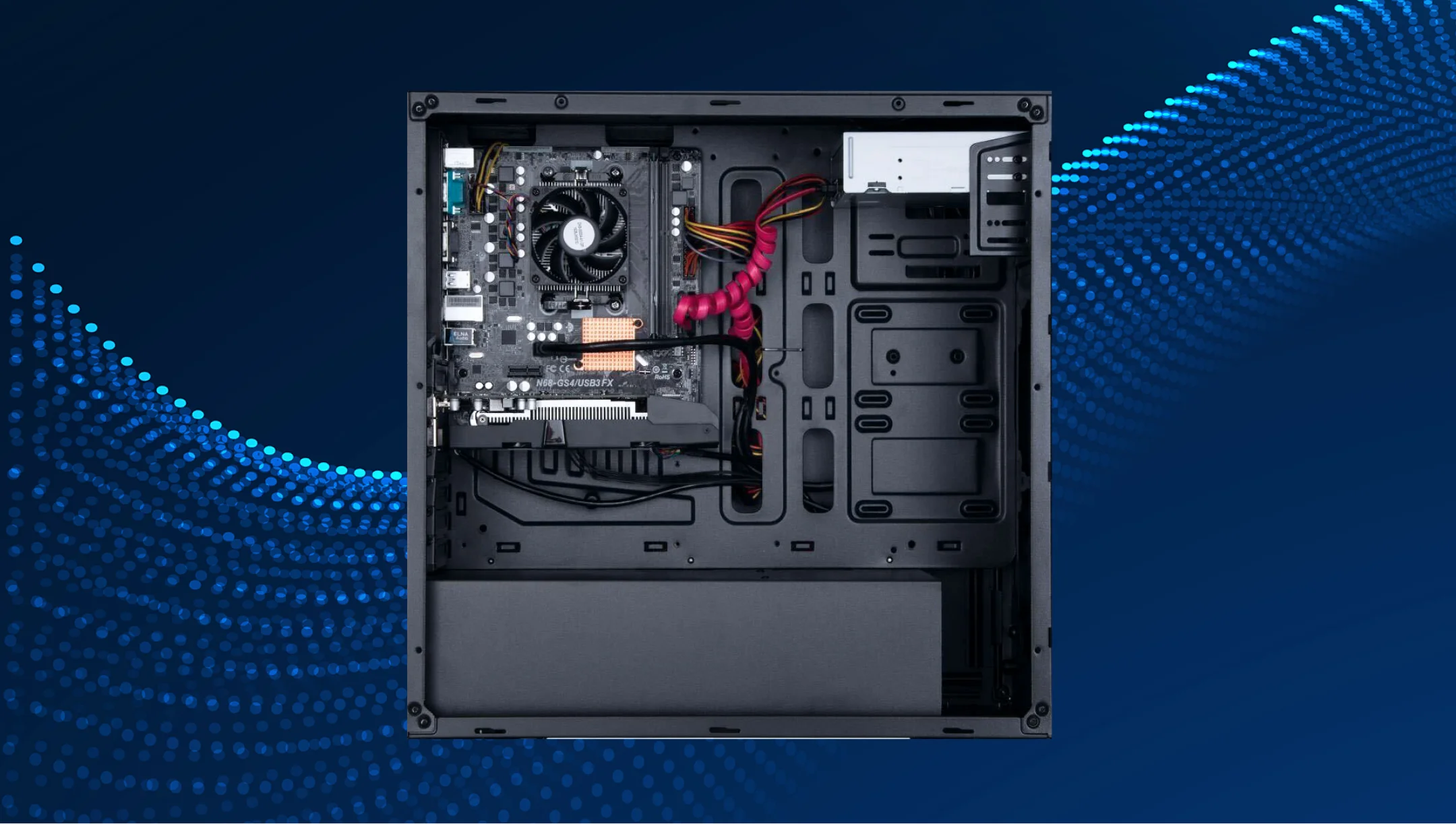
In larger Full Tower and Mid Tower cases, the standard ATX power supply cables’ length is usually suitable for correct installation, even with complex routing. In compact Mini Tower or SFF cases, the requirements are somewhat stricter. Due to the compact design and the requirement for a matching PSU placement. If the cable is too long, it can make installation difficult, cluttering the place in a PC case. But if it’s too short, it also causes challenges – it can make the connection with PC components impossible. To avoid such situations, use fully modular PSUs or shorter cable sets.
If the PSUs are bottom-mounted or there are separate chambers, incorrect cable routing can cause crossings or access issues. Thus, you need a combination of cable length, routing space, and logical connector placement to make a system that’s stable, neat, and durable.
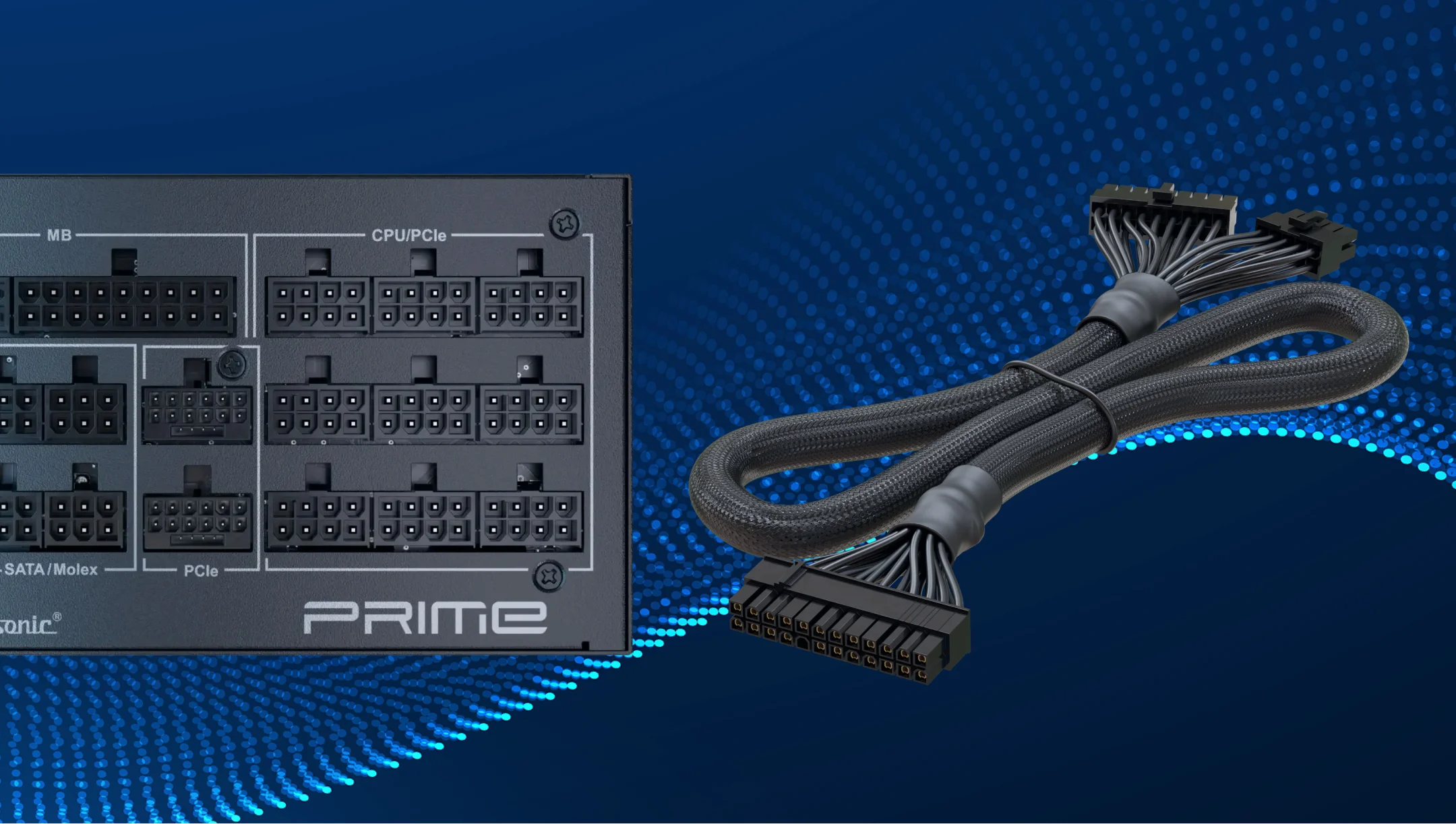
Video card and motherboard clearance: how components affect power supply fit
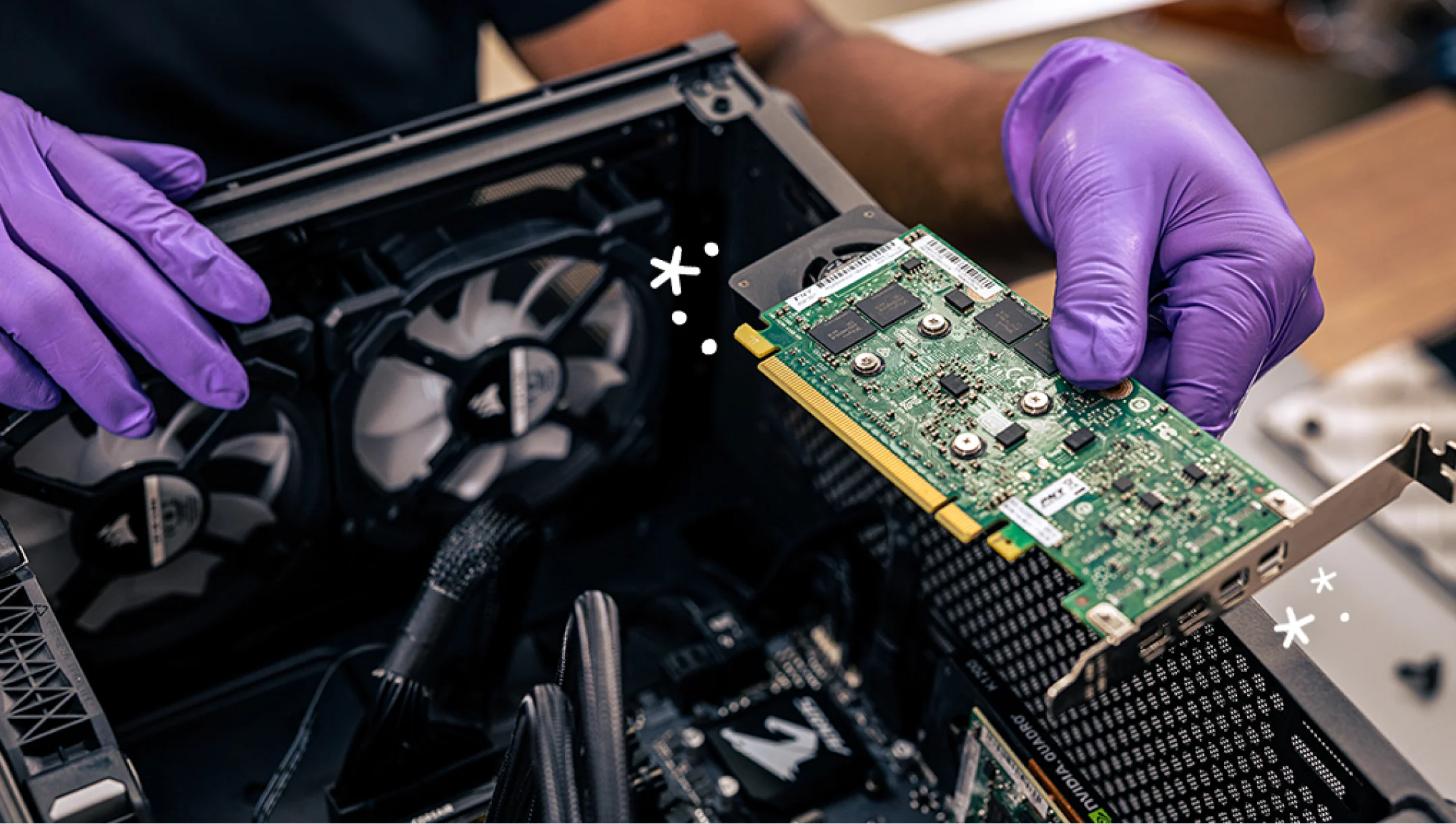
A video card’s location is also important, since it determines how much space is required for proper connection, so cables don’t have to cross the case. Cards with side or top connectors require additional space between the GPU and the power supply cover or cable tray. In cases of limited clearance, this may necessitate the use of shorter cables or a different PSU orientation.
The motherboard form factor directly affects the core ATX connectors placement and, therefore, the cable routing from the power supply. It determines not only the number of expansion slots, but also the location of the main power connectors – 24-pin ATX and CPU EPS. Tight top clearance with EPS connectors requires careful PSU cable routing for proper installation and airflow. That is why power supply compatibility should always be evaluated in the context of the entire system configuration, rather than as a separate component.
Note that some large video cards can significantly limit space around the PSU area for smaller form factor PC cases, making it difficult to connect power cables.
Airflow and ventilation requirements for the power supply area
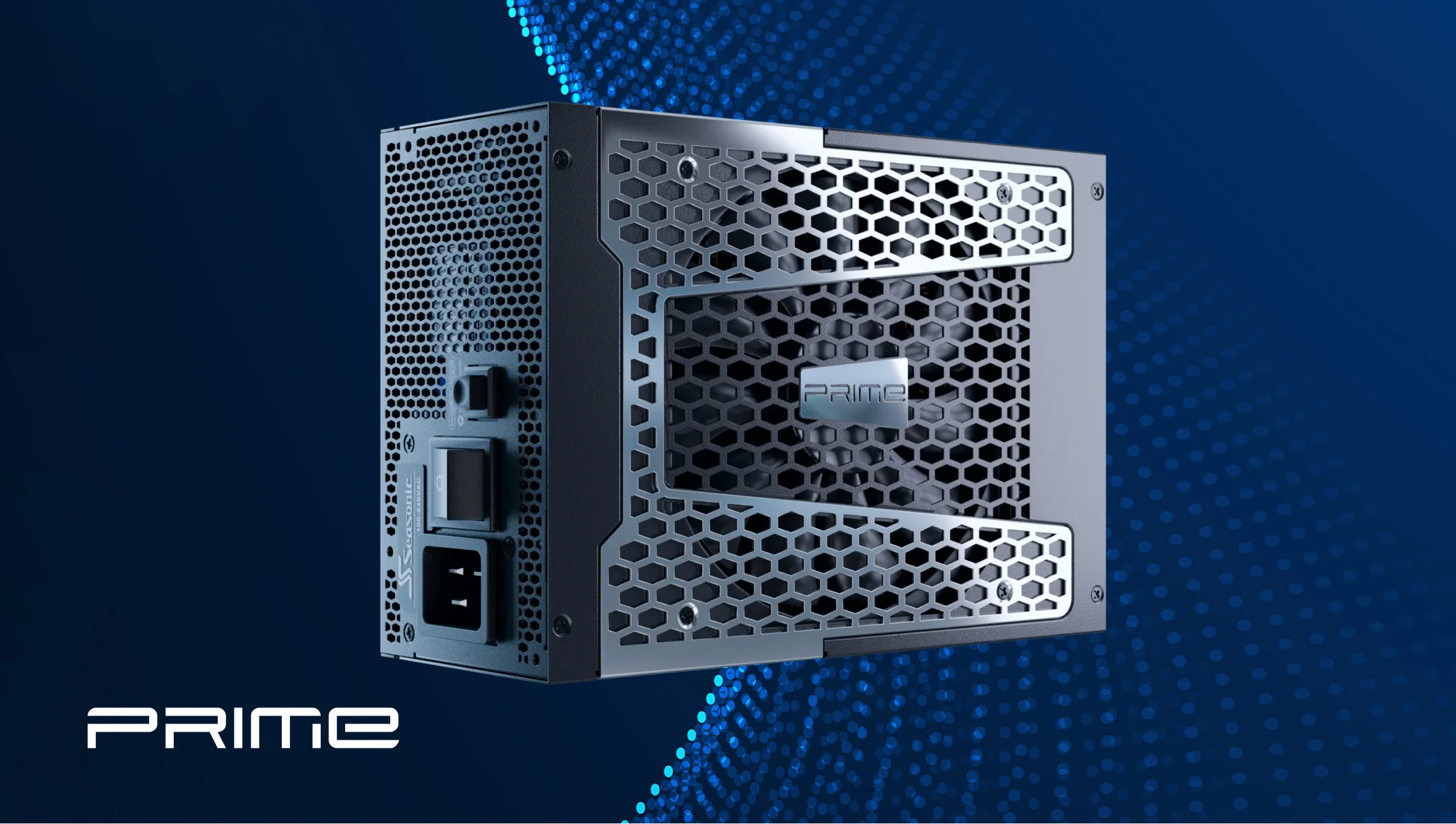
Every PSU needs unobstructed space for cooling, especially in the lower or confined case compartment. Poorly ventilated space increases the temperature inside the power supply, reducing performance, increasing PSU fan noise, and stressing components. For sure, the power supply itself has built-in cooling systems that effectively remove heat from its components. However, since the power supply is inside the PC case, it must also be placed so that heat can dissipate externally. Luckily, modern PC cases have already been designed in such a way that all you need to do is put your power supply in the right place.
To get effective cooling of your setup, check the correct placement of the ventilation holes in the PC case. This basic but important thing will guarantee the optimal path for fresh air intake and hot air removal from other components. It stabilizes PSU performance under load, even in compact cases or systems with powerful GPUs and CPUs.
Mounting locations and brackets: bottom, top, and front power supply layouts
The power supply unit location in the case determines its compatibility with cable routing, ventilation, and other essential components. Its standard location is at the bottom of the PC case, which provides a stable airflow through the bottom fan and an optimal center of gravity for the system. All today’s setups use this approach, so you rarely see power supplies placed at the top of the case.
The choice of mounting position should always be coordinated with the PC power supply size, the cables’ length, and the case cooling system. Once you have assessed these factors, you ensure convenient PSU installation, effective ventilation, and stable component performance.
What do Seasonic experts recommend when choosing a power supply for your case?
We advise considering the core things before choosing a power supply for a specific PC case:
- form factor of the case;
- a power supply depth;
- power supply modularity for optimal cable management;
- available space inside the case for cable routing and ventilation;
- cable length and connector placement to ensure correct connection of all components;
- system power and planned future component upgrades (this will help you choose a power supply with a proper power reserve and high efficiency).
And follow the main rule – choose PSU as a part of the whole setup, not as a separate part of it. Check its compatibility with your case and PC components to get a powerful machine that will perform any power-demanding tasks with stable graphics and smooth reactions.
Conclusion: Ensuring the perfect physical fit for the power supply
Overall, to ensure perfect physical compatibility between the power supply unit and the PC case, evaluate the system comprehensively first. Consider all the factors we have disclosed in the points above and make only the right decisions that affect your setup’s excellent operation.
The correct choice and the PSU placement guarantee convenient assembly, optimal airflow, and stable operation of all components. Moreover, it is a step ahead for your future setup upgrades without limitations and even more opportunities.