
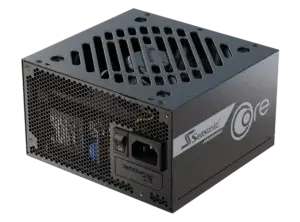
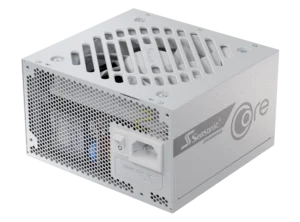
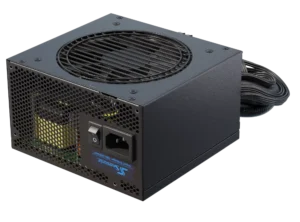
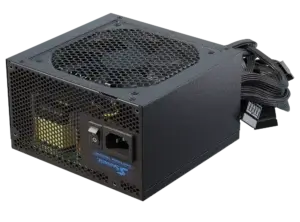
In this article, we explain how to choose the PSU to support stable game sessions and streaming. We also cover the importance of the PSU wattage calculator to find out the exact power needs for your build. Dive into the details and enjoy your gaming sessions with high-performance PSUs.
PSU wattage for the game and streamers’ PC
Gaming PCs and streamer systems always involve high-performance tasks and high loads that the system has to handle. If you want to make sure that everything works smoothly and that PC components are not overloaded, you need a power supply that has good specifications and has enough reserve power.
Below is a list of recommended power ratings that a power supply unit should support, depending on the tasks at hand.
Standard gaming systems
For ordinary gaming builds, 500 W is usually enough, and for high-performance games, at least 700 W will be necessary.
Complex streaming systems
The combination of a powerful CPU and GPUs (for example, RTX 4090) requires a PSU between 850 W and 1000 W. Ultra-professional PC for streaming may require 1200 W or even higher. Take the maximum necessary calculated wattage and look for an appropriate power reserve when selecting the right PSU.
Realistic scenarios
System power consumption can reach 400 W under load, but short power peaks can go much higher. Therefore, the minimum option for a modern PC is 650 W to 750 W, and the optimal power rating would be 850 W and above. To choose the most suitable power supply you need, you need to have a clear vision of your PC’s tasks while gaming, or how much time you plan to spend on streaming tasks, and at what intensity of system usage.
Note that for every one of these cases, it is worth considering an additional 20 % to 30 % extra power reserve, to be on the safe side. This buffer is needed to ensure stable operation or provide the possibility for future hardware upgrades.
Features of PC power supply for gamers and streamers
To ensure that your PSU for PC can handle power-hungry games and a smooth streaming session, it is important to consider its optimal characteristics. This knowledge will help you choose the right power supply for gaming or streaming. Keep in mind the following:
Wattage
For average systems with a single GPU and without overclocking, choose a PSU with a power reserve between 500 W and 700 W. For high-performance PCs with RTX 4090 GPU, Ryzen 9 processor, multiple SSDs, and additional peripherals, choose a more powerful power supply option, with power ranging from at least 850 W to 1000 W. If you have a professional streaming station with multiple GPUs, additional monitors, and other potential loads, your choice of PSU should start at 1200 W and above.
80 PLUS® certification
Choose a power supply with 80 PLUS® Titanium or Platinum certification. This efficiency certification level indicates that the PSU has high efficiency (up to 94 % to 96 %), low heat dissipation, and low energy waste. If you need to run your PC 24/7 and you want it to run in a stable mode, you need to make sure that you have the least possible electricity loss to maximize your savings.
Full modularity
A fully modular power supply allows you to connect only the necessary cables, which improves space organization and airflow inside the PC case.
ATX 3.1 and PCIe 5.1 support
These universal standards are a must feature of the most modern power supplies to support the latest GPUs with a 12V-2×6 connector to provide stable power delivery.
Cooling system and noise
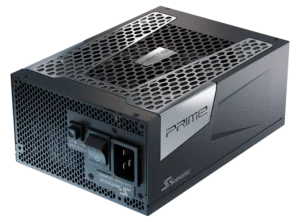
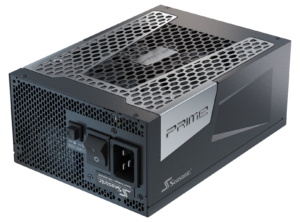
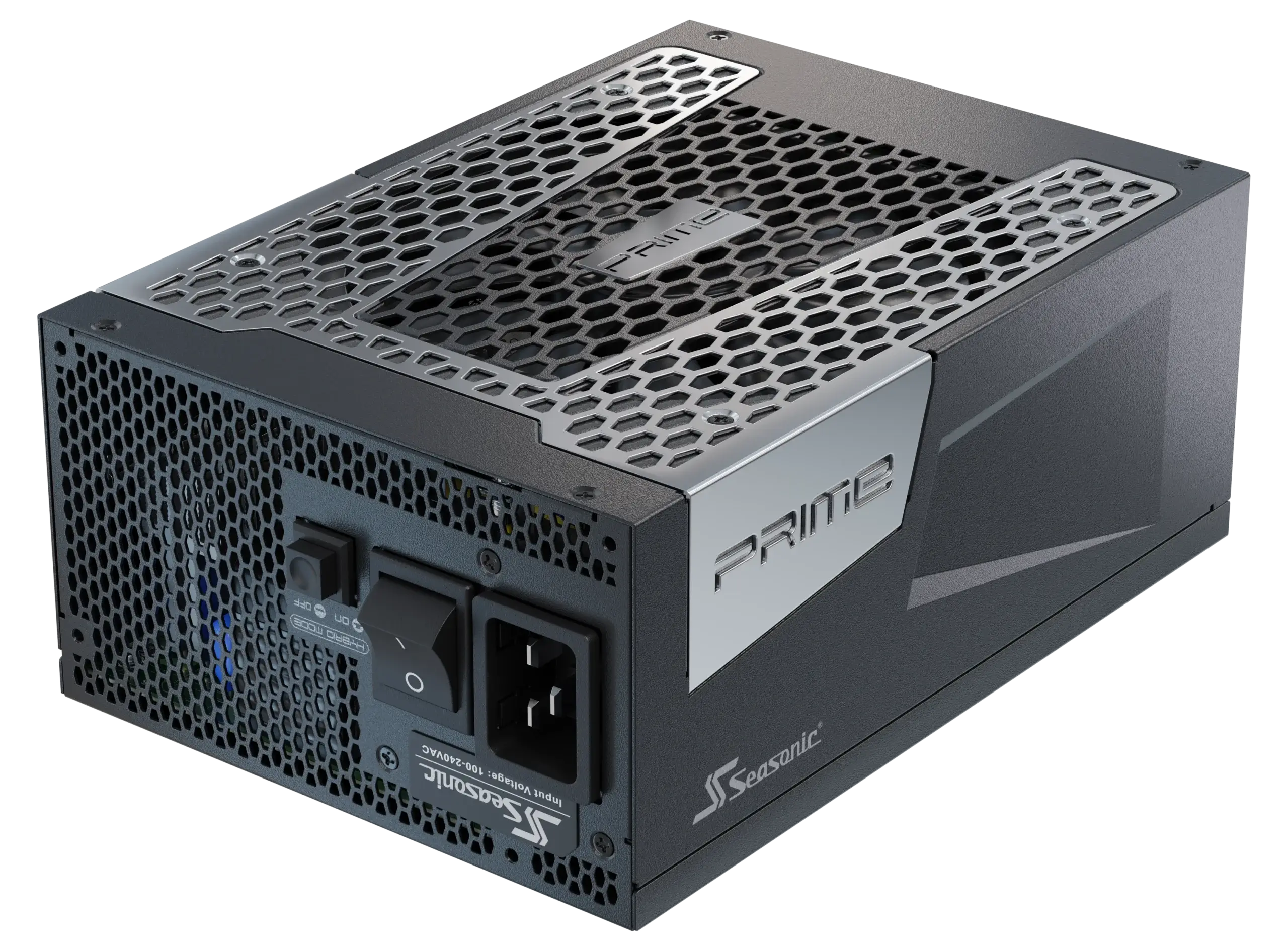
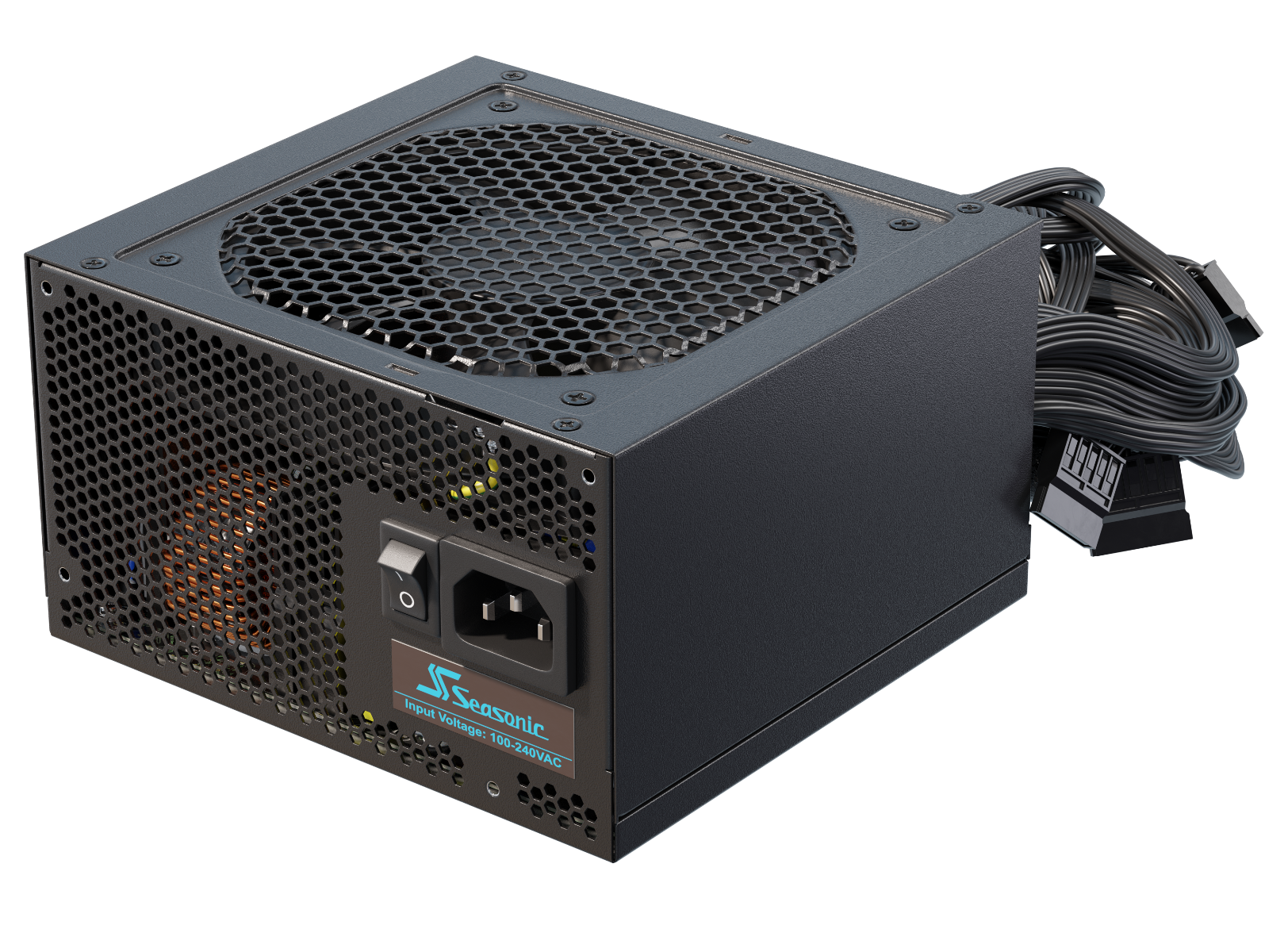
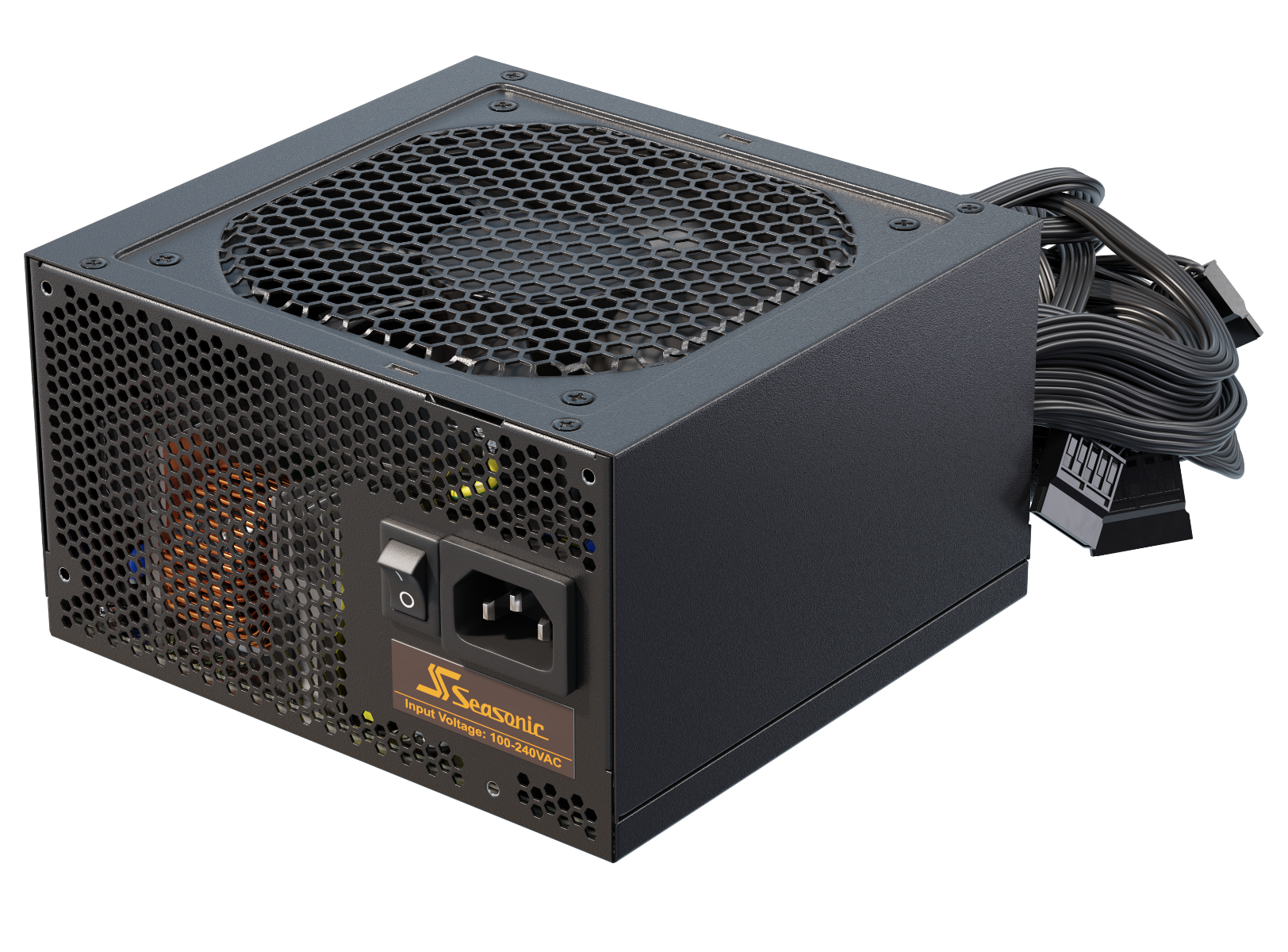
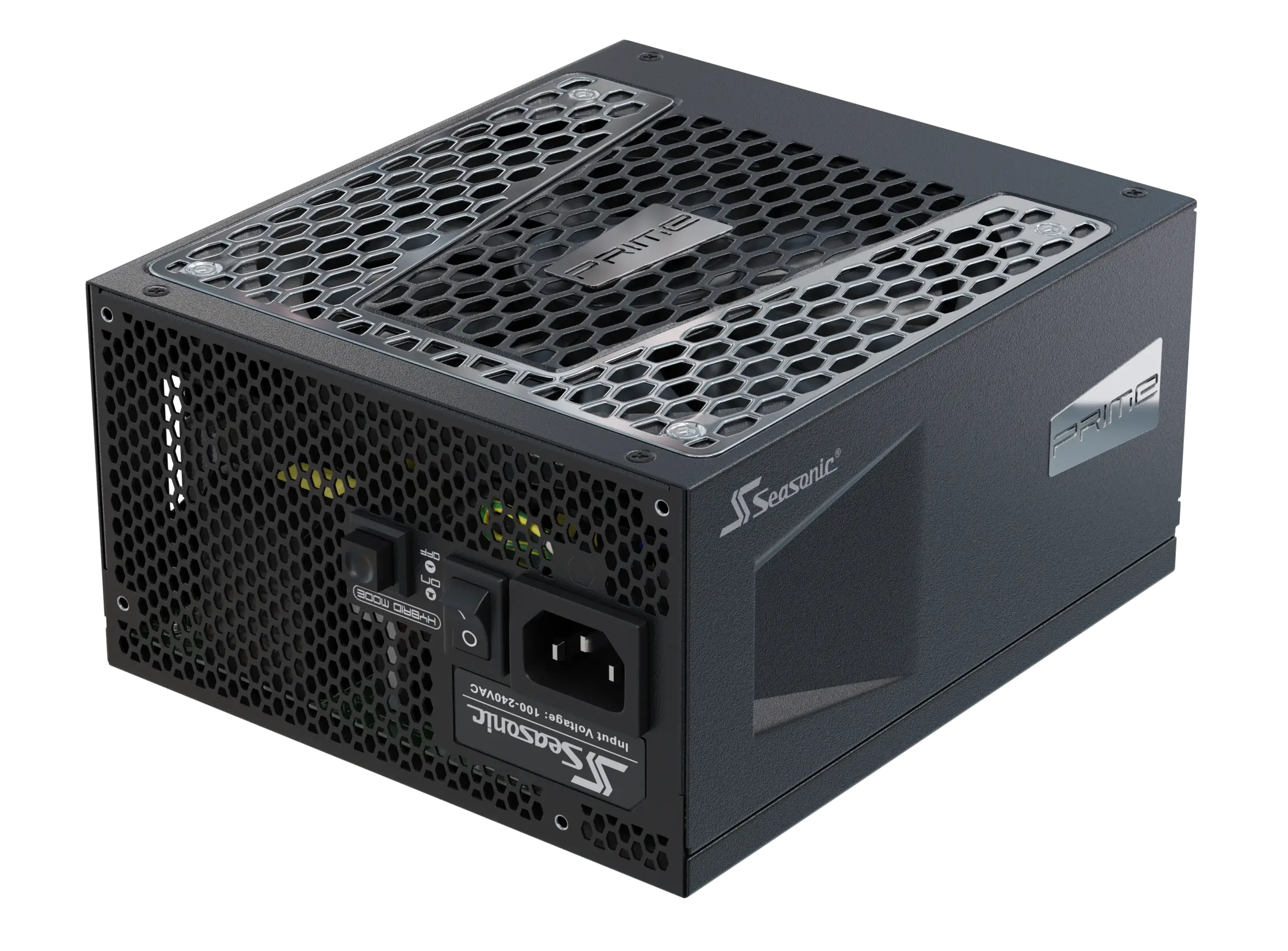
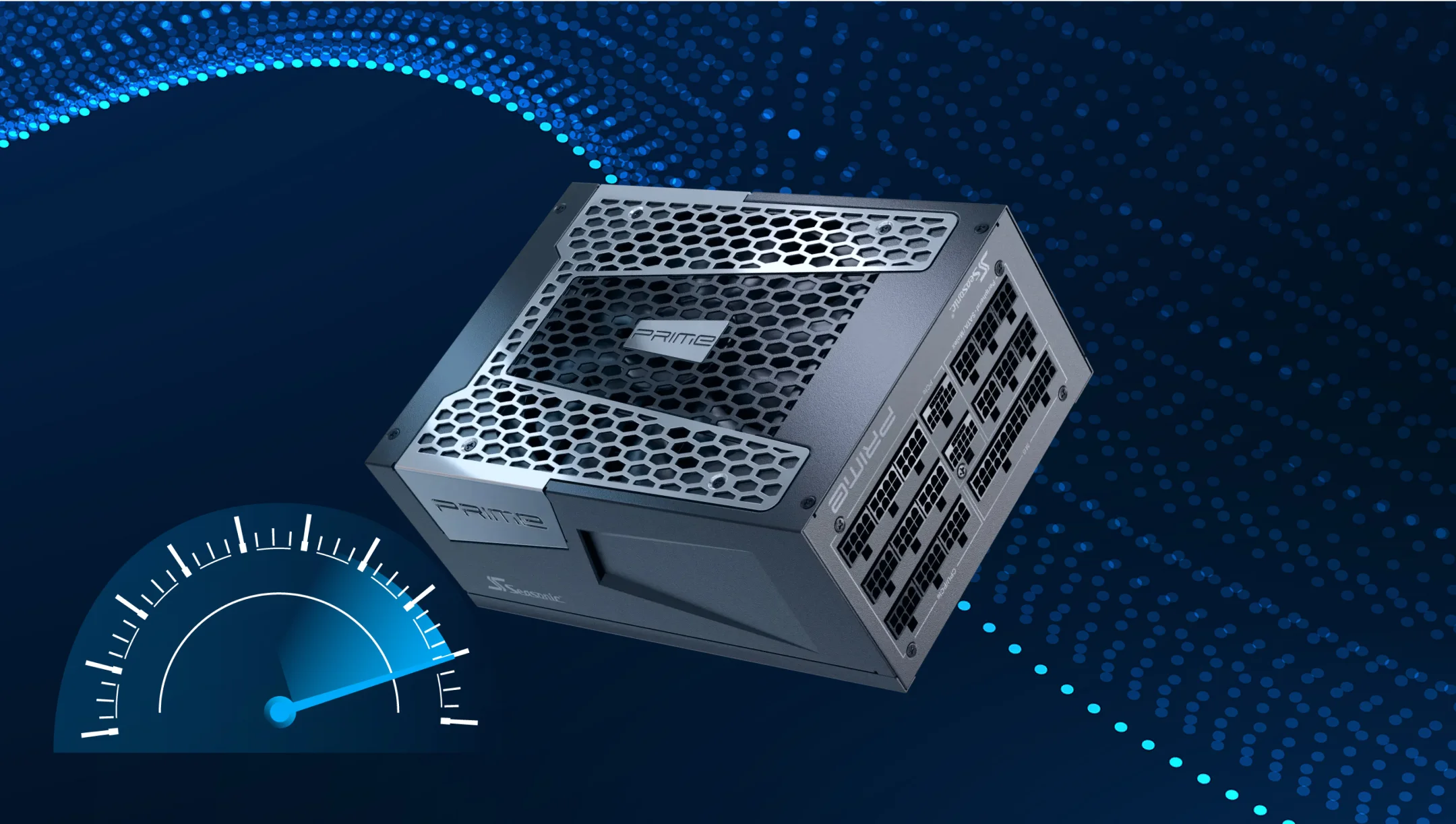
Be sure to investigate power supply technology regarding cooling and noise before selecting the optimal power supply for your build. Since gaming PCs push all components to their limits, the power supply naturally heats up as it is ramping up in performance to keep everything running. To prevent overheating, it is worth choosing a power supply with an effective cooling system in advance. The PRIME series of power supplies from Seasonic supports innovative technology – Hybrid Fan Control, which only activates the fan when the standard preset temperature indicators inside the case are exceeded. In lower load situations, the power supply fan does not turn on, so choosing the right power supply will extend fan longevity and will also ensure quiet PC operation – two key benefits with one advanced technological solution from Seasonic.
Protection and reliability
All Seasonic power supplies support a full set of protections; protection against overvoltage, short circuit, overload, overheating, and more. These safety systems guarantee the smooth operation and longevity of PC components and the power supply itself.
What components consume the most power in a gaming PC?
In modern gaming PCs, the two biggest energy consumers are the GPU and the CPU. Let us delve into some details to explore how to choose the best power supply for your system.
Top-of-the-line models of GPUs consume between 450 watts and 630 watts at peak loads. These peaks are especially noticeable when running resource-intensive games or processing graphics at high resolutions. In other words, the GPU handles the key graphics tasks during gaming sessions.
Multi-core processors add approximately 100 W to 200 W to the total power consumption of the PC. High CPU load is observed during video streaming, rendering, or running multiple applications simultaneously.
Other PC components consume much less energy when compared to the GPU and the CPU. Like components include:
- motherboard,
- RAM,
- storage devices (SSD or HDD),
- cooling system,
- peripheral devices.
Although these PC components do not consume very much power, especially in compact or energy-dependent systems, their contribution to overall energy consumption should still be taken into account.
How does overclocking affect the requirements for a gaming PC power supply?
Overclocking a gaming PC will definitely increase the power demand drawn on the PSU, because increasing clock speeds and voltages will lead to higher energy consumption and also heat dissipation. Overclocking is essentially “accelerating” the computer for greater performance, but it comes at the price of having to account for additional power consumption and cooling requirements. In light of this, we always recommend that those who plan system overclocking choose a PSU with a proper power reserve that matches the parameters calculated for overclocking.
Here is what you need to know when choosing a PSU for an overclocked system:
- Overclocking the CPU or GPU increases their power consumption. For example, increasing the core voltage (overvolting) can increase power consumption by 20 W – 50 W or more, depending on the degree of overclocking.
- Increased power consumption leads to greater heat dissipation. This requires more efficient cooling for the components and the PSU itself.
- For stable overclocking, it is important to have a PSU with high voltage stabilization quality and low ripple. This ensures a stable supply of power to the overclocked components.
What data is needed to use a PC PSU wattage calculator?
To calculate the required power of the PSU for high-performance gaming PCs, first choose a highly accurate online power calculator, such as the one on the Seasonic website, but you can of course use another PC power supply calculator, which provides accurate results and automatically adds a 15 % to 30 % power reserve to its calculation.
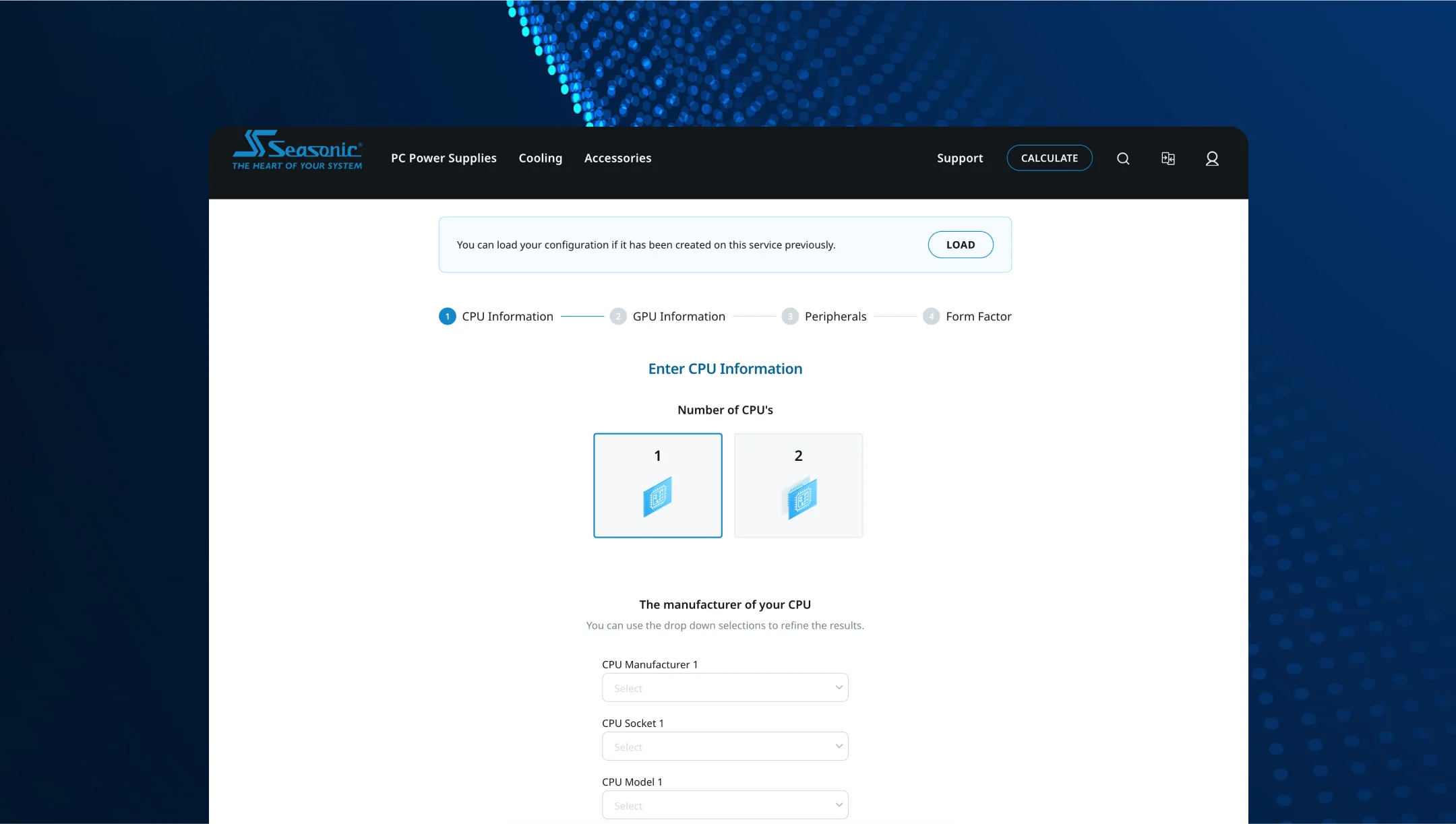
To calculate the necessary power requirement for a system, start by collecting all the required information you will need to input into the calculator. Here is a general list of data you need to know before you start using the Seasonic PSU wattage calculator:
- CPU data – manufacturer name and model, and whether overclocking is planned, as it will increase the initially estimated power consumption.
- GPU data – manufacturer, exact model (for instance, RTX 4090), number of cards to be used.
- Additional components and peripherals – number of SSD/HDD, RAM, fans, and peripherals (USB devices, coolers, etc.).
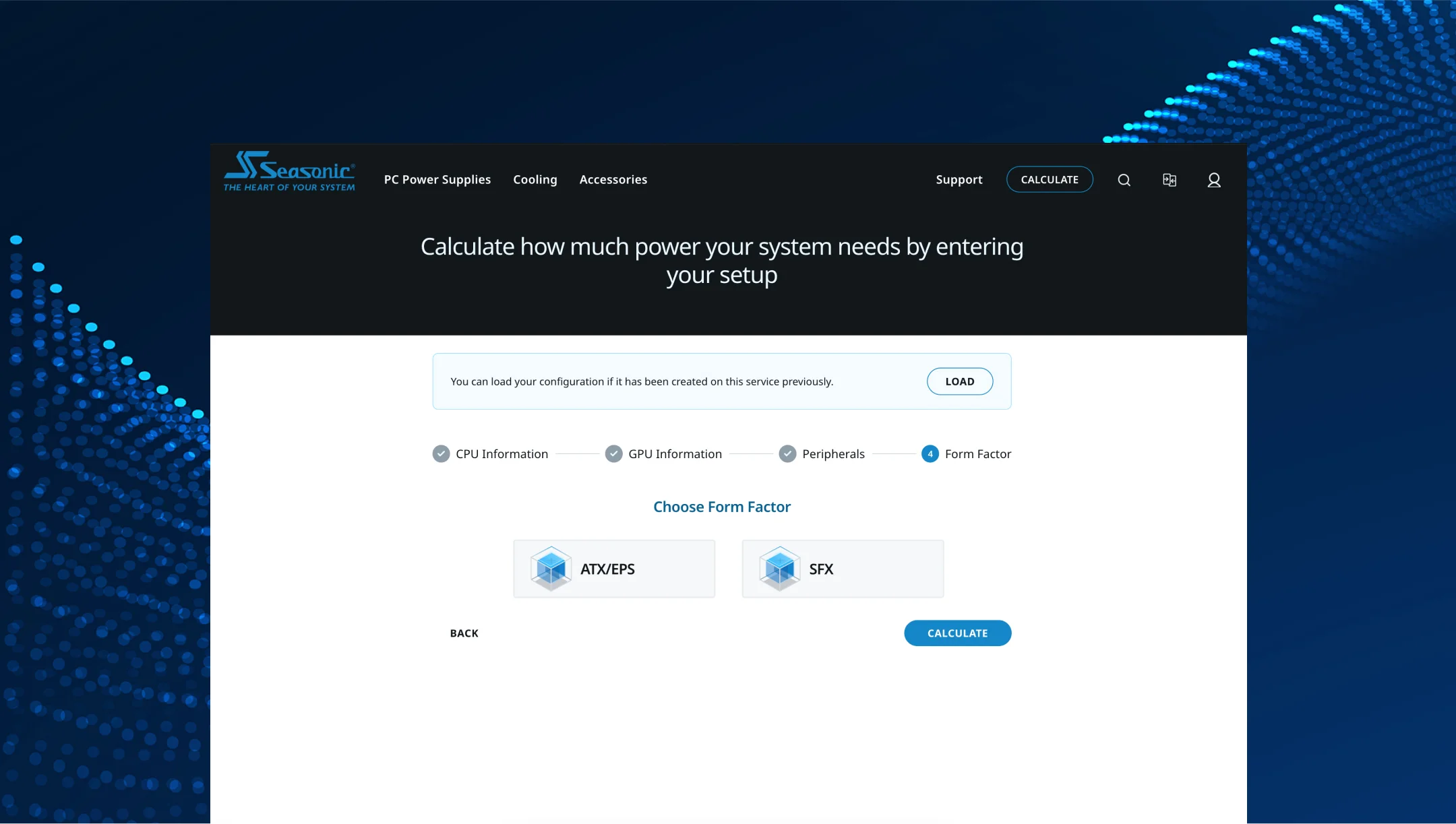
- Case form factor / PSU – ATX, SFX, or SFX-L (this is necessary to recommend the correct power supply size).
PSU calculators work in the following way. First, you enter data about your hardware – CPU, GPU, storage devices, fans, etc. Next, the software calculates the approximate maximum power consumption of all PC components, taking into account potential peak loads. At the end, a margin is added to this calculated value for safe and reliable system operation, and often for future expansion possibilities.
Seasonic’s wattage calculator guides you step-by-step, so you can use it the correct way. The calculator includes a comprehensive and regularly updated database of devices so that you can find yours and calculate the required power, and choose the most reliable Seasonic power supply for your system.
How accurate are online PSU wattage calculators in 2025?
Seasonic’s wattage calculator is considered the most accurate among other calculators on the market today. Its results are usually within a margin of error of about ±10 5 to 15 % on average. Because of its high accuracy, it is a great tool when it comes to making estimates for power supplies for gamers and overclockers.
Obviously, the calculators’ results can vary when using several calculators. This is due to the fact that these calculators have different approaches to calculations, and they also use different component databases. Due to these potential differences, PC enthusiasts advise using several calculators and taking the average of the calculated values, plus adding a margin of 20 % 30 % extra power to the resulting value to be on the safe side.
With the Seasonic calculator, you do not need to use any extra calculations or look for additional calculators. According to user feedback and based on their data, the Seasonic power supply calculator gets very close to the true power required for running the PC smoothly over a long period of time.
In conclusion, online PSU calculators in 2025 are very convenient for power calculations, and they will help you choose the most productive and reliable power supply for gamers and overclockers. We recommend using the Seasonic power supply calculator as the most reliable tool to choose the right power supply for your build.
What safety margin do experts recommend when using PSU wattage calculators?
A common tip that always works when choosing a power supply for long-term usage is to add 20 % to 30 % extra to the calculated total power, based on the performance of the components. This extra buffer will give you room to account for peak loads, energy losses, and future system upgrades. In other words, it is an essential indicator in case you plan to upgrade your gaming PC with more powerful components or if you decide later to overclock it.
You will get the utmost reliability from your PC when you account for a power reserve, and it also means that you will not have to buy a new PSU when you want to keep up with improving technology and upgrade your PC’s components to higher-power consumption hardware. Account for these potential purchases well ahead of time and choose a PSU that will always provide reliable support while you play, stream, or use your PC to its full potential.
It is worth noting that some experts recommend increasing this power buffer reserve to an ever higher value, between 30 % and 40 %, for maximum reliability. They argue that the additional reserve ensures that the PSU operates in the optimal load range and guarantees the best possible efficiency, higher stability, less heat generation, and increased longevity.
Some PC experts on Reddit recommend running a PSU at a load between 40 % and 60 % of its rated power. They believe that this is the range in which devices operate the most efficiently.
Which PSU models are best for high-performance gaming and streaming?
At Seasonic, we have the right power supply that fits all of today’s gaming and streaming systems’ power needs. Our advice is to choose from the following outstanding power supplies:
PRIME Series
- Seasonic PRIME TX-1000 – the flagship model with 80 PLUS® Titanium efficiency, full modularity, and flexible fan control. Highly recommended by reviewers as one of the best options for gaming. The big bonus is a 12-year warranty from Seasonic, guaranteeing long service life for the PSU and PC altogether.
- Seasonic PRIME TX-1600 Noctua Edition – the top choice for extreme multi-GPU systems. It stands out from the rest thanks to the Noctua NF-A12x25 120 mm fan, which ensures maximum quiet operation, supports ATX 3.1 compatibility, and demonstrates a premium design.
VERTEX Series
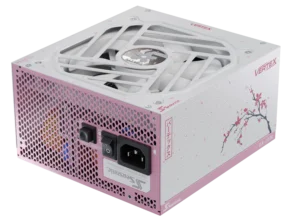
- VERTEX PX models (ATX 3.1, PCIe 5.1) – these units support systems with the latest graphics cards (RTX 50); they are stable, modern, and come with the proper cables.
FOCUS Series
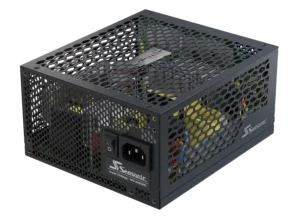
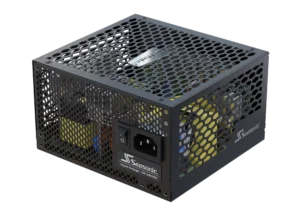
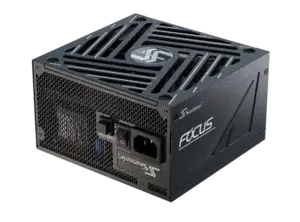
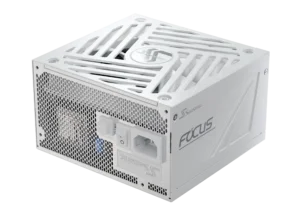
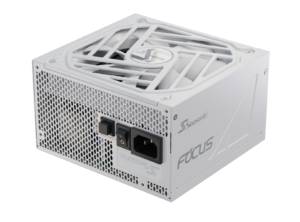
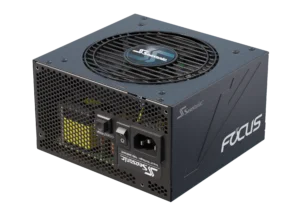
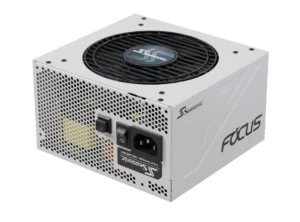
- FOCUS GX ATX 3.1 models – an efficient PSU for high-performance gaming systems from 750 W and above with ATX 3.1 compliance. Stable, quiet, and convenient for custom building due to its full modularity.
Conclusions
Gaming PCs and streaming systems are the “heavy artillery” of the computer world. They require powerful processors, graphics cards, and cooling to run next-gen games and broadcasts in high quality without any glitches.
For all hardware to work stably, the power supply unit plays a key role. The power supply is the heart of your system, making sure that all hardware gets quality power at all times. In all system configurations, the PSU must always supply sufficient power (including some power reserve), high-quality power, and modern protection features. A top power supply will be 80 PLUS® Platinum or Titanium certified for high efficiency operation. The noise level during gaming or streaming is also important. Therefore, choose a power supply that features hybrid fan control or fully passive fan mode.
PSU wattage for game sessions and streaming is very important when choosing the optimal power supply, as this factor directly affects the overall PC productivity and longevity of its components. High-productivity gaming workstations usually include expensive parts. Therefore, protecting your investment will mean that you will need a reliable power supply with the correct power rating. To know how much power exactly your PC build need – use the Seasonic PC power supply calculator to choose a perfect power supply that fits you best.