

AI workloads max out computers in a different way than games do. That’s why PSUs get pushed so hard in such power-demanding configurations. Learn what the main difference is between AI workstations and gaming PCs’ power needs and what’s causing it.
What is an AI workstation?
An AI workstation is a specialized, highly productive setup, optimized for power-demanding tasks such as machine learning and deep learning workloads, including training neural networks, fine-tuning, and inference. Unlike standard PC setups or gaming rigs, an AI workstation is designed specifically for sustained computational workloads. Their work principle is based on different approaches than universal systems, as a tool that is designed for specific computational workloads, the key role is played not by the CPU but by graphics accelerators.
If we are looking under the AI workstation hood, we can see one or several GPUs with a large memory volume, since they are lifting all the operations connected with ML models processing. Additionally, these systems have more RAM, support multi-card configurations, and are designed to operate continuously 24/7.
That’s the main reason why AI workstations require higher-capacity and more robust power supplies, as well as enhanced cooling systems compared to classic desktops.
How is an AI workstation different from a gaming PC?
These two systems almost equally require stable and efficient powering, as their tasks are totally unlike basic office chores. However, they also have some otherness in terms of technical specifications. Here is a list of the main differences between AI workstations and a gaming PC.
- Purpose. A professional AI workstation is designed to handle large-scale computational tasks. It runs neural network training, ML process, and big volume tasks to learn AI to recognize and perform new-gen operations. A gaming PC is optimized for high frame rates and graphics in games. Basically, the game must support two core things – no laggy graphics and instant reaction to your clicks.
- GPU. AI workstation build use professional GPUs with large VRAM (24–96+ GB), often in multi-GPU configurations. Gaming PCs use gaming GPUs with 8–24 GB of VRAM. AI tasks are much more heavy-duty than gaming ones.
- RAM. An AI workstation requires 128–512 GB or more to handle large datasets, while a gaming PC typically has 16–64 GB.
- CPU. In an AI workstation, the CPU is important for data preprocessing, but it does not bear the main workload. In a gaming PC, the CPU plays a key role and is critical for gaming.
- Storage. High-speed, high-capacity NVMe SSDs for data processing in AI workstations. Gaming PCs are often limited to games and the OS.
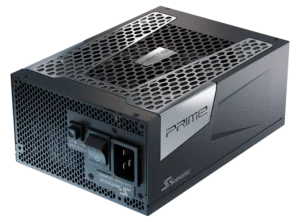
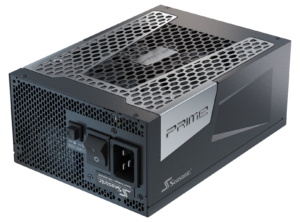
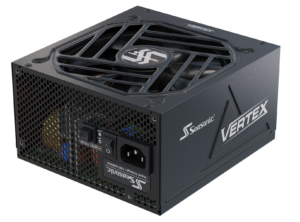
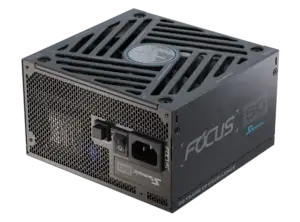
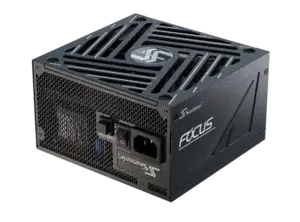
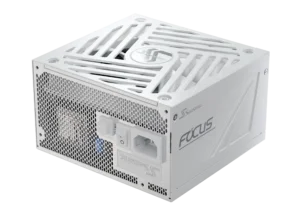
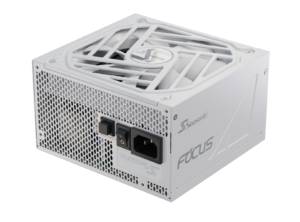
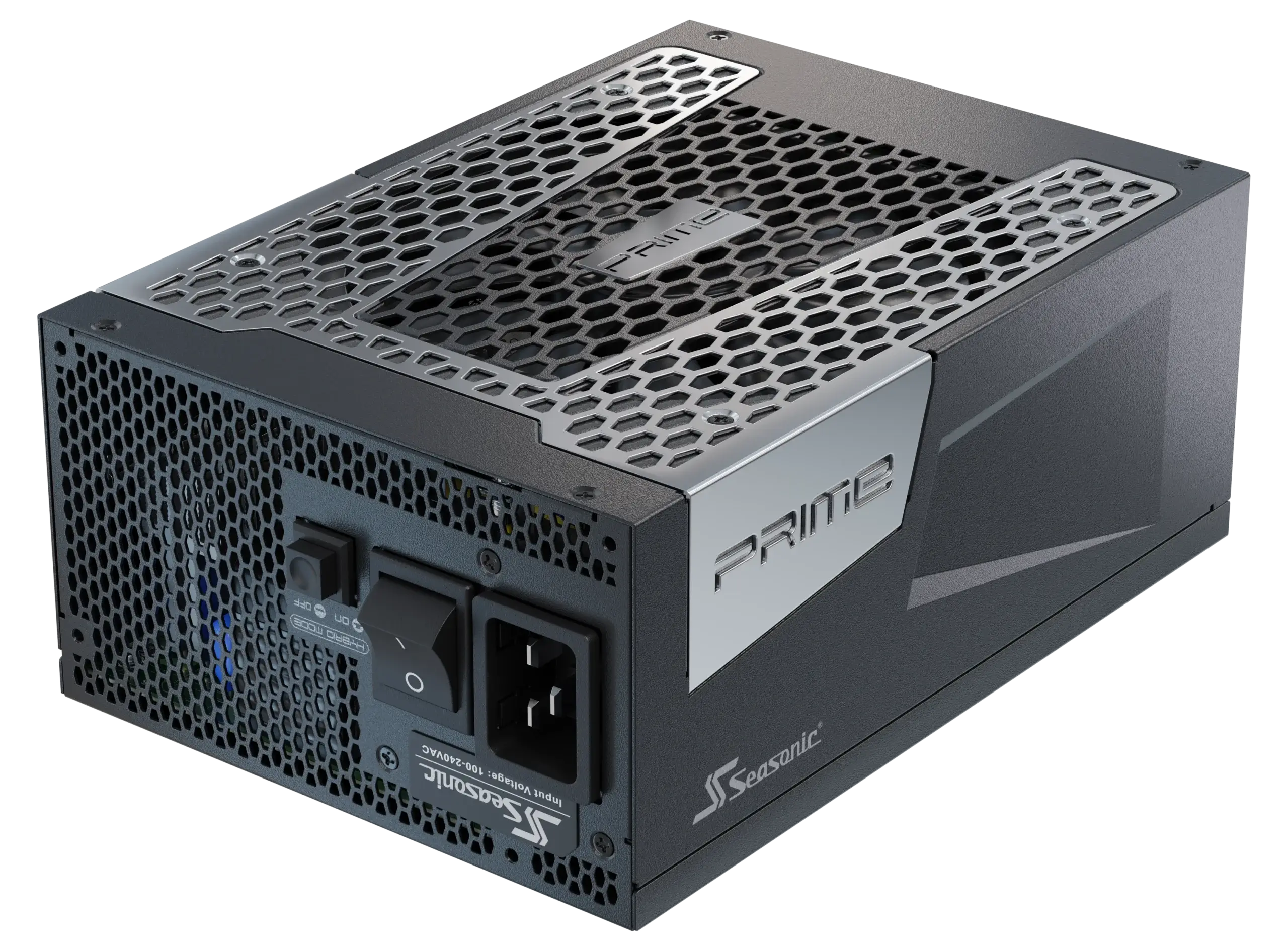
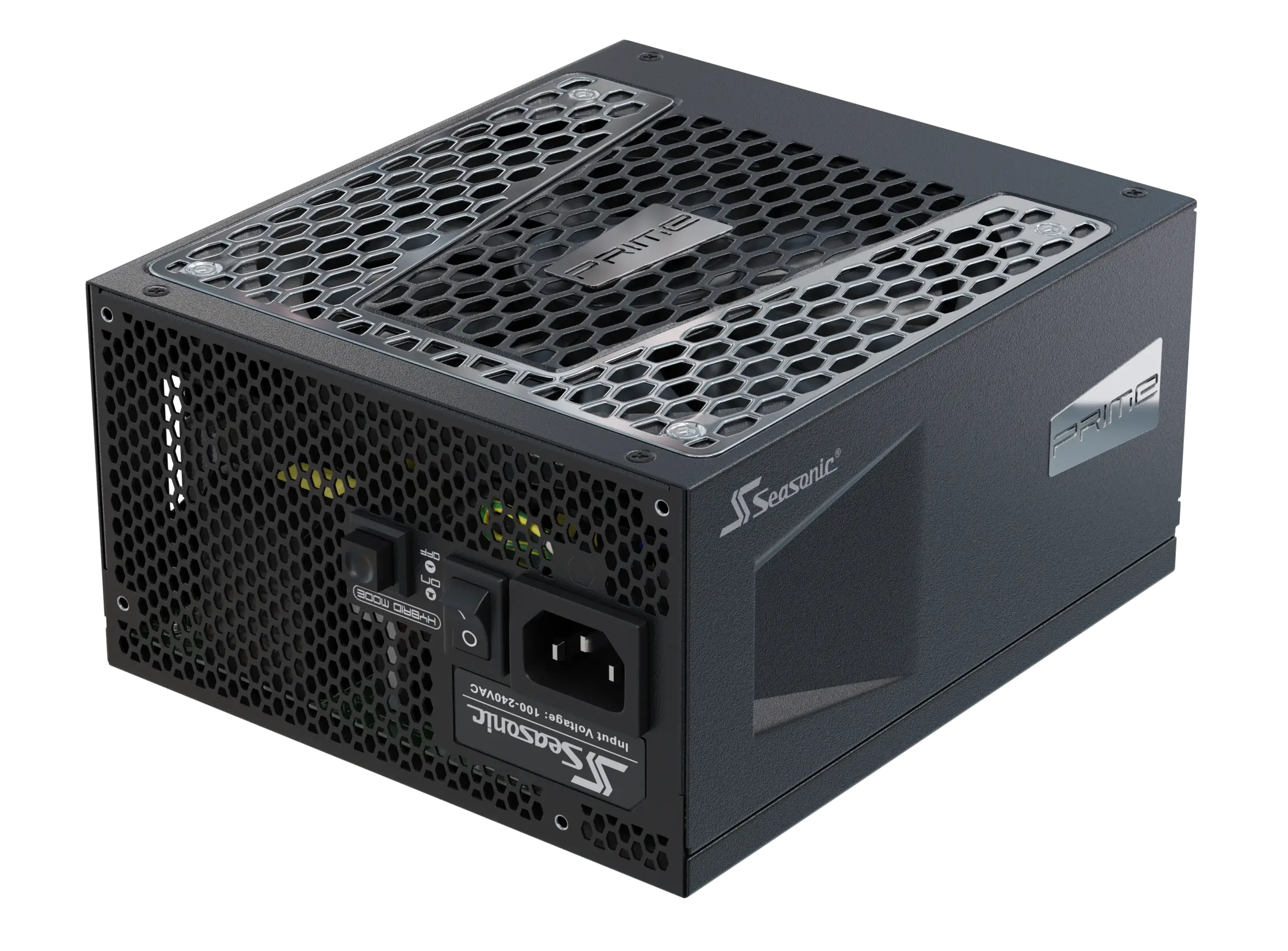
- Power supply requirements. There are no compromises in power capacity when it comes to powering an AI workstation. They require a stable and powerful PSU, with high 80 PLUS® Platinum/Titanium efficiency, capable of running 24/7 under heavy load. For example, the Seasonic PRIME PSU series. Gaming rigs may need the same level of efficiency, but also can handle even extreme games with lower power requirements.
- Cooling system. AI workstations often feature industrial-grade cooling for GPUs and CPUs, as the load on a system is constant. Gaming PCs, in turn, are cooled by short bursts of high FPS.
Why do high-end AI workstations need more power?
As we mentioned before, AI workstations are designed for sustained high-load operation with a high duty cycle, meaning components often run near maximum capacity for extended periods.
First, the last-gen AI workstations are equipped with several professional GPUs, each consuming 300W to 600W, depending on the model. During peak computing periods, the volume of energy consumption can rise dramatically. As a key computing unit for training neural networks that operates continuously 24/7, a GPU calls for a strong, dependable power supply, with no compromises.
Then, multiple GPUs and high-performance AI processors with numerous cores put a strain on the power supply, particularly when processing large datasets with RAM and SSDs. Furthermore, high power requirements are associated with industrial-grade cooling systems that maintain optimal temperatures during intensive computing.
And that’s the reason why Seasonic PRIME Series power supplies are becoming a benchmark for AI workstation operations. They provide a stable output, low ripple, high efficiency (typically above 92% for Platinum/Titanium models under load), and reliable operation under heavy loads over extended periods. A reliable power supply ensures that the system will run smoothly and that the GPU and CPU deliver peak performance without heat or power problems.
How AI training workloads stress power supplies
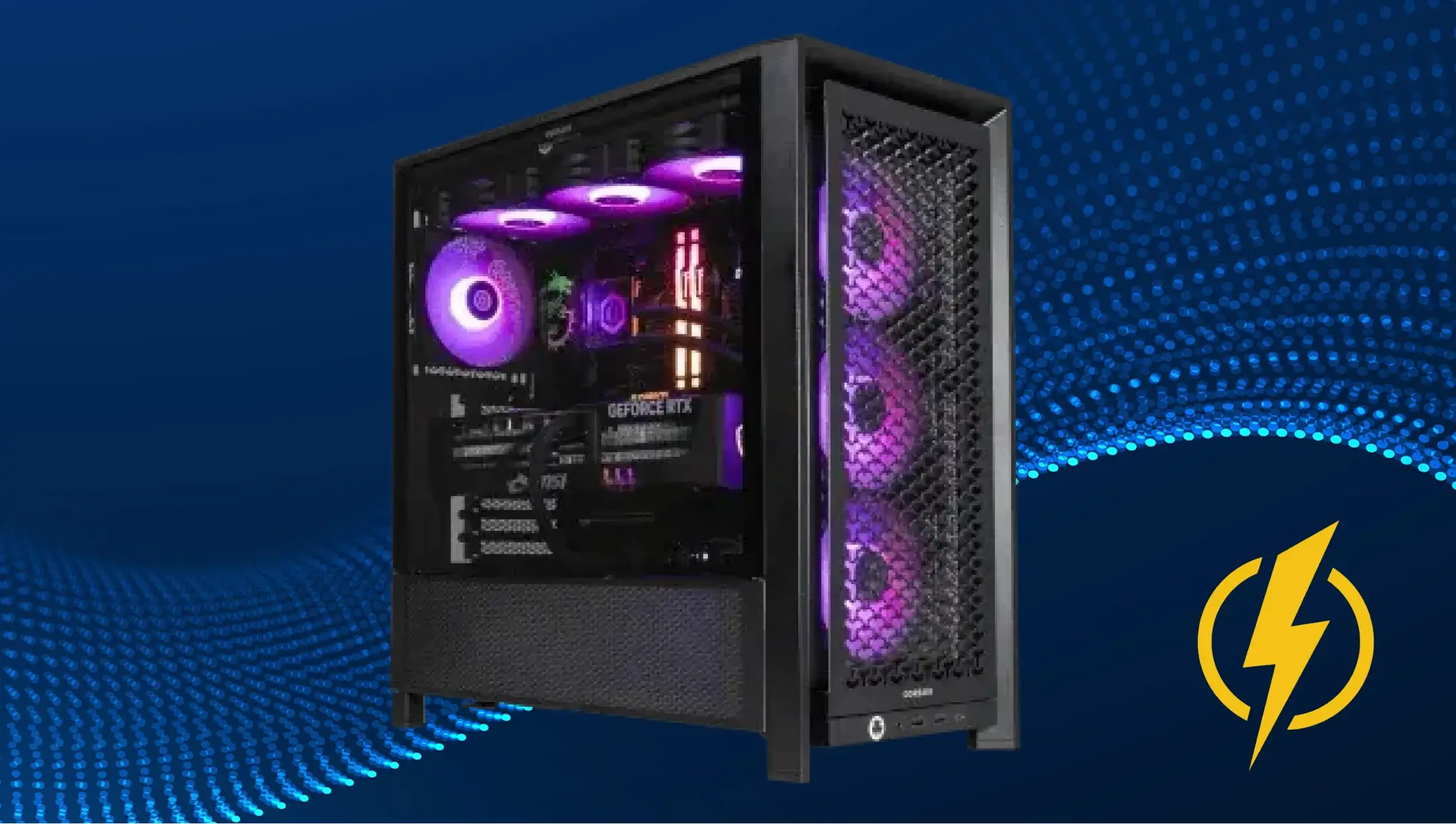
AI training is a real marathon for power supplies with consistently high average power draw over long durations. Unlike the gaming rigs, where game sessions seem like sprints with short-term power jumps.
The Artificial Intelligence training causes a constant and heavy workload on the power supply. Let’s imagine the process. Just say you have an AI workstation with two high-end NVIDIA RTX 6000 GPUs. Each of them consumes around 300W–350W at peak load, another 150W–200W from the AI processor with 16–32 cores. If the power supply is unstable, even quick voltage jumps can slow things down or reboot your system.
Another example is when an AI workstation is processing large datasets. What’s going on under this scenario? The system constantly reads from and writes to the NVMe SSD and actively uses all of the RAM. This causes fluctuations in the load on all power lines. Compared to gaming setups, where short spikes in power consumption last only a few seconds during graphically intensive scenes, in an AI station, these spikes can last for hours or even days, proving the need for a rock-solid, efficient PSU.
Power supply stress when running multiple GPUs
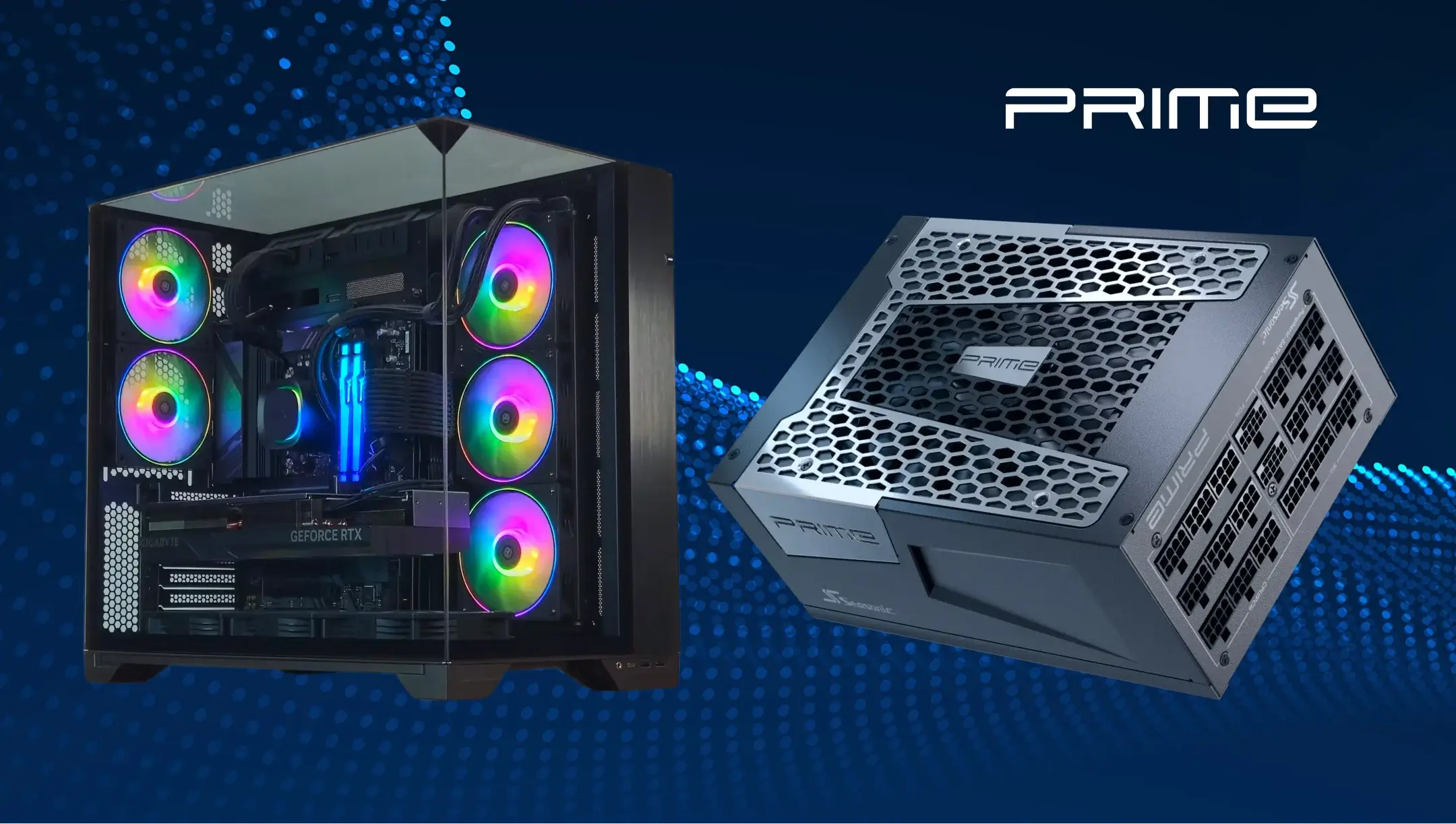
When an AI workstation leverages multiple GPUs at once, the total system load increases significantly. Power scaling is generally linear with the addition of GPUs. This means a PSU takes on an extremely rapid increase in load with each new GPU added. In real-world use, it looks like this: while one GPU draws a set amount of power, adding a second doesn’t just double it – it also stresses the PSU even more, since all components and power lines are running at full tilt at the same time.
Every GPU requires a stable voltage on its power lines during intensive AI tasks. If the voltage spikes or drops occur, the GPU’s performance will decline, and training may stop. So, an underpowered or low-quality PSU can lead to unstable GPU performance, system reboots, or even component damage.
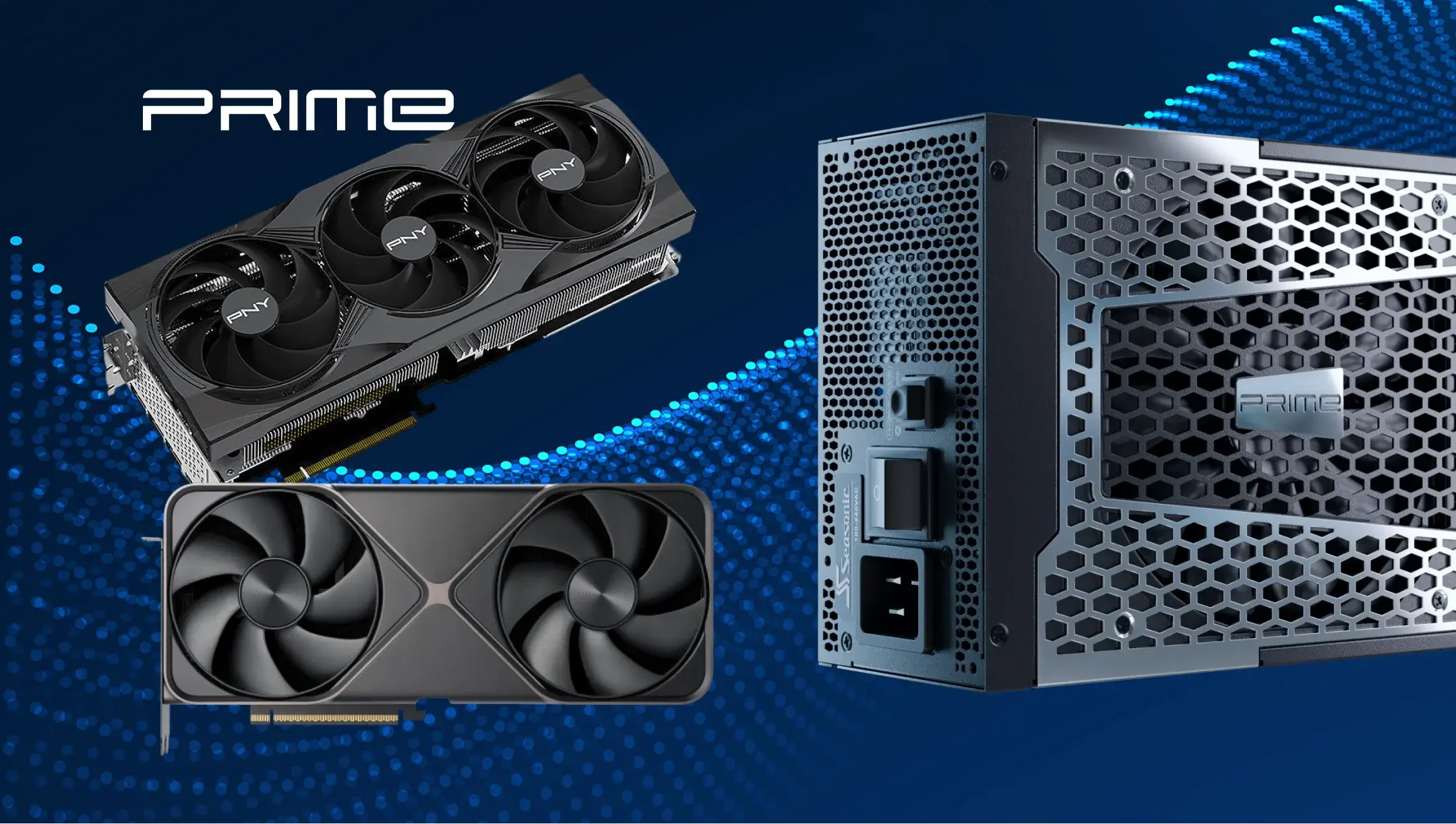
Power stability and voltage regulation in AI computing
Power stability and voltage regulation are two towers that hold AI computing up. The high demand comes from how the AI workstation works – both the GPU and CPU are running at full tilt under a constant load. So even a minor voltage spike or drop, just for a few seconds, can cause training failures, system reboots, or damaged components.
That’s why professional AI workstations use high-end power supplies, such as Seasonic PRIME models, which provide:
- precise voltage regulation under load,
- low voltage ripple,
- efficiency exceeding 90% even under heavy load,
- long-term 24/7 operation without degradation.
Complex tasks require smart solutions, like high-end power supplies that withstand AI workstations’ loads and are capable of operating around the clock while you create new neuron connections to learn Artificial Intelligence to handle new tasks.
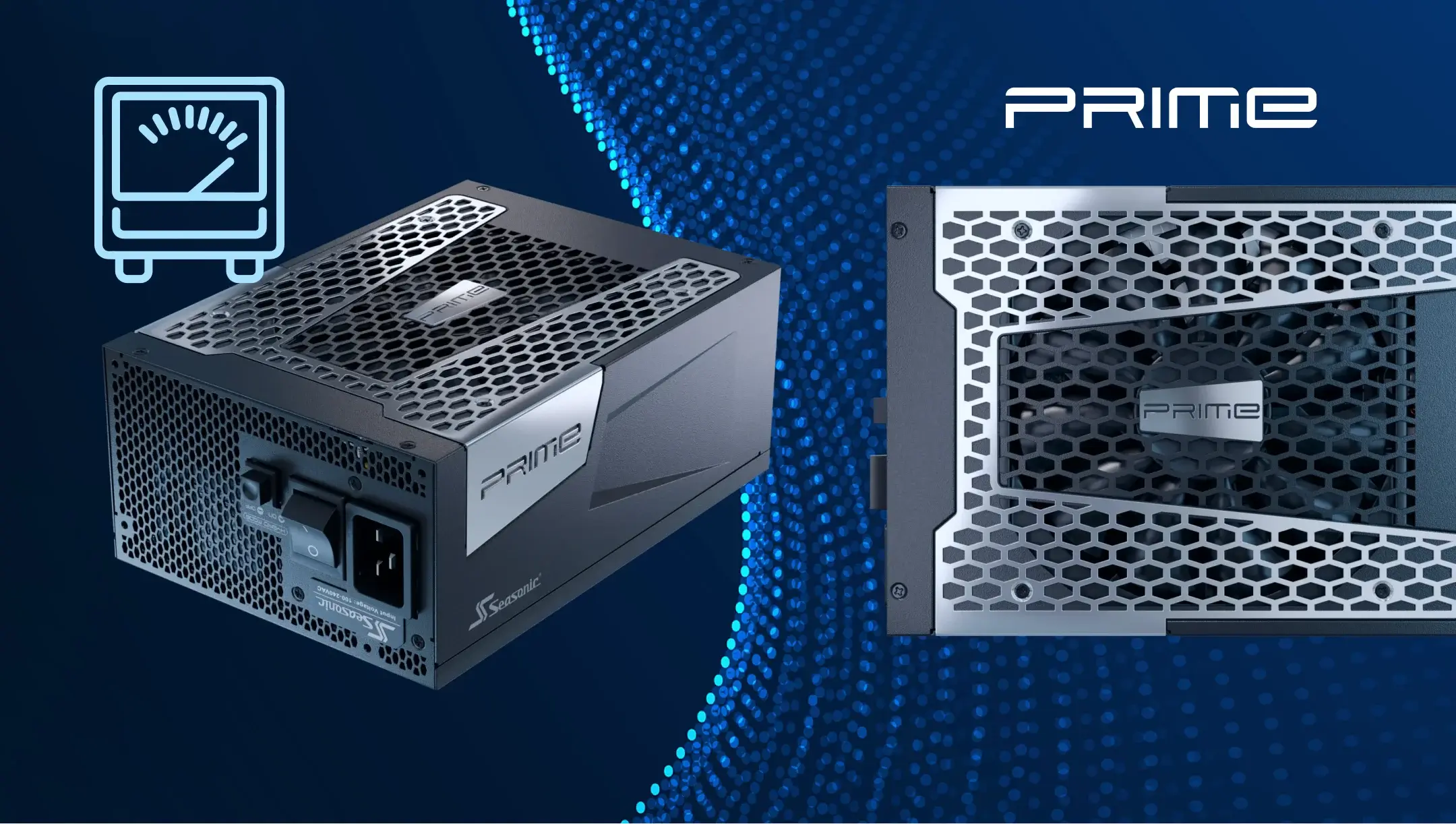
Power supply issues in AI systems: thermal stress and long-term operation
During non-stop performance, every piece of equipment can break down. The common power supply issues, accounting for thermal stress and long-term operation, include:
- Increased thermal load. AI workstations operate 24/7 under extremely heavy GPU and CPU loads. Power supply components heat up a lot, reducing efficiency and shortening the unit’s lifespan. Sure, it has a built-in cooling system, but even it may not handle the extreme load during a few days of non-stop operation. In this case, opt for the most powerful ones that can push out sufficient power for a highly charged AI workstation.
- Loss of voltage stability. Due to prolonged peak power consumption and temperature fluctuations, the PSU might deliver shaky power, hurting the GPU, CPU, and memory.
- Fan noise and degradation. Continuous operation at high power levels leads to fan wear and increased noise.
- Risk of failure during prolonged loads. A low-quality PSU may fail during prolonged power spikes or in multi-GPU configurations. The outcome is predictable – reboots or component damage.
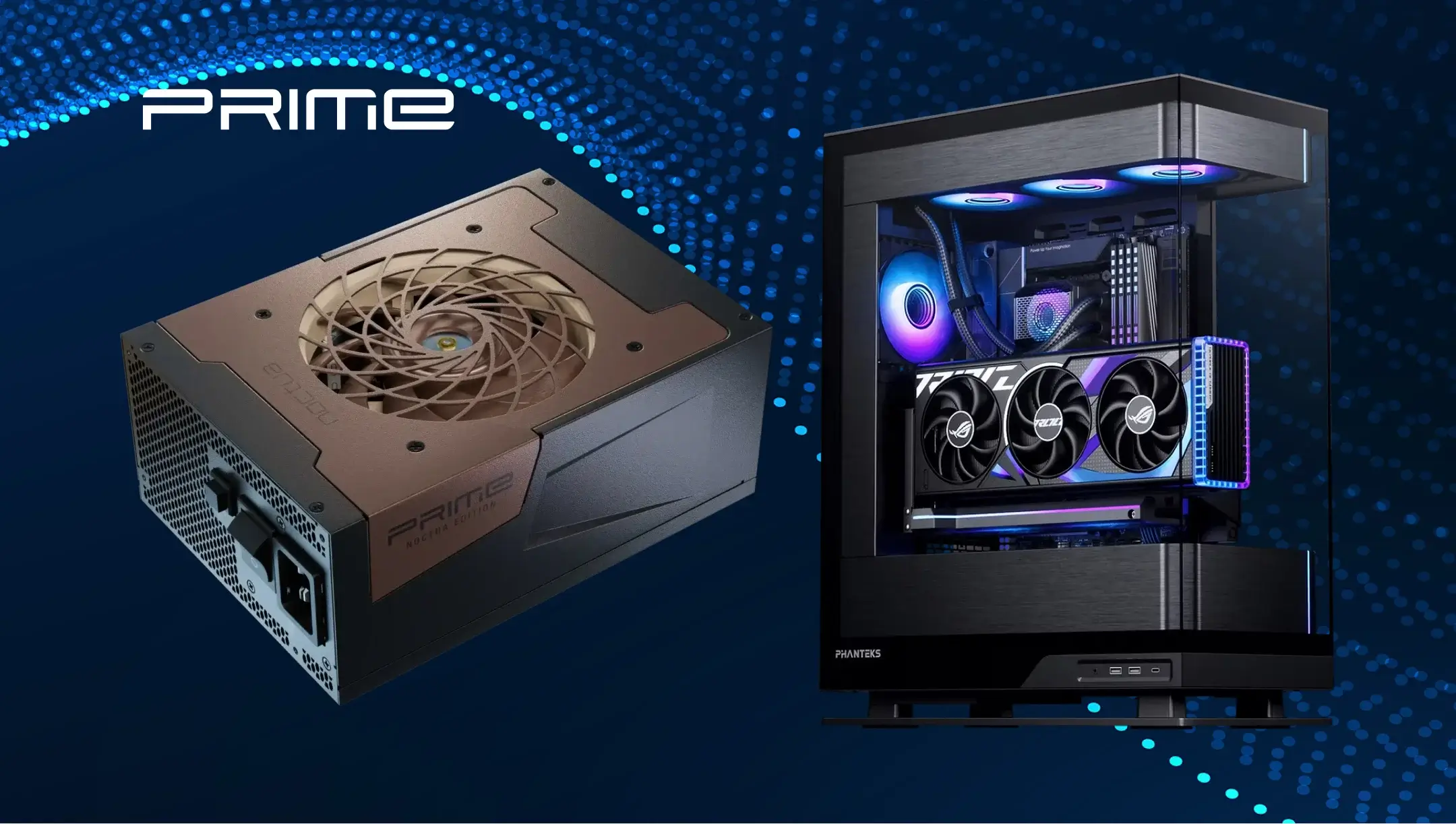
From power surges to steady state: gaming PCs vs. AI systems
Gaming PCs operate with short power jumps, while AI systems live in constant load pressure, drawing lots of power from the PSU.
In gaming systems, power consumption is characterized by rapid and frequent transient spikes. During graphically intensive scenes, the GPU and CPU instantly draw peak power and then return to average levels. A “surge” can last for seconds and occur irregularly, so the power supply must react quickly, but the sustained voltage isn’t much.
In AI stations, however, the opposite situation occurs. There are constant, sustained high- load conditions that last for hours or even days. During the training of large neural networks, GPUs and CPUs operate continuously at maximum frequencies. To support this, the power lines must maintain a stable, clean voltage without fluctuations. Therefore, AI stations require more powerful and reliable power supplies able to keep a steady performance without heat, efficiency drops, or glitches.
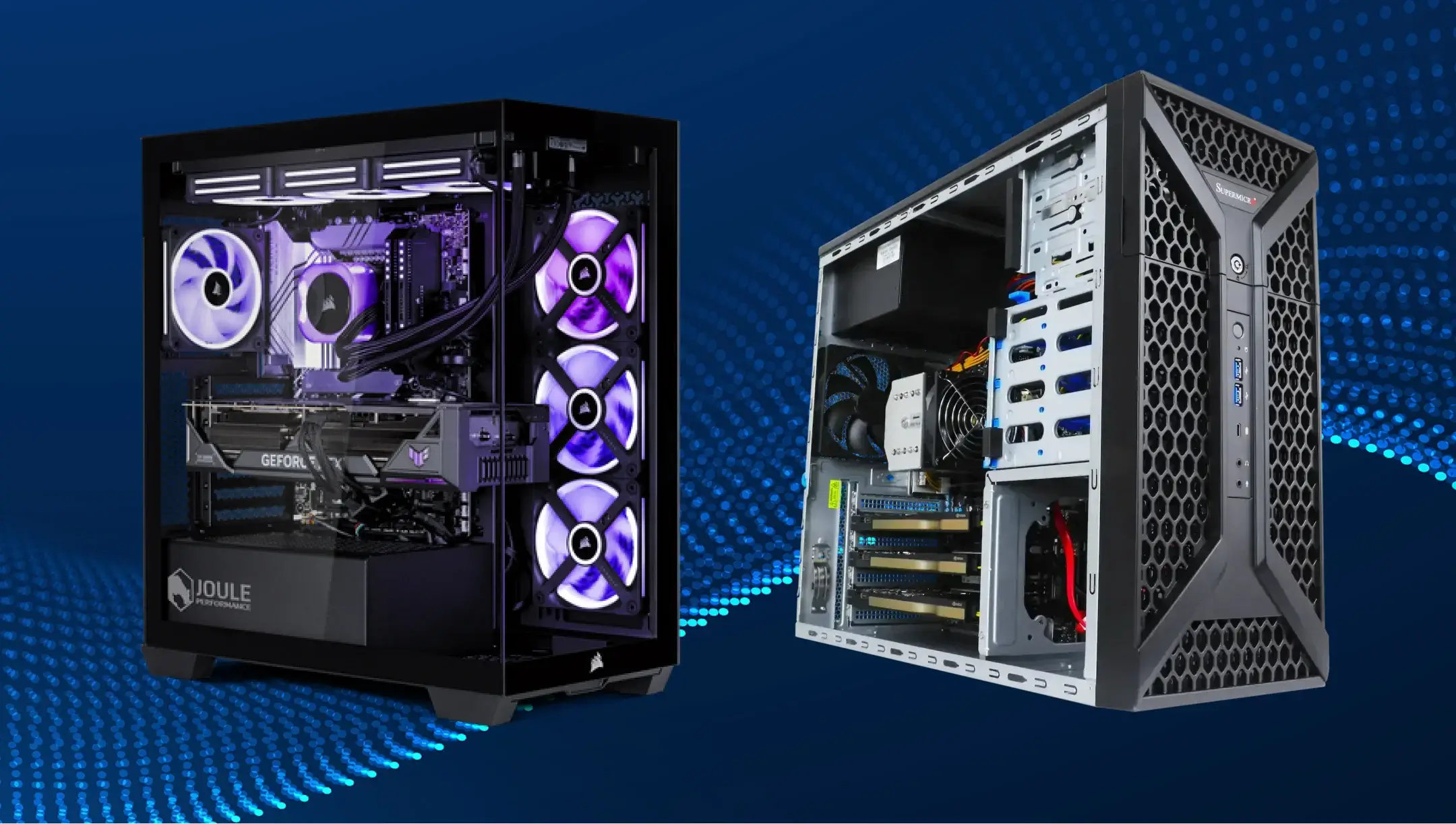
Choosing the right power supply for AI workstations vs. gaming PCs
In fact, picking the right PSU is all about thinking ahead, considering even the subtle factors that can impact your system’s performance and the quality of your gameplay. Here’s what to watch for when choosing a PSU for AI workstations vs. gaming PCs.
- Power and extra headroom. AI workstations require a significantly more powerful PSU than gaming PCs. For gaming systems, the minimal requirements are a 650W–850W power supply unit with 80 PLUS® Gold certification. AI stations with multiple GPUs often require 1000W–1600W or more, with a power reserve of ~20–30% of the system’s peak load. It needs to be this way to keep the system stable under peak loads and possibly expand it in the future.
- 80 PLUS® efficiency certification. For gaming PCs, 80 PLUS® Gold certification is sufficient for high efficiency and low energy losses under typical loads. For AI stations, it is important to have 80 PLUS® Platinum or Titanium certification level, which helps the system stay efficient, cool, and reliable all day, every day.
- Voltage stability and regulation. In an AI workstation, the PSU must provide very precise voltage stabilization (low ripple, tight voltage regulation), especially on the +12V rail that powers the GPU/CPU. Lack of stability can make your system throttle, lag, or even crash. Those requirements don’t matter so much in gaming systems since the load is a spike, not sustained.
- Connectors and standards. AI stations often use modern GPUs with 12V-2×6 (PCIe 5.1) or 12VHPWR (PCIe 5.0) connectors, which require compatible cables and PSU support for these standards. In gaming PCs, there is not a huge concern unless your setup packs multiple powerful graphics cards.
Conclusion
The power load from AI setups is very different from what gaming PCs need. Instead of short peak surges, they operate continuously under high load, especially in multi-GPU configurations and high-end models. That’s why a powerful, efficient, and reliable PSU, like the Seasonic PRIME series, is key for stability, precise voltages, and long-term use.