
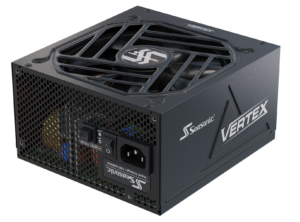
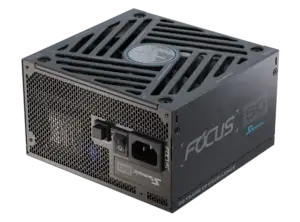
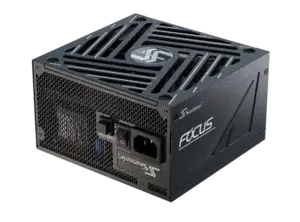

Learn how to choose the perfectly-fitted PSU for professional PC builds and which factors to consider to make a smart, future-proof choice.
Why is the power supply the first component to consider when building a PC?
Power supply it’s the core of everything in your PC build. No matter what you will use it for – professional games, streaming, or everyday work tasks. It will power every PC component to deliver exceptional performance and stable work for longer. By knowing the PSU’s power headroom, you can choose compatible components that stay within its rated wattage and ensure stable performance as well.
Also, choosing a power supply first impacts not only the capacity and power available to other components but also several factors that directly influence overall PC performance. It influences how efficiently the cooling system operates, how well your PC components are protected, and how effectively the entire system performs according to the 80 PLUS® certification level.
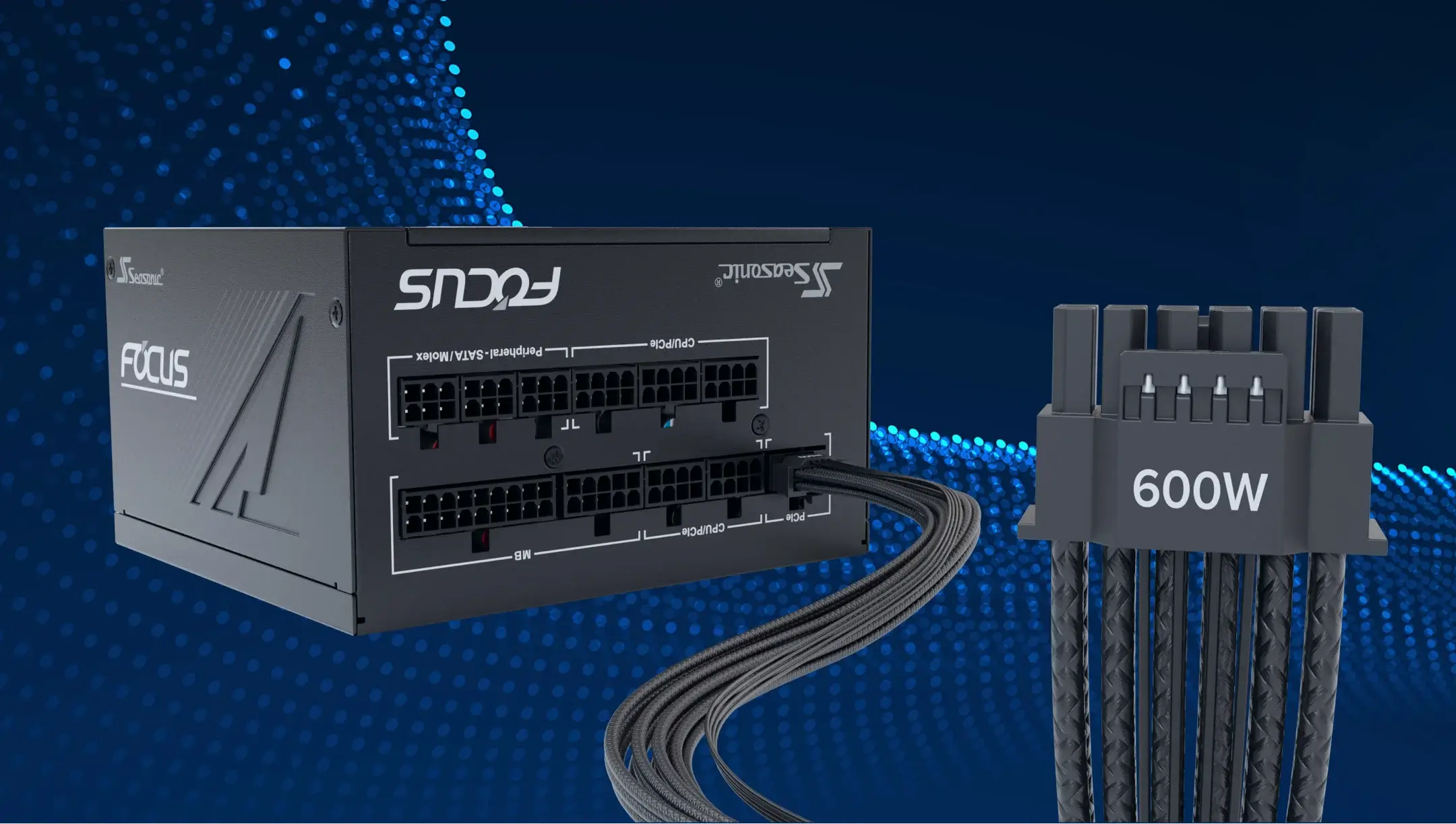
One more important factor – prioritizing choosing PSU first sets the limits for power and connectors, and actually determines which components you can connect to it. For instance, GPUs require specific connectors, like 8-pin PCIe (6+2) or new 12V-2×6. Not having them may cause their incompatibility.
What factors should you consider before choosing a power supply?
There is a core fundamental set of factors that should be considered first.
Wattage
Calculate all the PC components’ power that they require for stable work, and add an extra 20%-30% load to get the accurate number. Based on this figure, choose the PSU that perfectly meets your PC power needs.
Efficiency rating
Choose PSU with 80 PLUS® Platinum or Titanium certification. It delivers three core benefits – less noise, lower heat generation, and cleaner power delivery.
Connectors
Choosing the PSU with the right connectors allows you to connect the latest PC components that meet all the modern standards, like ATX 3.1 and PCIe 5.1.
Form factor
PSU should meet the PC case size to be installed and replaced easily. As usual, there are two options to choose from – ATX or SFX. But typically, ATX case size is more common and widely used than the others.
Build quality
What’s inside the power supply matters too. Choose the one that consists of Japan capacitors, DC-to-DC conversion, and tight voltage regulation. Together, they provide your PC components and the PSU itself with longevity and reliability.
Protections
If there is something that goes wrong with electricity (power instability or voltage spikes), the set of protections prevents any damage that this can cause. Check OCP, OPP, OTP, OVP, SCP, and UVP protections to guarantee reliable protection for your system.
Noise & cooling
Look for the power supply that has a built-in fanless mode for the cooling system. This way you get silent PC performance and effective components cooling while gaming sessions or performing different tasks.
Modularity
One more key indicator to evaluate and prioritize – PSU modularity. A full modular PSU gives you the opportunity to connect only important components and keep a clean cable management inside the case.
How does wattage affect your system’s performance?
You should clearly know exactly how much power the PSU should deliver to the PC components. This value must be as precise as possible because it directly affects its performance and further stable work. In case the power supply can’t provide enough wattage, the system will run under heavy load, become unstable, or even shut down unexpectedly. If you choose a PSU with significantly more power than required, it isn’t a good idea, either. It won’t make your PC faster, but just increase your electricity bills and keep the PSU running far below its optimal efficiency range.
The key message we want to convey is that your PSU power capacity should stay within the target range, no more, no less. To get the correct figure – use the Seasonic wattage calculator that provides you with the exact value you need specifically for your PC build.
What’s the difference between modular, semi-modular, and non-modular power supplies?
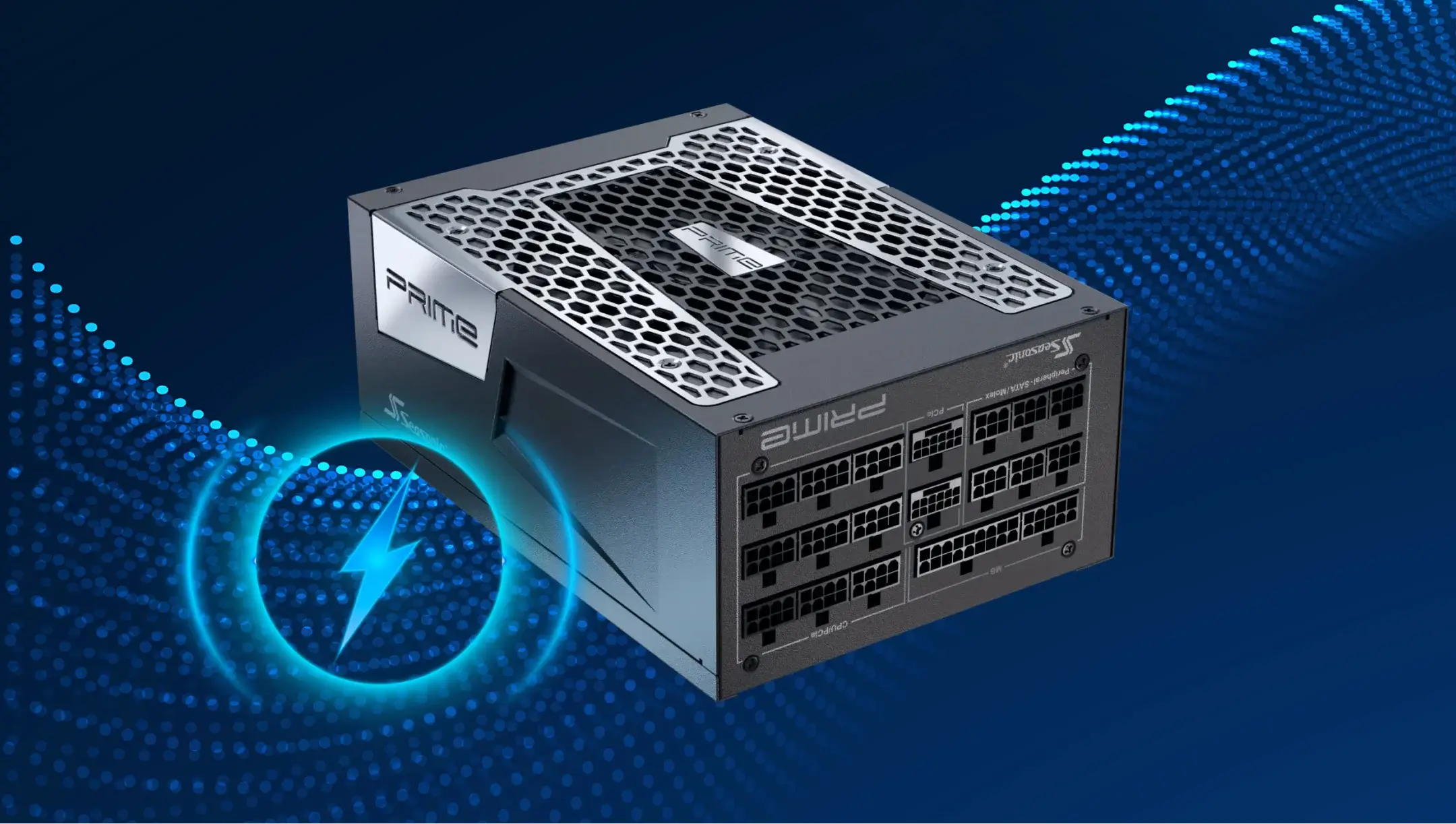
In modular PSUs, all the connectors can be connected through the specific slots that allow you to flexibly customize the system configuration. It makes the PC case maintenance easier and optimizes the airflow inside the case.
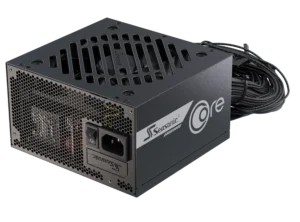
Semi-modular PSUs have a partial opportunity to connect other components. Here, some cables are permanently connected for stable power contact, like the 24-pin ATX, 8-pin CPU and the 8-pin PCIe. The other ones you can add by yourself to meet the PC’s performance needs for specific tasks.
In non-modular PSUs, all the cables are soldered directly to the power supply’s printed circuit board. It provides an advantage as they are more affordable. But, on the other hand, it makes the cable management process harder. As a result, you lose flexibility in connecting key components you need and may end up with more cable clutter inside the case.
Power supply and case compatibility
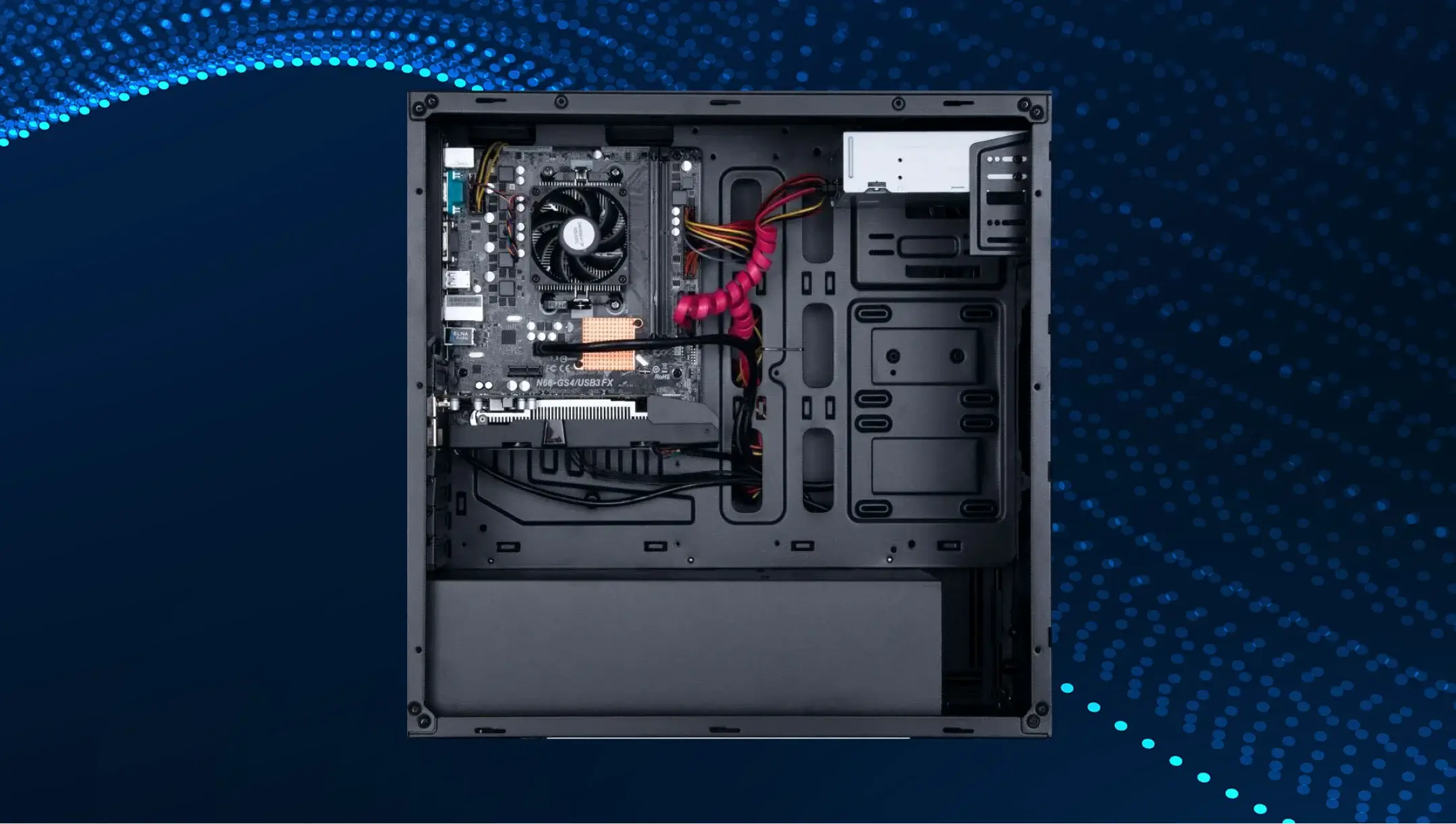
When the PSU perfectly matches the PC case size, it delivers not only physical compatibility and easy installation but also adds to its effective cooling and clear cable management. Every PC case supports a certain PSU format – ATX or SFX. The most common option that is supported by every PC case – ATX form factor. That’s why lots of manufacturers focus more on this standard for power supplies.
Also, it’s important that the power supply grille is not blocked by the case and has access to fresh air, usually down or up, depending on the design. Consider this factor when choosing a power supply.
Energy efficiency for modern PCs
High energy efficiency maintains peak PC performance for instant task handling. Additional advantage – more power goes directly to the PC components to give them enough power to perform certain tasks quickly, instead of losing it as heat.
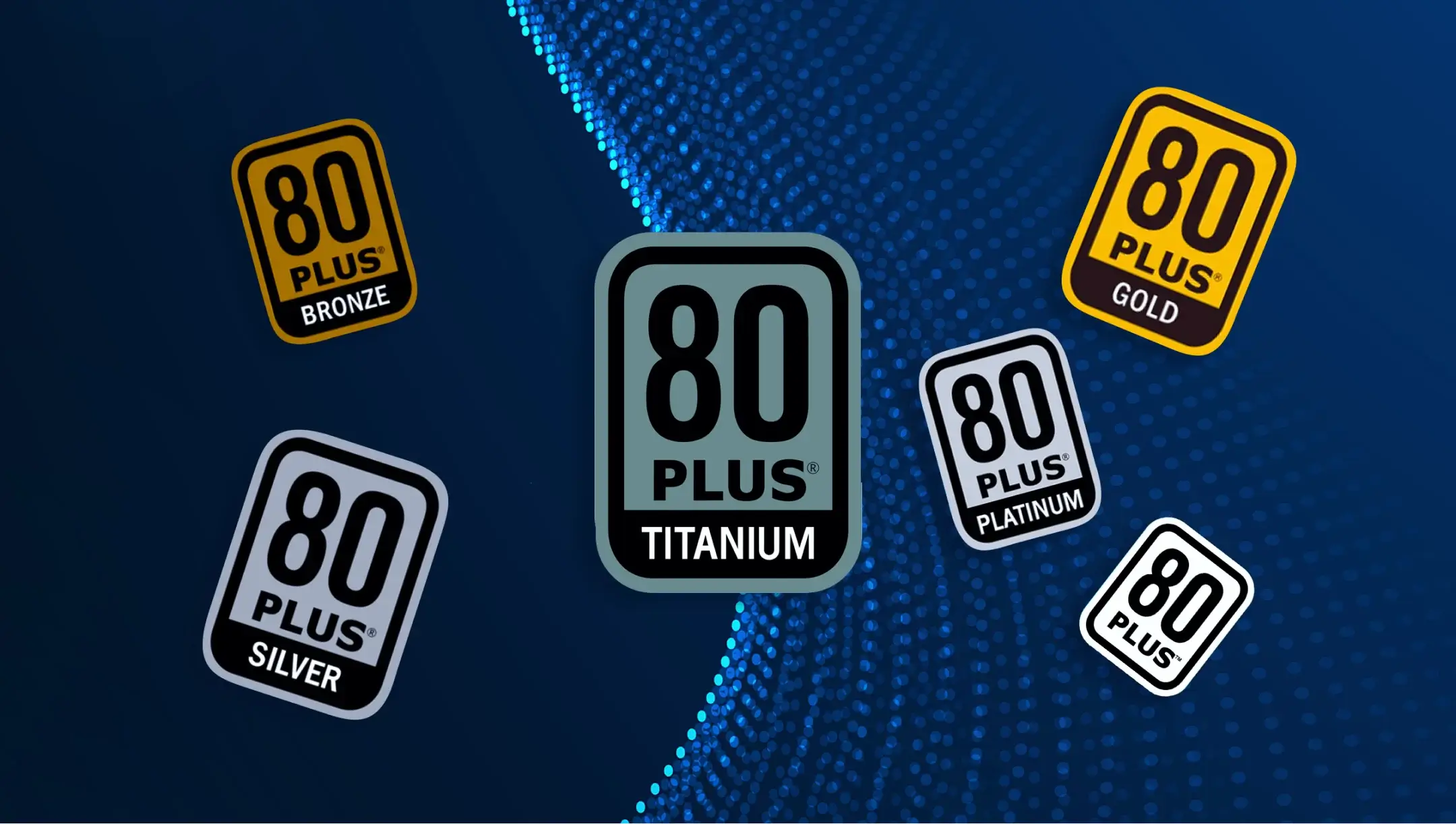
To ensure this, the 80 PLUS® certification standard defines the required level of power efficiency for power supplies. The key ones are:
- Bronze (85%).
- Silver (88%).
- Gold (90%).
- Platinum (92%).
- Titanium (94%).
From a technical perspective, energy efficiency allows you to save money over time and have a quieter cooling system.
We advise choosing a power supply with a minimal 80 PLUS® Gold certification level, as it provides high efficiency and more stable power delivery for high-end GPUs or processors with high TDP.
How does Seasonic combine performance with an elegant and minimalist design?
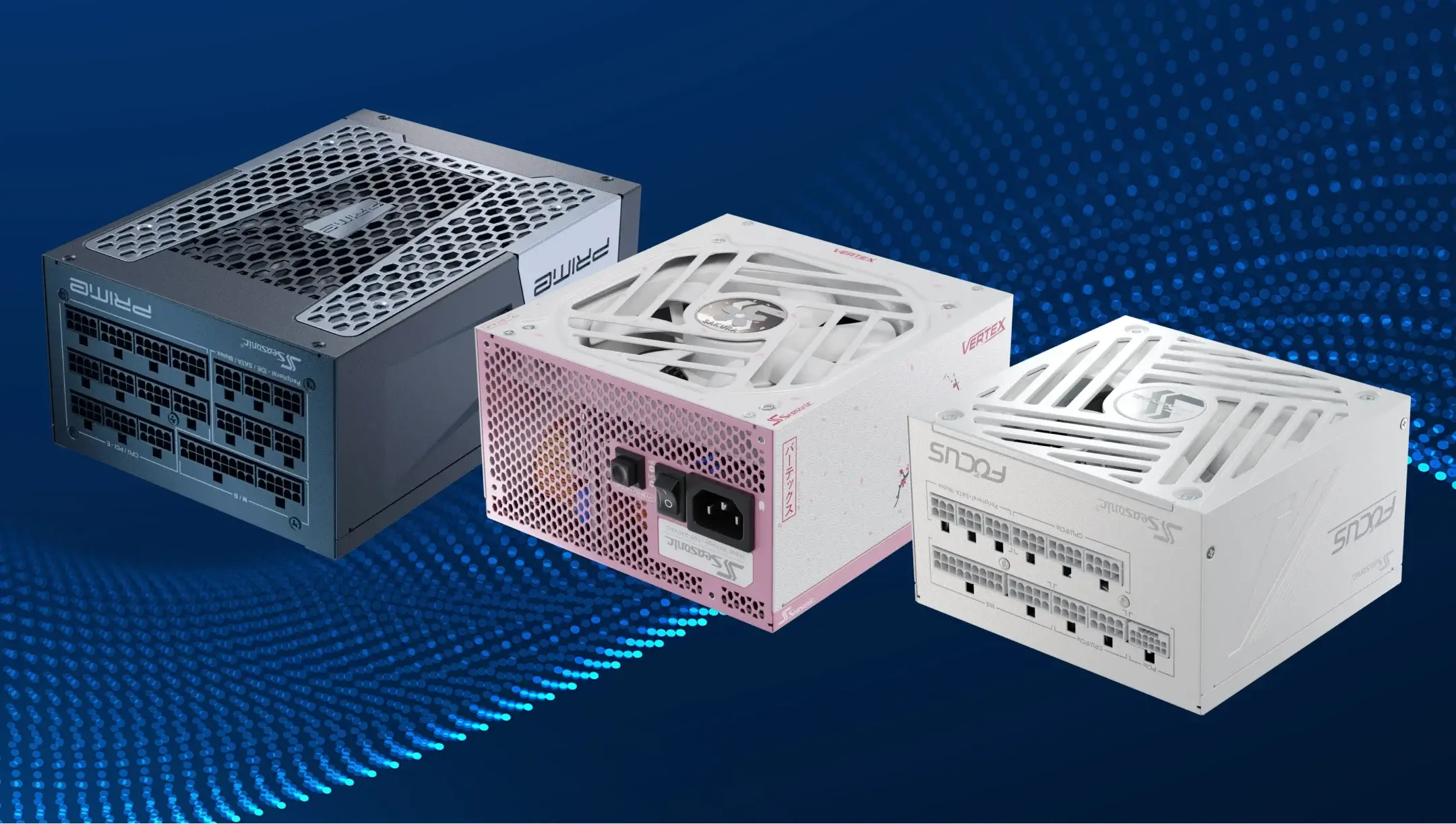
Seasonic engineers put together innovative technologies and an individual approach in the heart of every power supply. To achieve the perfect balance between performance and elegant design, we use the following solutions.
- High-quality passive components in every power supply unit. Capacitors with high thermal stability and low ESR keep low voltage ripple and improve inrush current at peak loads.
- Smart component placement for minimal inductive/capacitive noise. Short and wide conductors reduce transient voltages and inductive losses, improve heat dissipation, and reduce EMI. It keeps the case sleek by reducing the need for extra shields and larger cooling systems.
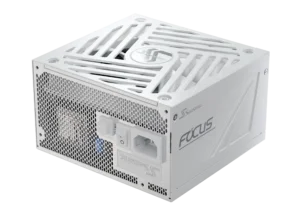
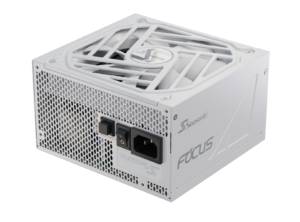
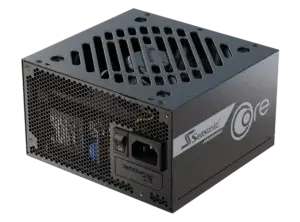
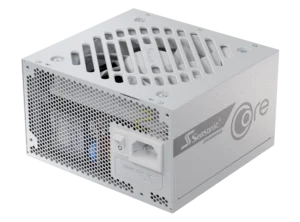
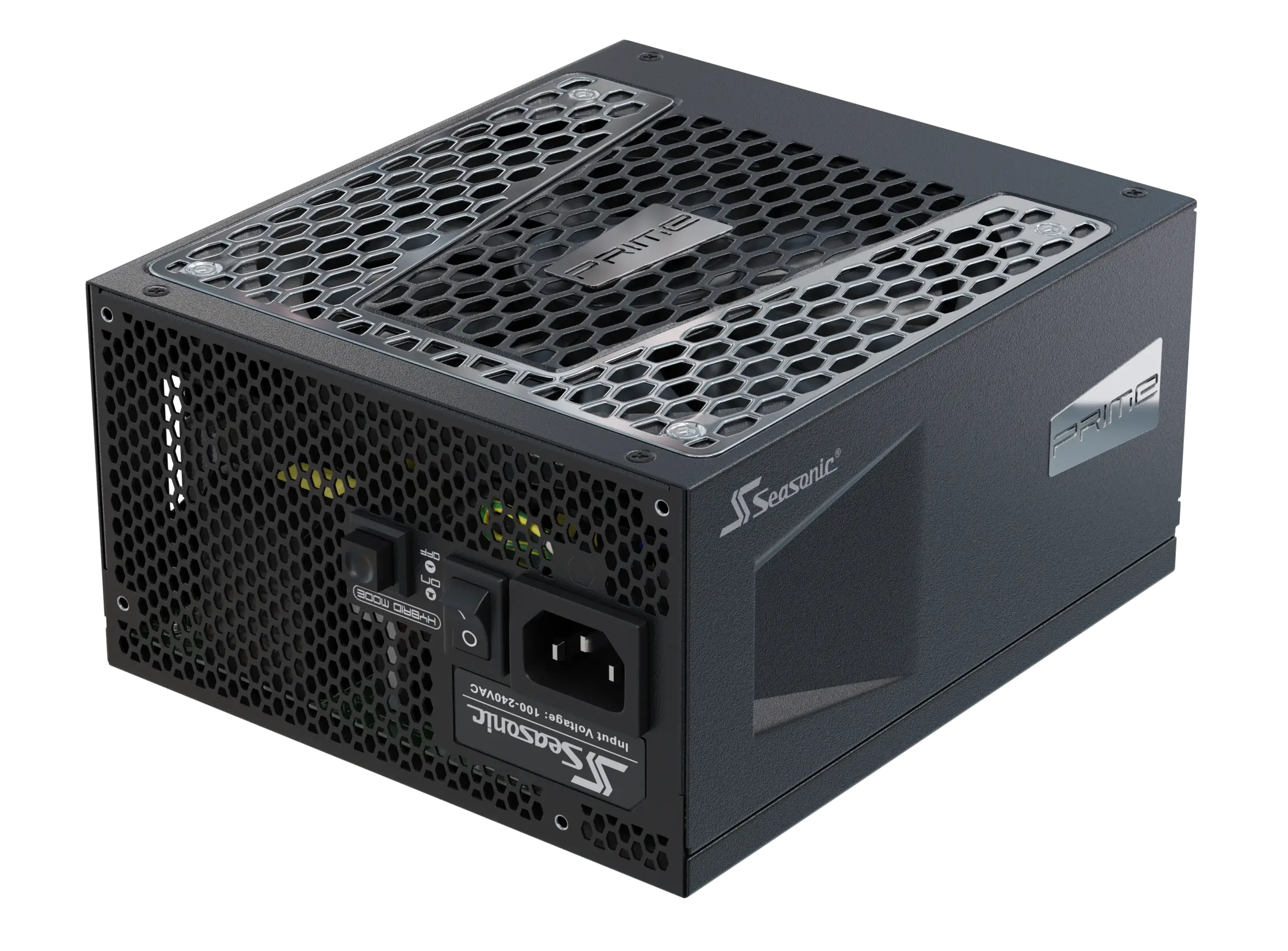
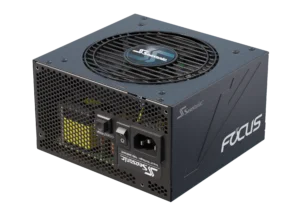
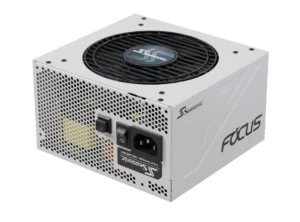
- Efficient cooling system with advanced aerodynamics: a large radiator plus a fan with fluid‑dynamic bearing make cooling ultra‑effective. Thanks to Seasonic’s OptiSink™ design, internal heat dissipation is improved by up to 8×, so the fan can run at lower speeds under normal loads. This translates into quiet operation and a clean case look – no need for massive grilles or huge ventilation holes. The OptiSink™ technology is now widely used in Seasonic CORE GX ATX 3.1 and FOCUS GX ATX 3.1 power supplies.
- Hybrid fan mode. Intelligent speed control allows the fan to be turned off at low loads, which reduces noise and makes the case more neat (without large ventilation grilles).
- Full cable modularity with well-designed connectors. Modular connectors allow you to connect only the important cables, reducing the clutter inside the case and improving airflow. At the same time, the use of well-matched connectors and contacts minimizes additional resistance and heating at the connection points.
- Sleek case aesthetics and high-quality painting/finishing. The elegant appearance is achieved with minimalist panels and a matte finish that doesn’t require complex ventilation patterns. Technically, this is combined with internal thermal optimization to maintain cooling without external “frills.”
- Flat cables and a neat accessory kit. Flat or covered cables fit better under the PSU shroud tunnels. This technically reduces air turbulence and preserves the case aesthetics without messy bunches of cables showing.
- Rational dimensions and modular internal architecture. The combination of high power density per unit volume (W/cm³) with a well-thought-out layout allows for more compact power supplies without compromising on power, and compactness contributes to a sleek appearance.
In complex, all the technologies above allow reducing the size of radiators and ventilation openings, reducing noise and heat dissipation. Thus, achieve a clean exterior design for Seasonic power supplies without compromising electrical performance and reliability.
What sets Seasonic power supplies apart in terms of quality and reliability?
At Seasonic, we engineer and design every power supply using our own technologies and innovations that we originate. It gives us full control over circuitry, component selection, and quality control at every PSU development stage.
All the components we use are tested and checked in terms of reliability and quality to support all the product lines we produce. As an example, electrolytic capacitors that we use are Japanese-made, with an operating temperature of up to 105 °C and low ESR. As well as solid-state capacitors, MOSFETs with low channel resistance (Rds(on)), and ferrite chokes with minimal losses. All of them fit the highest quality standard and reliability requirements of the premium PSU Series.
Alongside this, we also run multi-level stress testing (including burn-in under high-temperature conditions). During the testing process, we evaluate the voltage regulation accuracy, ripple level, and response to load changes. That means that using Sesonic power supplies even in stressful situations (gaming or workstations) brings you stable and 24/7 smooth performance.
In the core of every PSU, we also designed in detail its cooling system. From this option depends the PC noise level and the effective components’ cooling. To bring this to our clients worldwide, we use fans with fluid dynamic bearings that guarantee a longer durability (over 50,000 hours). Hybrid mode allows the fan to be turned off at low loads, reducing noise and wear.
To give our clients a sense of reliability and eliminate concerns about potential failures or damage, we provide a full protection set: OVP, UVP, OCP, OPP, OTP, and SCP. Hardware-level protections work independently from software, so even if the controller fails, the system still works.
How does a properly designed power supply improve cooling and other features?
A properly designed power supply affects every factor vital for a PC’s stable operation. The optimized internal architecture and thoughtful arrangement of components reduce airflow turbulence and promote better heat dissipation.
From a technical perspective, it also provides extra benefits to PC users. One of them – stable voltage delivery with minimal ripple. This reduces electrical stress on the processor, graphics card, and other critical components, extending their longevity. Next, the cooling system design. Fans with intelligent control systems change their rotation speed automatically based on the temperature, balancing cooling and noise. Therefore, the power supply unit’s well-thought-out design ensures not just effective cooling, but also stability, safe operation, and increased reliability.
Why do computer enthusiasts and professionals prefer Seasonic power supplies?
Many PC enthusiasts choose Seasonic power supplies due to our approach to manufacturing and supporting our clients around the world. Seasonic, it’s a synonym of reliability, excellent operation, and long service life, packed in one well-designed power supply unit. Here are more reasons why Seasonic is a favorable choice for computer professionals.
- We develop our own platforms, which guarantee complete control over each PSU component quality. In power-hungry graphics cards and processors, this allows for stable voltages even under peak loads.
- Our engineers use only Japanese capacitors with an operating temperature of up to 105°C, MOSFETs with low open channel resistance, and DC-to-DC converters that minimize energy loss.
- Seasonic has an excellent reputation thanks to rigorous testing. Each unit in every series line undergoes several stages of testing for load, temperature fluctuations, and electromagnetic compatibility. This results in outstanding operational stability, an exceptionally low failure rate, and a service life surpassing 10 years. The main qualities that make Seasonic a top choice among professionals and high-performance system integrators.
Conclusion
Before choosing the right PSU for your case, you need to evaluate a list of factors that can bring real value to your PC performance. A detailed assessment of your system’s power demands and the available PSU models will help you select a unit that delivers long-term stability and reliable operation across all performance scenarios.